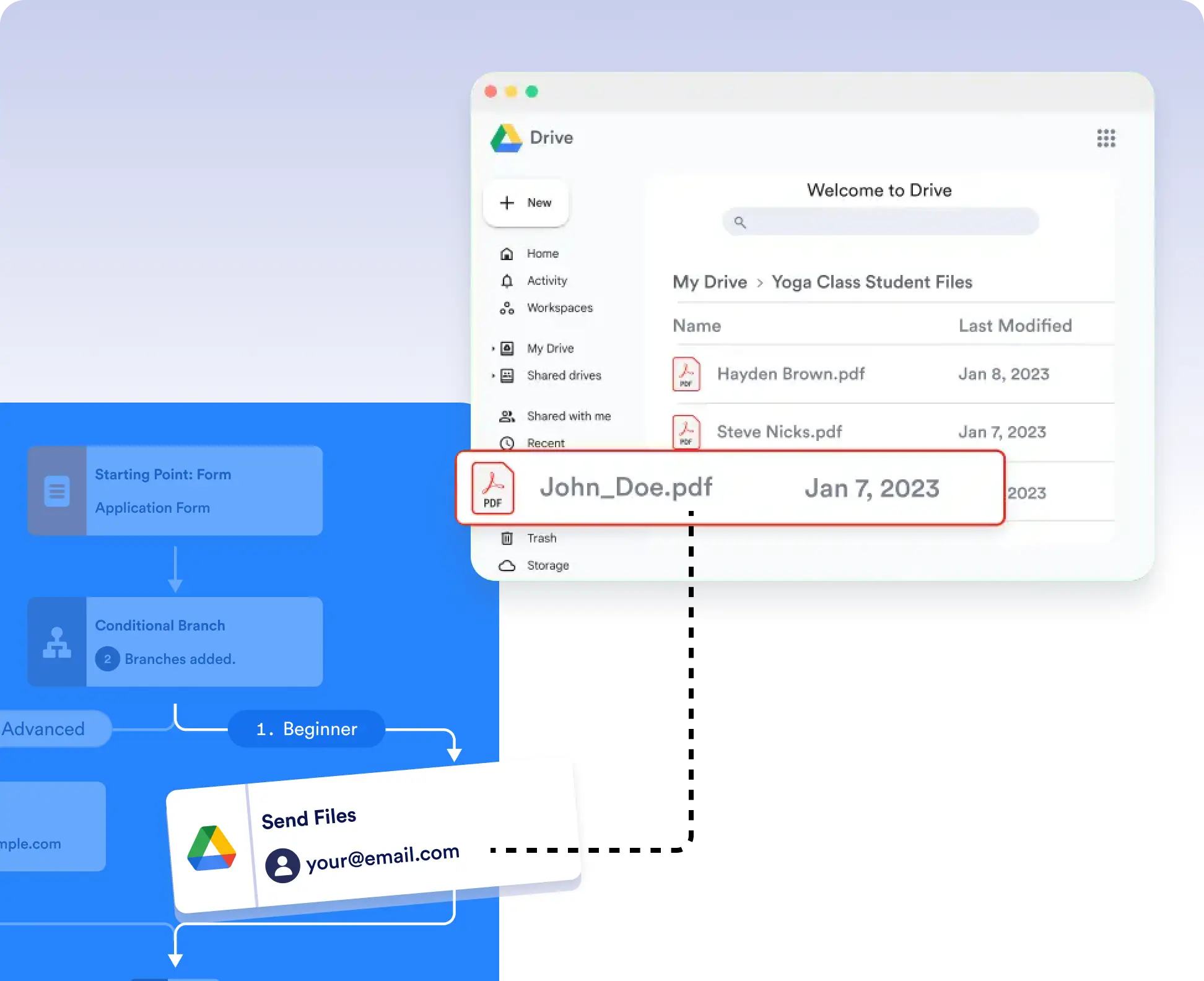
Send resumes, invoices, approval letters, receipts, or signed documents directly to designated Google Drive folders using form submission data. Set conditions in your workflow so files are routed only when criteria are met like approvals, form selections, or status updates.
Conditional File Delivery
Use conditional logic like IF/Else branches to precisely control when and where files go in Google Drive. For example, send approved contracts to a client folder while rejected submissions are filed in a review folder completely hands-free.
Seamless, No-Code Setup
Connecting Google Drive is quick and easy. Simply authorize the integration, drag the Send Files action into your workflow, and configure the destination folder. No coding needed just automate and go.