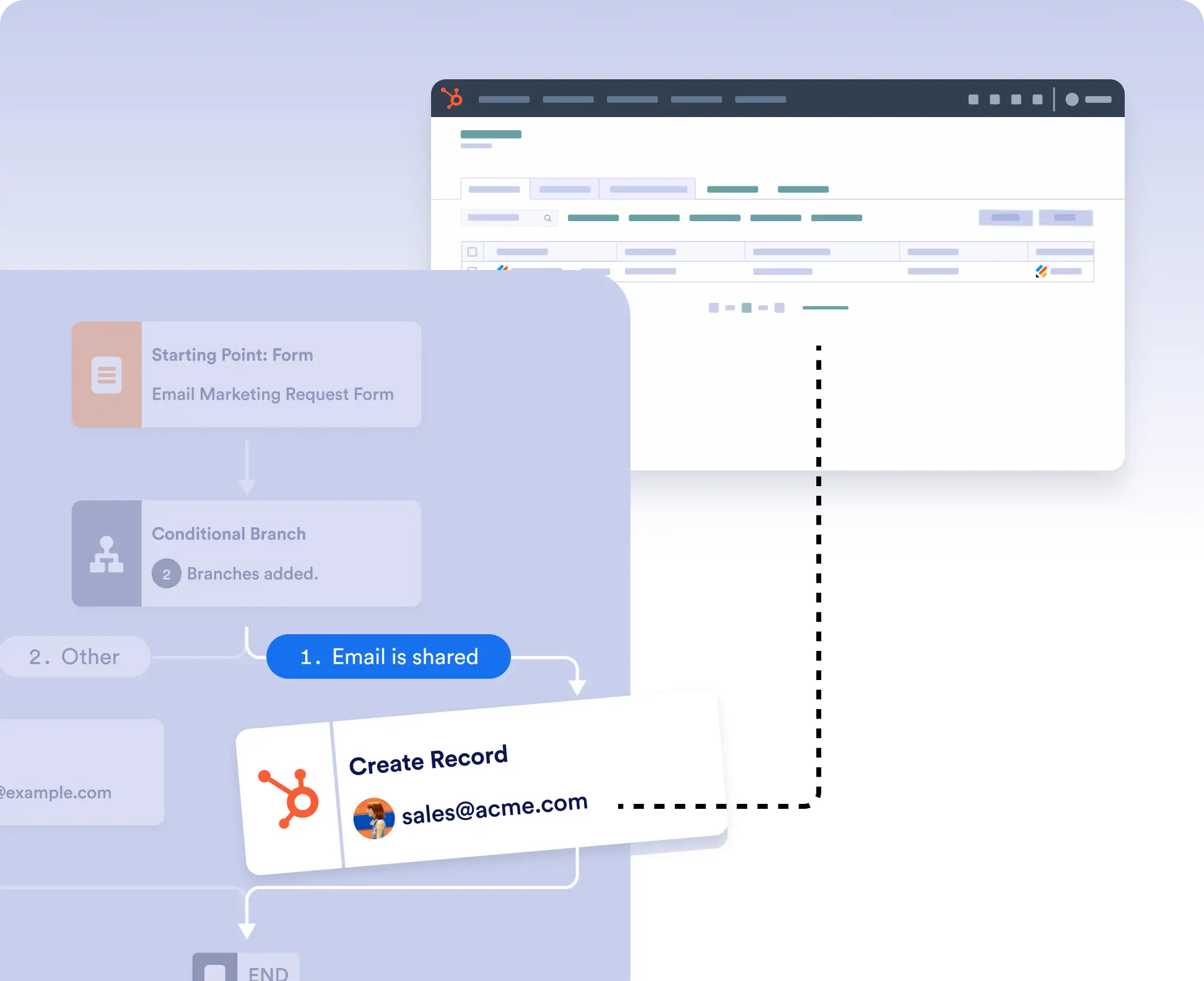
Create HubSpot records from form submissions or retrieve existing CRM data to power smarter workflows.
Automate CRM Updates and Data Lookups
Place HubSpot actions anywhere in your workflow to create or retrieve CRM records exactly when needed. Build workflows that not only send data to HubSpot but also use existing CRM information to personalize and automate downstream steps.
Chain CRM Actions Together
Combine HubSpot create and retrieve actions to automate complete business processes. Look up existing CRM records, use the returned data throughout your workflow, then create new records only when necessary to keep your CRM accurate and organized.