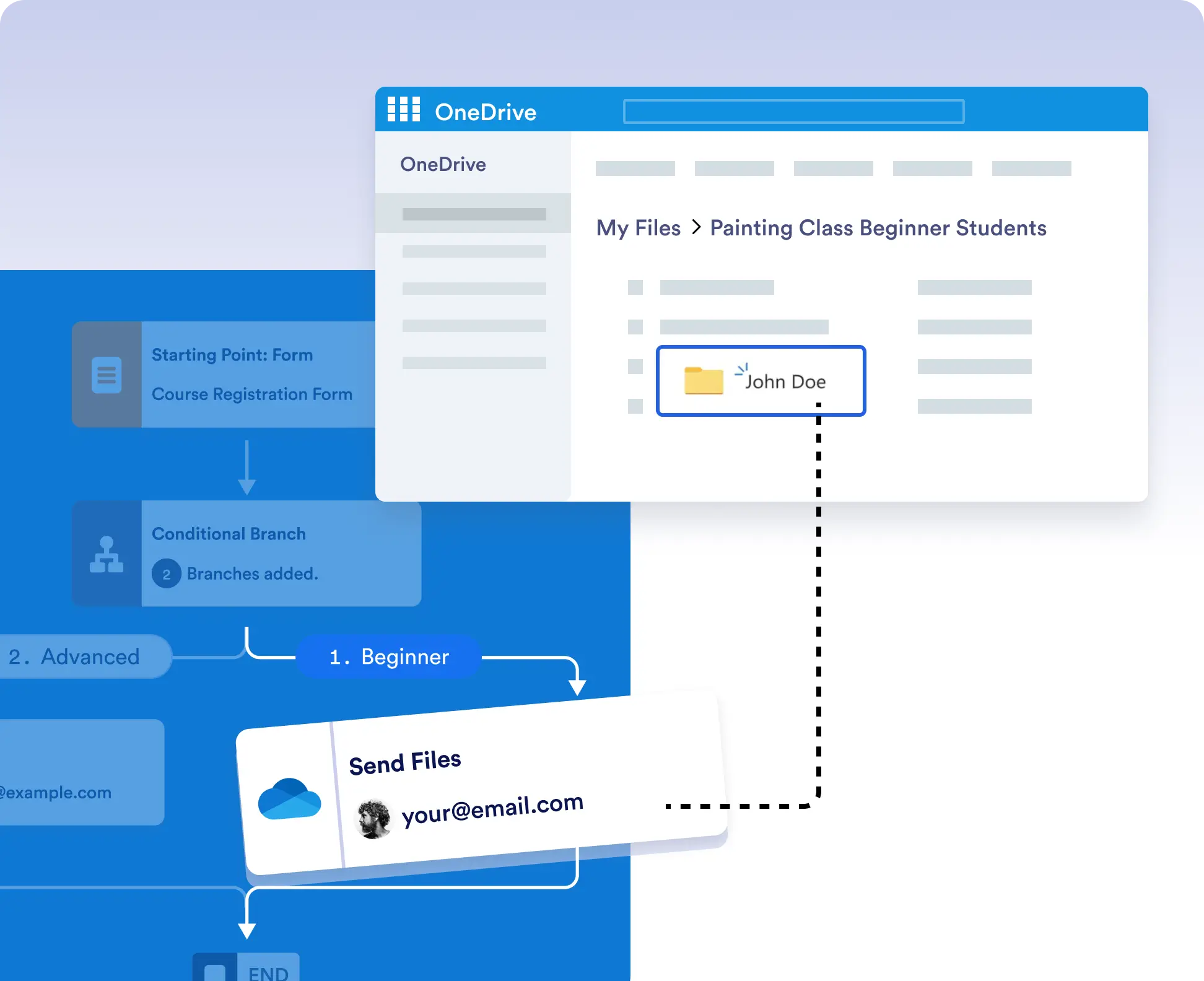
Ensure documents are stored exactly where and when they’re needed. With conditional workflows, only qualified submissions are uploaded to OneDrive no manual uploads, no disorganized folders.
Send Files Only When Needed
Avoid cluttering your OneDrive with unnecessary uploads. Use form logic to control file delivery. For example, upload signed contracts only after final approval or save attachments only from specific teams.
Effortless Integration, Visual Setup
Authorize OneDrive once, then drag the Send Files action into your Jotform Workflow. Select your destination folder, map the files from the form, and you’re done. No coding required.