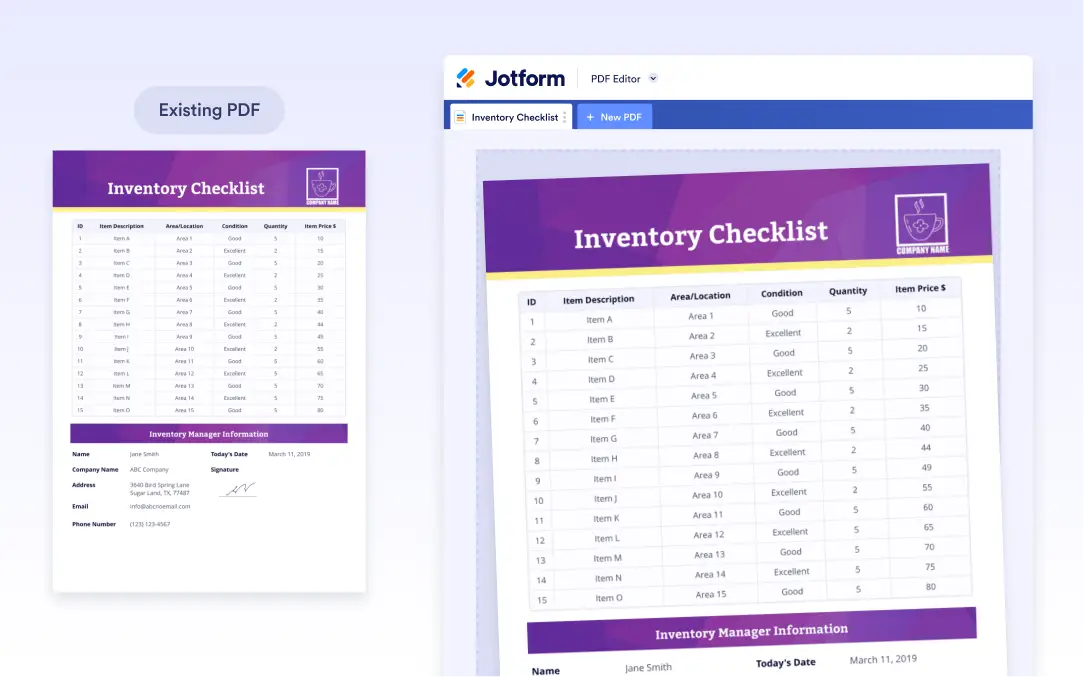
Reuse Existing PDF Designs
Jotform offers several ways to create PDF documents, and cloning is one of the fastest. The Clone Existing option allows you to copy a PDF document that was previously created for a form. This is ideal when you want to reuse the same structure, layout, or design without rebuilding everything manually.
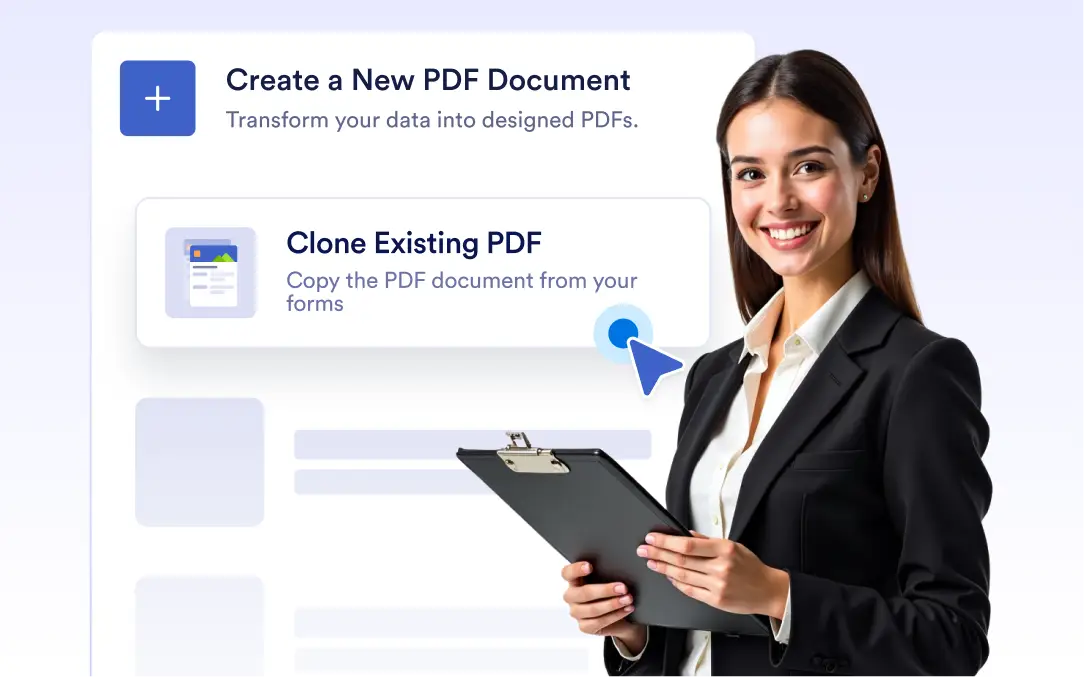
Reuse the PDF documents already connected to your forms and instantly turn them into new, editable PDFs.
Create PDFs by cloning existing documents
Create new PDF documents faster by cloning PDFs directly from your existing forms. Reuse layouts, fields, and formatting in just a few clicks. Maintain a consistent look and structure across multiple PDF documents.
Duplicate existing PDFs
Use the “Clone Existing PDF” option to copy any custom document you’ve created before; ideal for saving time and maintaining design consistency across multiple forms and teams.