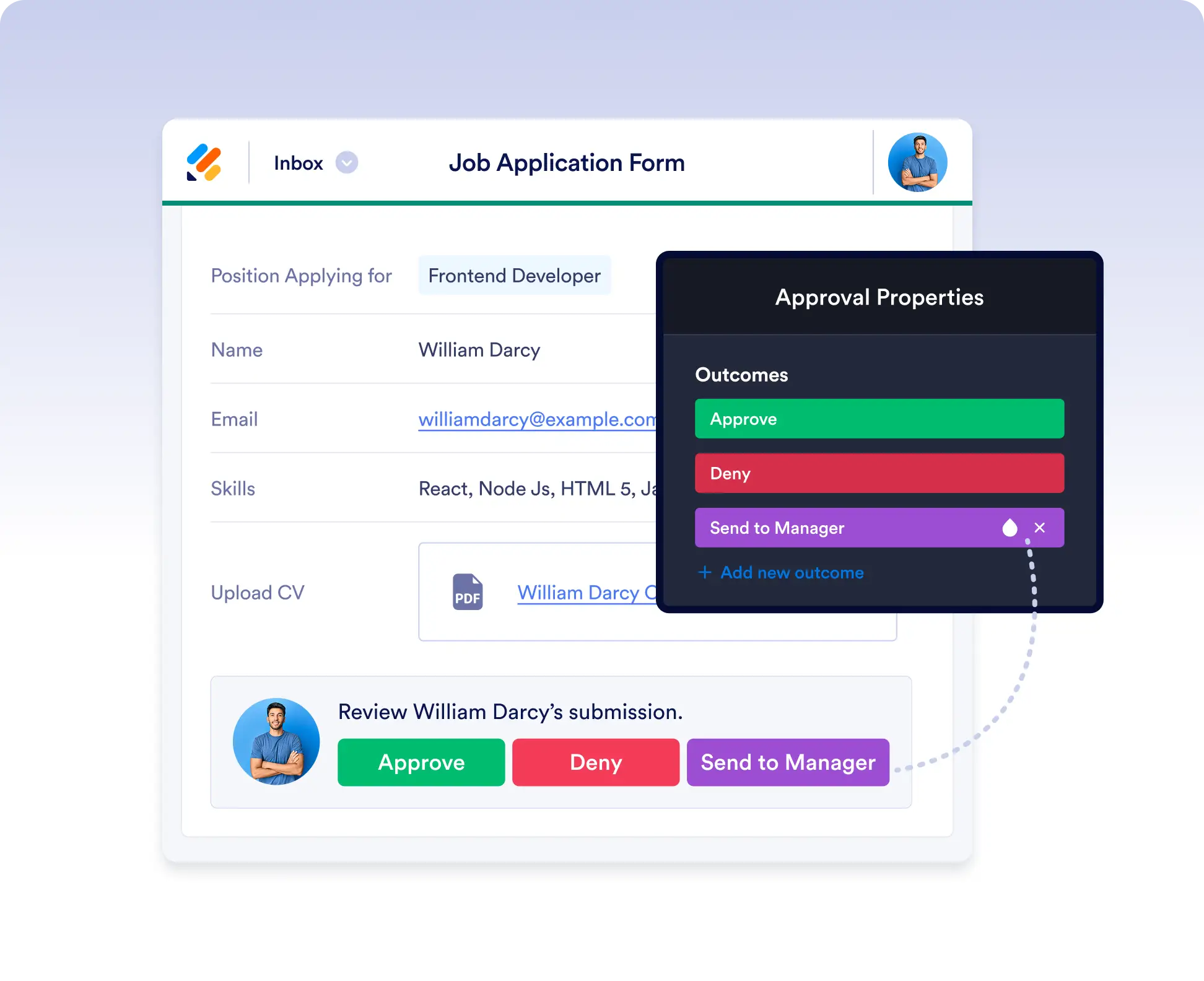
Request Approvals with Confidence
Easily manage decisions in your workflow by adding approval steps with Jotform Workflows. Just drag and drop the Approval element into your flow, customize the approval email, and define outcomes like Approved or Denied. You can even require a signature from approvers for added verification.
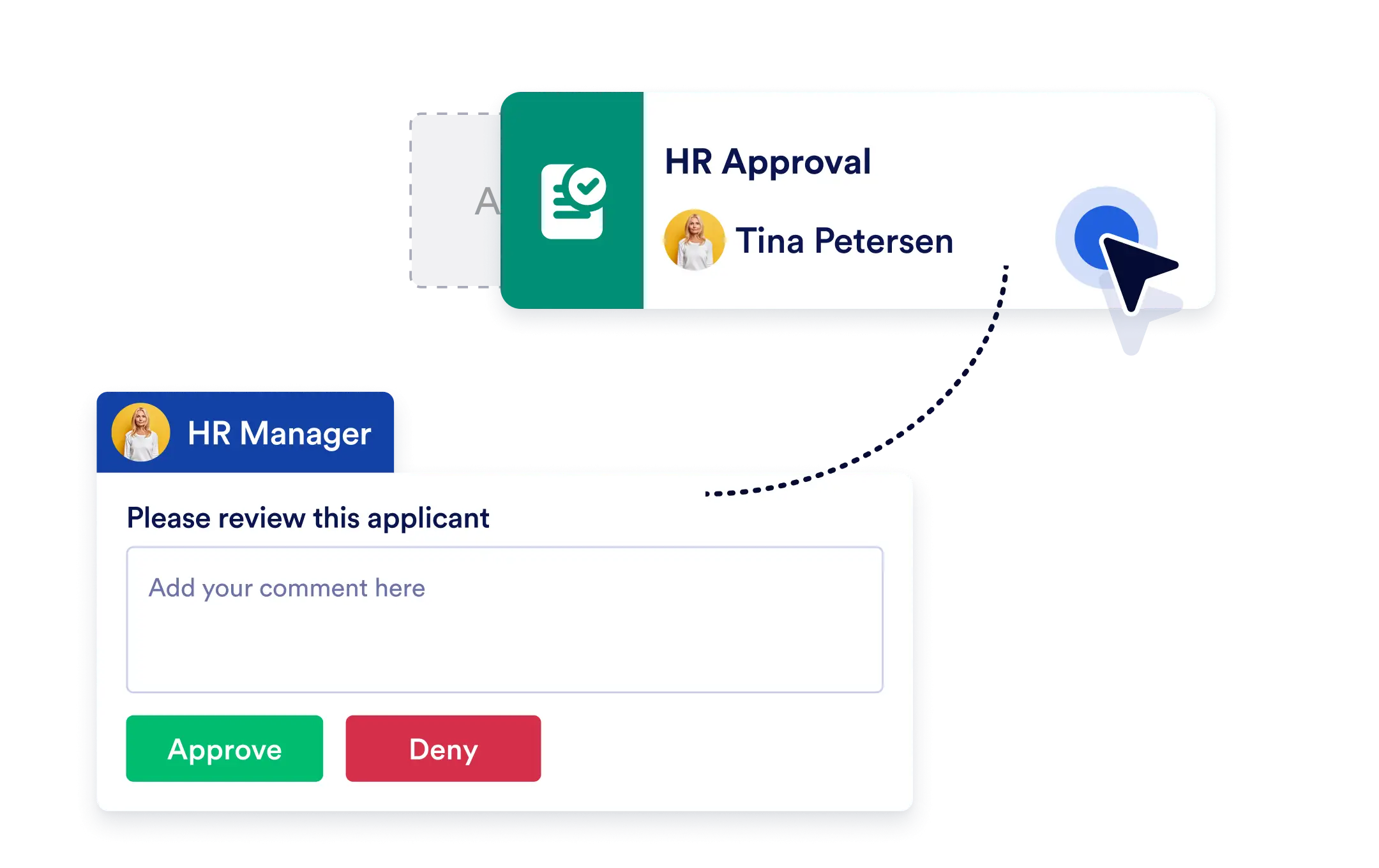
Collect approvals from the right people at the right time with customizable emails, signature requests, and outcome-based branching to control how your workflow moves forward.
Drag & Drop Approval Logic
Add approval steps effortlessly with the visual builder. Drop the Approval element anywhere in your flow and connect it to define where decisions should be made.
Customizable Approval Requests
Personalize the content and subject of your approval emails to match your tone, brand, or context. You decide what the approver sees.
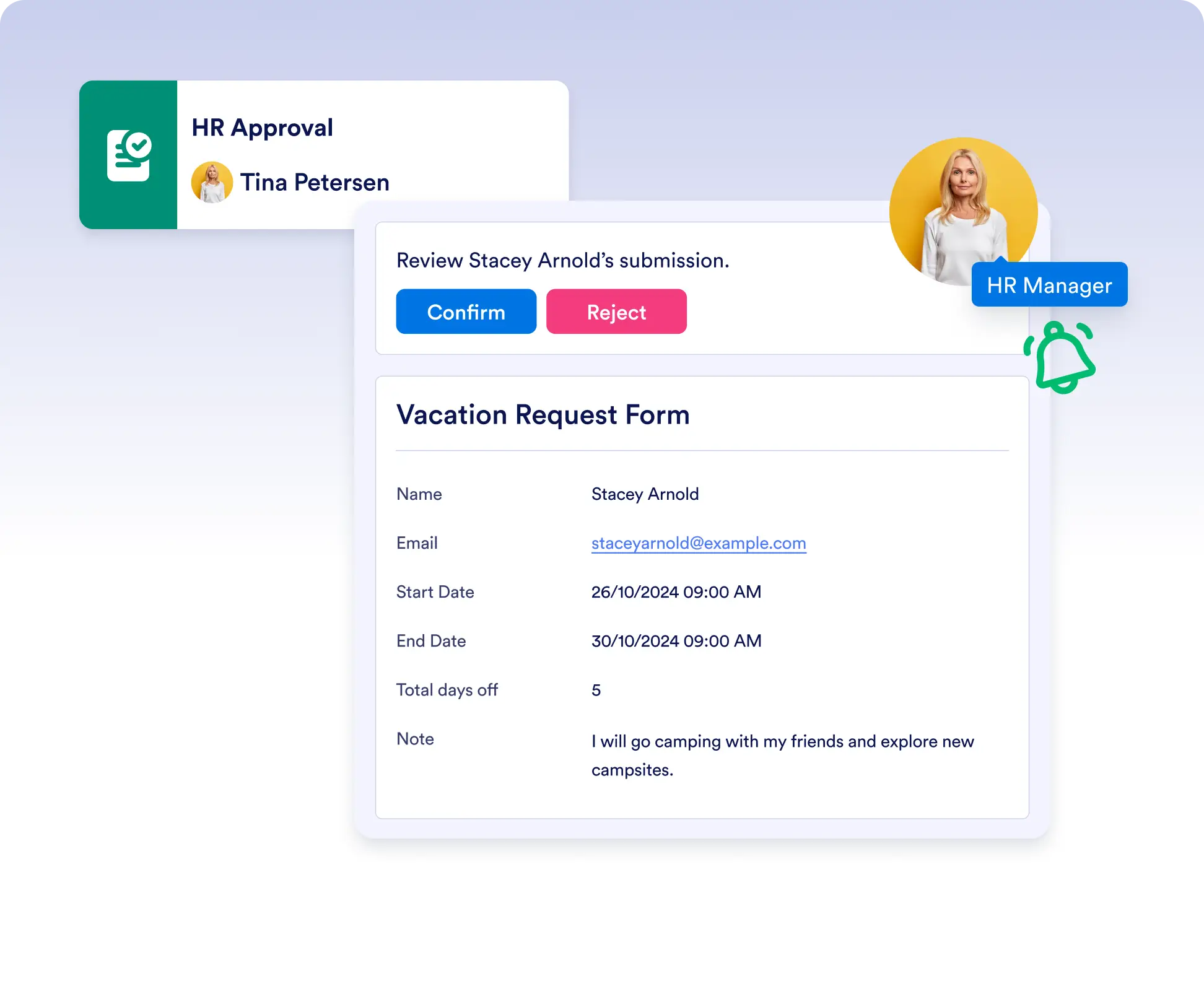
Capture Signatures During Approval
Enable signature capture directly in the approval step. Approvers can’t finalize their decision until they’ve signed, giving you an added layer of accountability. Whether it's for audit purposes or added authenticity.
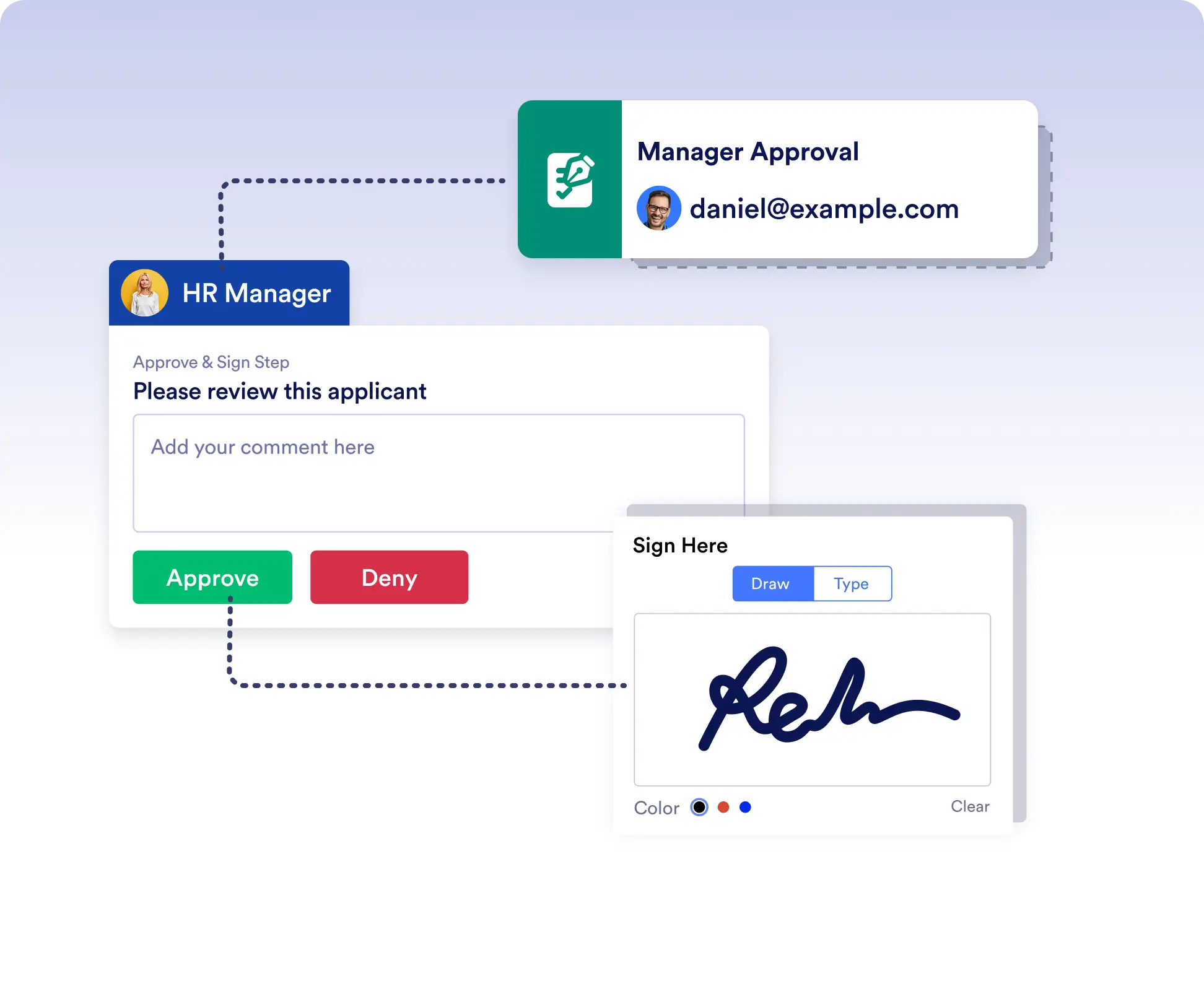
Flexible Outcomes for Smart Branching
Define multiple outcomes like Approved, Denied, or Needs More Info, and decide how each response moves your workflow forward no guesswork, just logic.