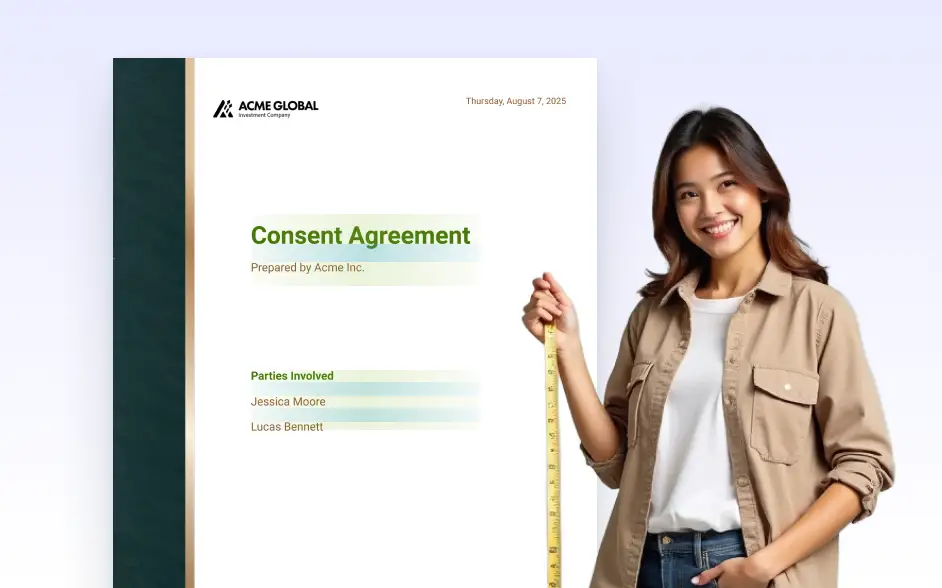
Drag and drop elements into place and resize them with ease. Align content across pages and fine-tune every detail using a flexible editor that helps you create clean, professional PDFs effortlessly.
Fine-Tune Content Placement
Each text box, image, question, or answer can be repositioned with drag-and-drop simplicity and resized to match the structure of your document. This flexibility ensures the content is both visually appealing and functionally organized.
Create a Clean, Professional Layout
Adjust spacing, align elements, and structure your content with precision to create polished, on-brand documents. Layout adjustments help maintain visual harmony and ensure important information stands out.