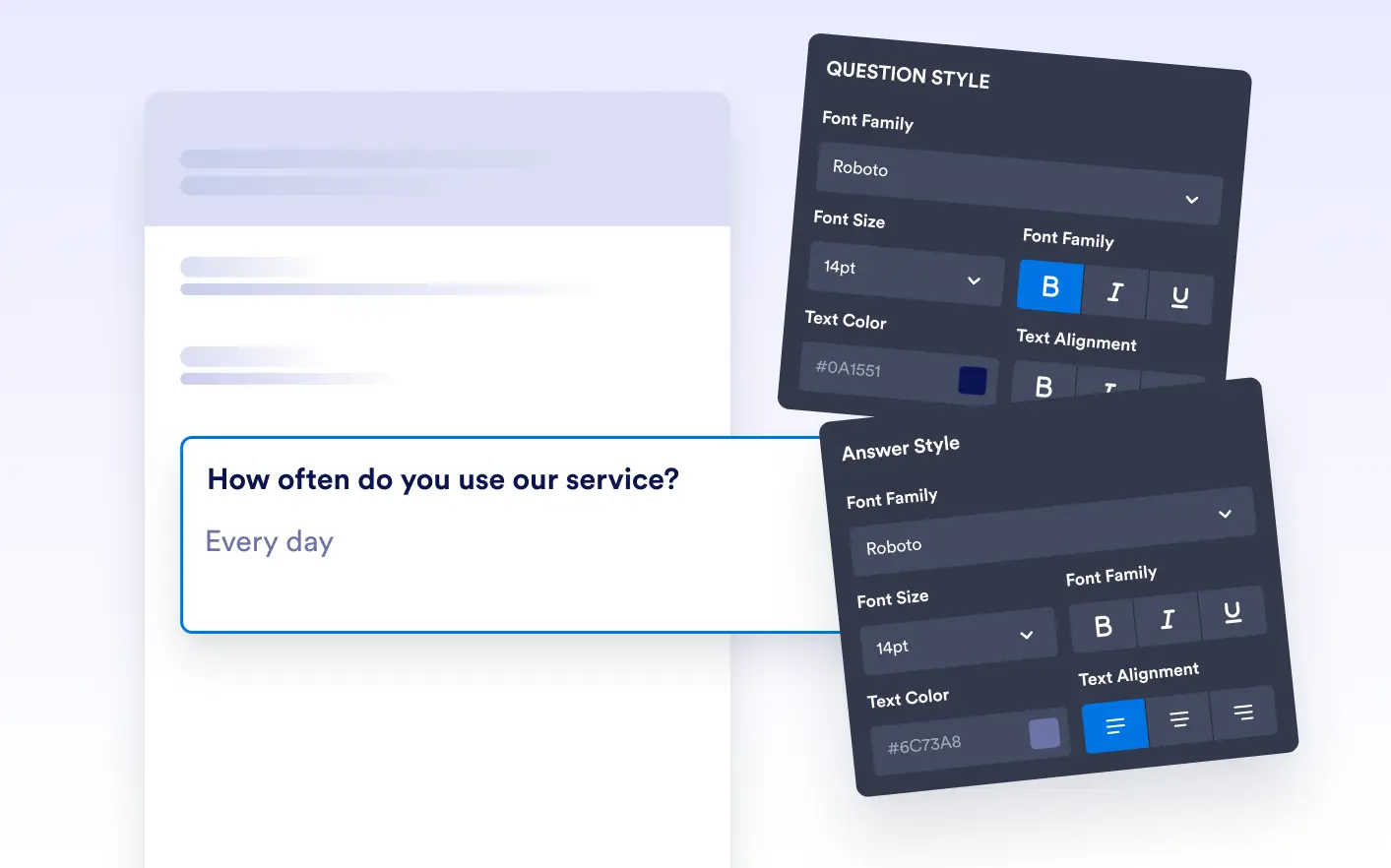
Customize the look of your form fields and responses to match your document’s tone and purpose; whether it’s a sleek survey, a formal application, or .
Apply Global Styles for a Consistent Look
Define default font size, type, and color for all questions and answers to keep a unified visual language throughout your document. Consistent formatting helps maintain professionalism and reinforces brand identity.
Customize Individual Elements for Flexibility
Go beyond global styles by customizing individual elements when needed. Adjust alignment, colors, and fonts on a per-element basis to emphasize key details or handle unique formatting requirements.
Maintain Visual Consistency Across Pages
Apply consistent styling across multiple pages to ensure a cohesive look from start to finish. Unified fonts, spacing, and alignment help your documents feel polished and easy to read, no matter how long they are.