Customize PDF Layouts with Ease
Create visually compelling and brand-consistent PDF documents with complete control over layout elements; including background styles, fonts, alignments, and question-and-answer formatting. Whether you're designing simple reports or polished certificates, you can ensure every page looks exactly the way you want.
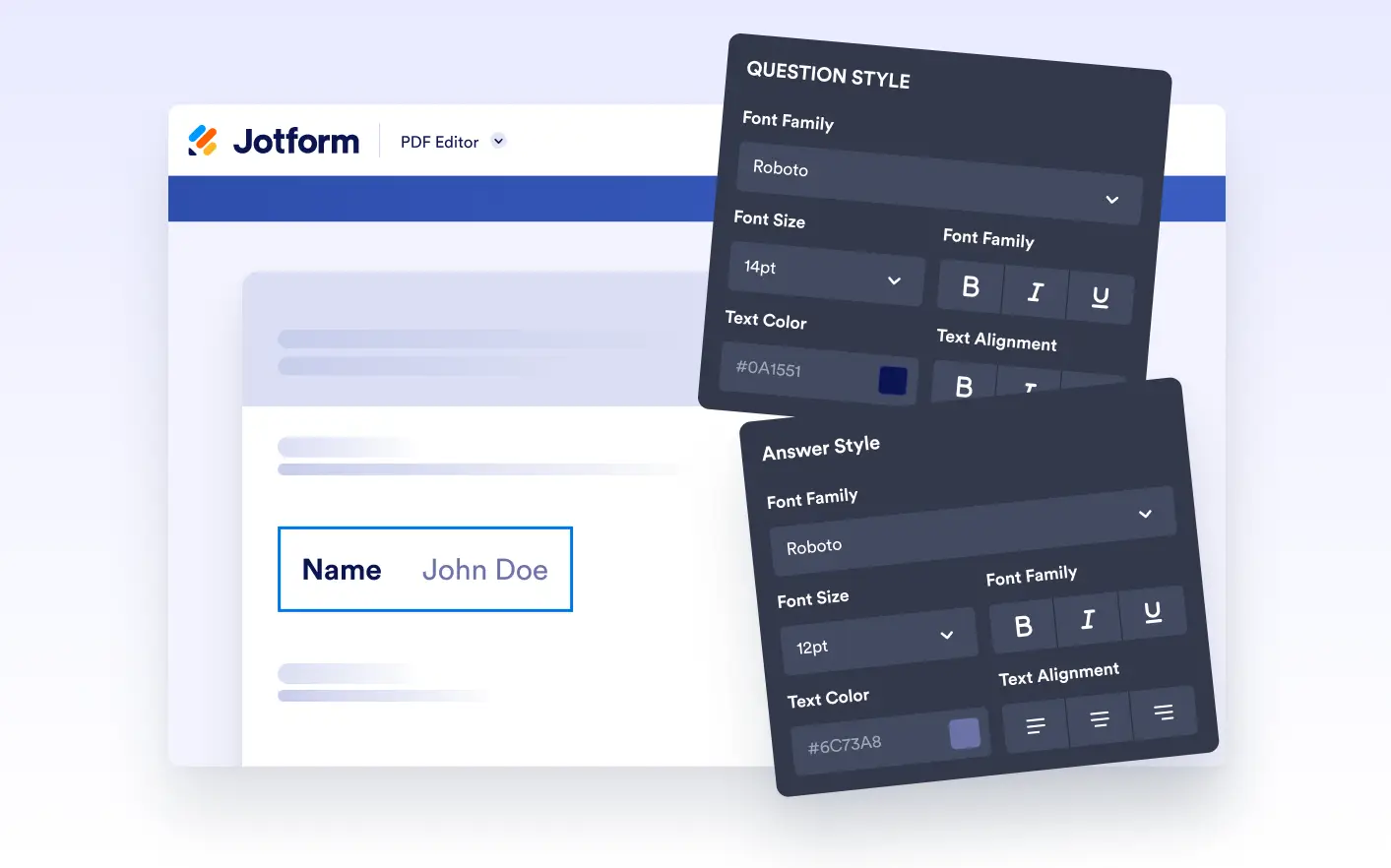
Take full control of spacing, alignment, column structure, and element positioning to create clean, organized layouts. Whether you're or multi-section PDFs, advanced layout tools help you achieve a polished, professional look with precision.
Personalize Backgrounds with Color and Imagery
Place elements exactly where they belong using a fluid drag-and-drop interface. Snap-to-position support ensures clean alignment as you move content across the canvas.
Style Questions and Answers with Full Control
Adjust the width and height of any document element with ease. Whether you’re fitting longer text answers or creating a more compact layout, resizing allows your content to breathe and balanc