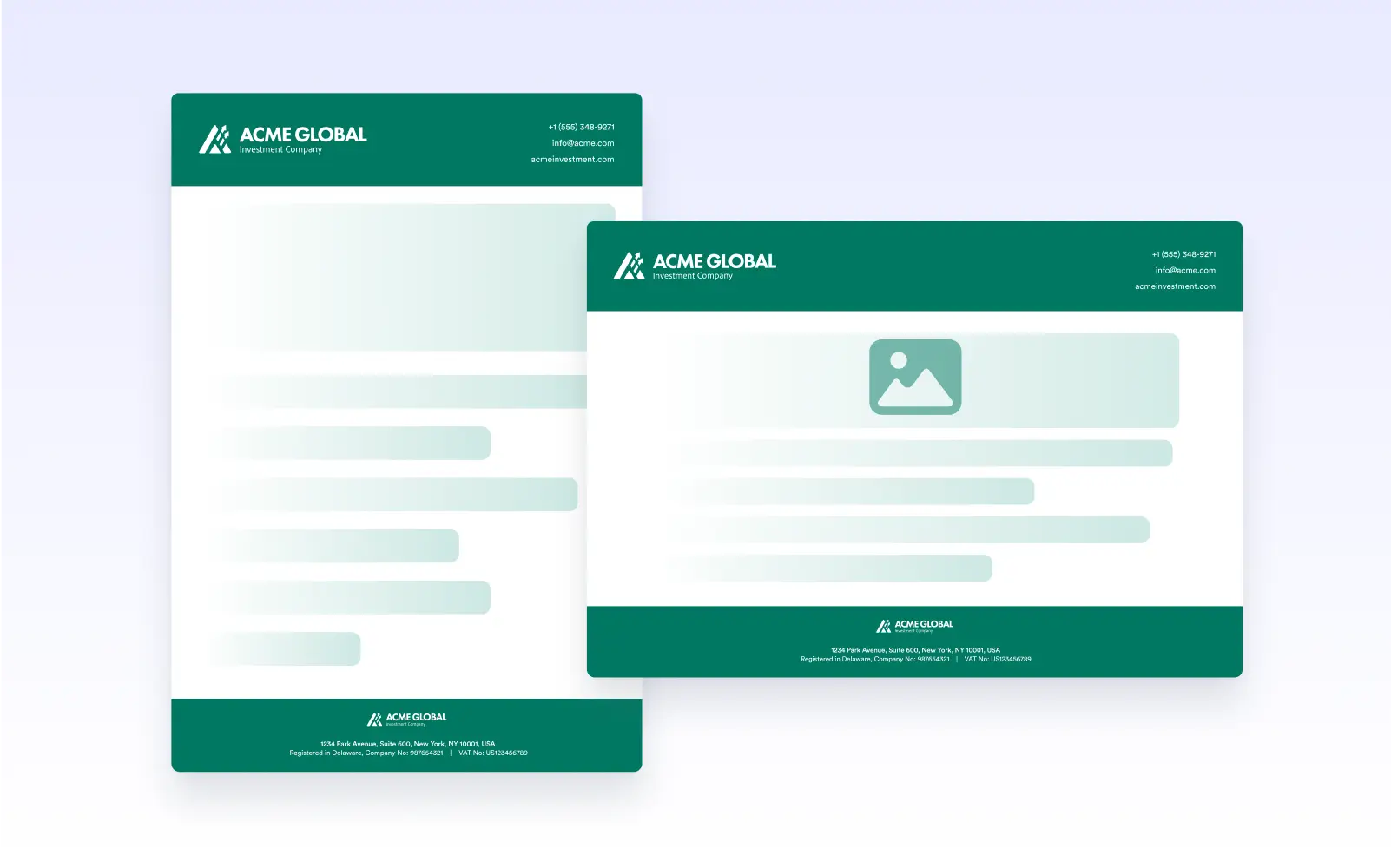
Choose the orientation that best fits your content; portrait for documents and forms or landscape for wide tables and visual layouts.
Choose Portrait or Landscape Layout
Two simple options offer full flexibility. Choose the orientation that best fits your layout, content density, and visual goals, ensuring every document is easy to read and designed exactly as intended.
Improve Design and Readability
Orientation changes help fit wider elements naturally while maintaining the document's structure, flow, and professionalism.