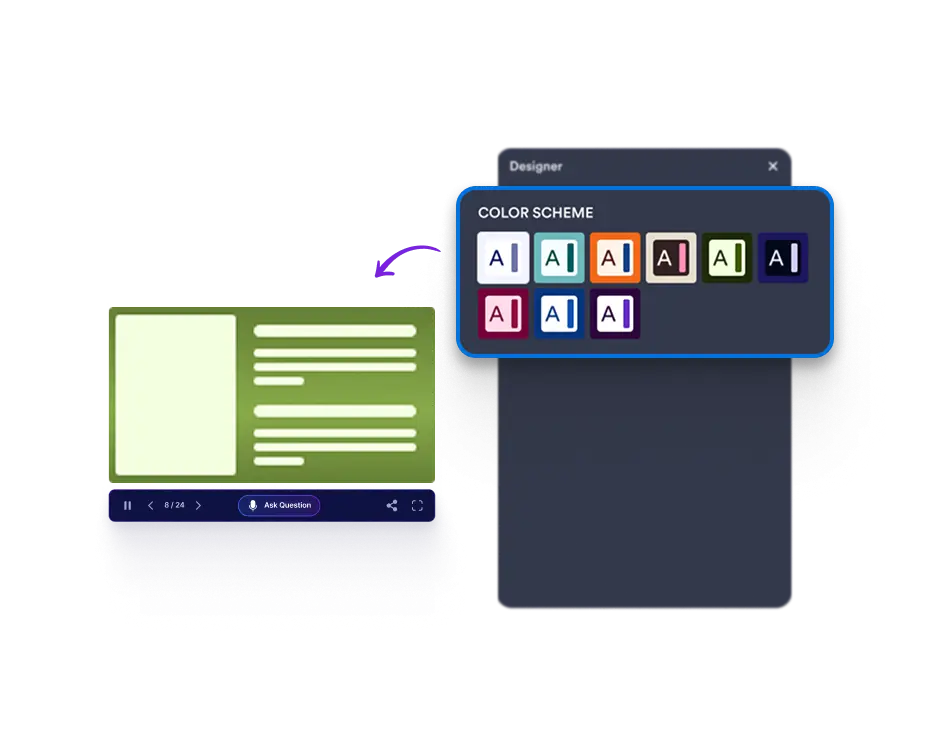
Effortlessly customize slides by editing images, colors, and text with the Presentation Builder
On the Presentation Agent builder page, you can customize your slides by editing images, adjusting colors, and customizing text, giving your presentations a unique look that reflects your brand and message.

Easily access the to customize your slides; edit images, text, and colors for an interactive presentation that aligns perfectly with your brand.
Make Your Slides Truly Yours with Easy Customization
Edit images, change colors, and customize text to perfectly match your brand.
Regenerate Slides
Enter a prompt to refresh a slide’s content, and from the same menu, adjust the slide layout to better fit your presentation’s style and flow.

Regenerate Images
Simply type in your desired prompt to create a brand-new image, then quickly regenerate it to refine or explore different variations—all within seconds.

Edit Texts
Customize the text on your slides to perfectly align with your message and presentation goals.

Edit Colors
Select a suitable color schema from the designer to make presentations visually appealing.