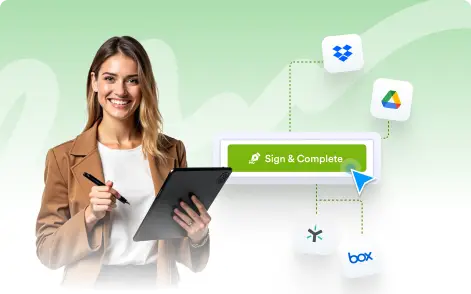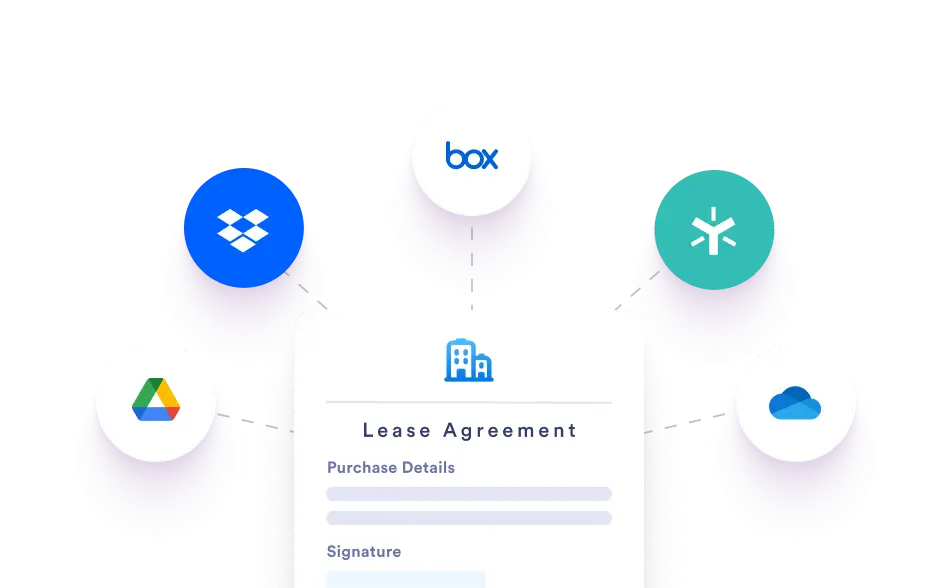
Keep your documents safe, organized, and instantly accessible by syncing finalized files with trusted tools such as Google Drive, Dropbox, OneDrive, and other connected storage services.
Instant Backups, Always Available
Never lose track of signed files again by storing them exactly where your team already works. Automatically save completed documents to your preferred cloud storage, keeping everything organized, accessible, and aligned with your existing workflows.
Popular Integrations
Connect with Google Drive, Dropbox, OneDrive, and other widely used cloud platforms in just a few steps so completed documents are continuously backed up and shared across your organization.
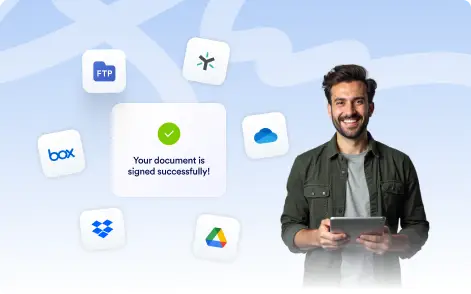
Organize Automatically
Sort files into designated folders automatically based on criteria such as submission date, document or form name, signer details, or user input, ensuring your documents remain organized and easy to locate.