Create Tasks Manually, Your Way
Stay in full control of your workflows with manual task creation in Jotform Boards. Easily create and define tasks yourself—whether it's a quick to-do, a client request, or a project follow-up. Add the details you need and start managing your task right from your board.
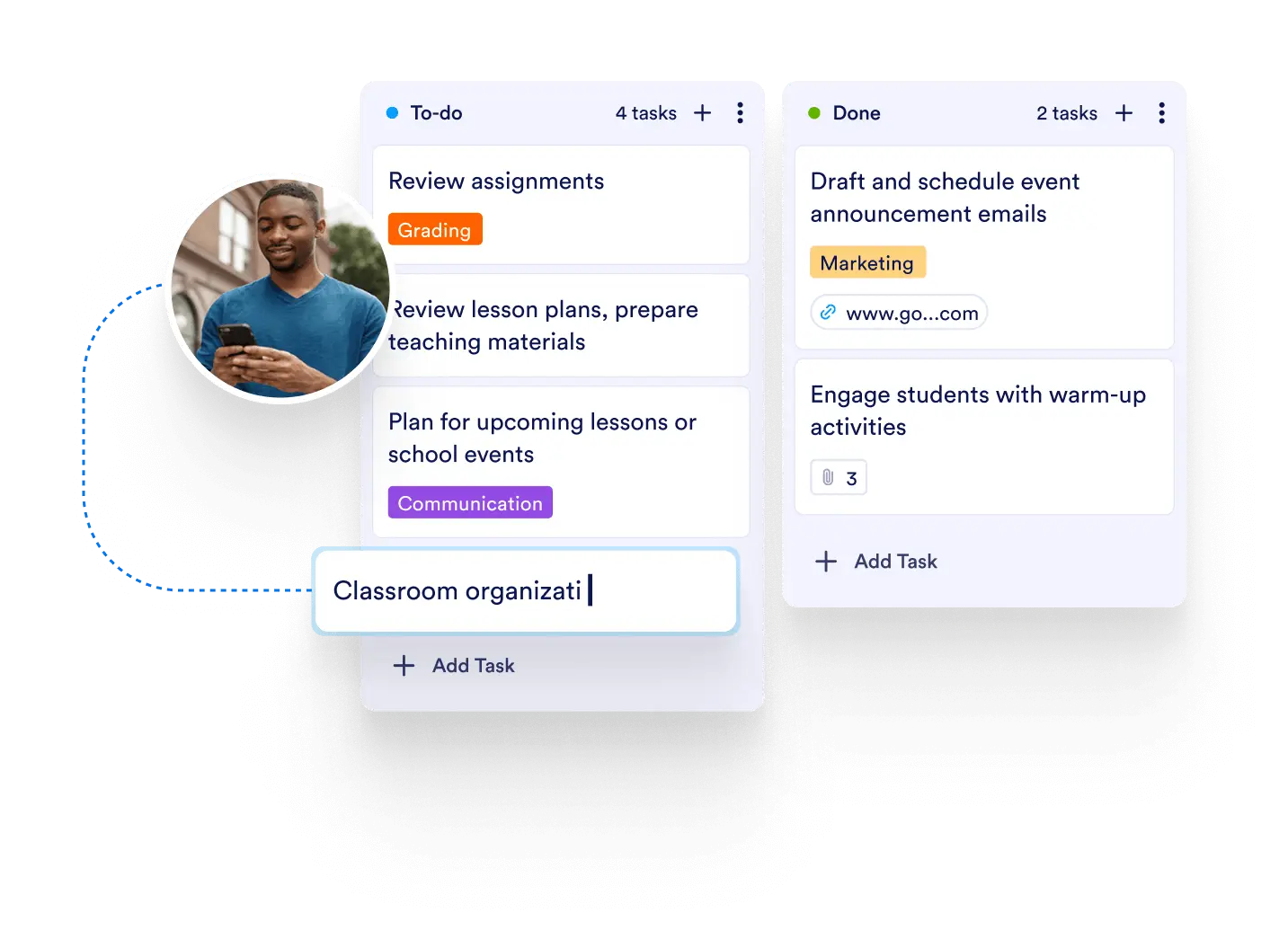
Design your board by creating tasks manually whenever needed. Perfect for custom actions, ad-hoc follow-ups, or tracking items that don’t come from forms or automation.
Flexible Task Input
Manually add tasks to any board and customize them with fields like assignee, due date, priority, and status. No automation or triggers required—just direct input whenever it suits your process.
Add Tasks Instantly
Create a task in just a few clicks. Enter a title, description, and assign it to the right person without waiting for external inputs.
Full Task Customization
Add comments, upload files, and connect the task to related items on your board. Tailor each task to fit your needs and track its progress through custom statuses and columns.
Ideal for Unstructured Workflows
Not all tasks follow a predictable path. Manual task creation gives you the flexibility to handle irregular requests, client calls, meeting notes, or spontaneous action items with ease.