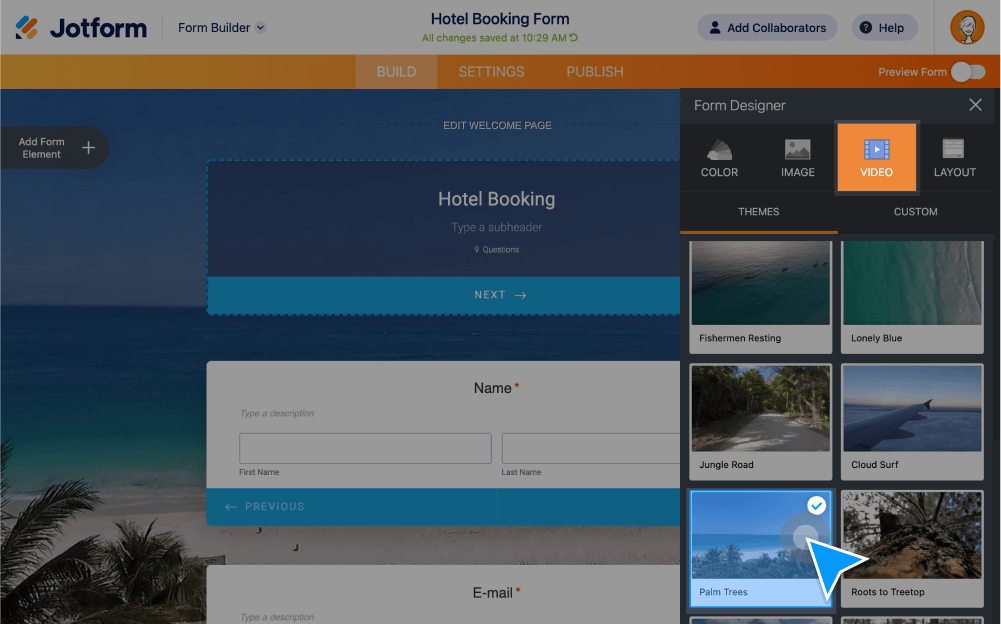
Give your forms and surveys a touch of personality by adding a video background. Set it up in a few easy clicks.
Choose any video you like as a background
Take your forms a step further by upgrading your background to a video. Create and customize a Card form with Jotform, and add any video to it as a background.
How can I create a video form?
- Select Create Form in the Form Builder.
- Click Start From Scratch and then select Card Form as your layout.
- Click the paint roller icon to open the Form Designer menu.
- Select the Video tab and click on Custom.
- Copy the video link — preferably a YouTube video — and paste it into the Video URL field. Click the Save Link button.