Show Key Information on Cards
Keep important information front and center by showing selected form fields directly on your task cards. When your form is connected to a board, each submission creates a task—automatically displaying key details like name, request type, or priority for quick and easy access.
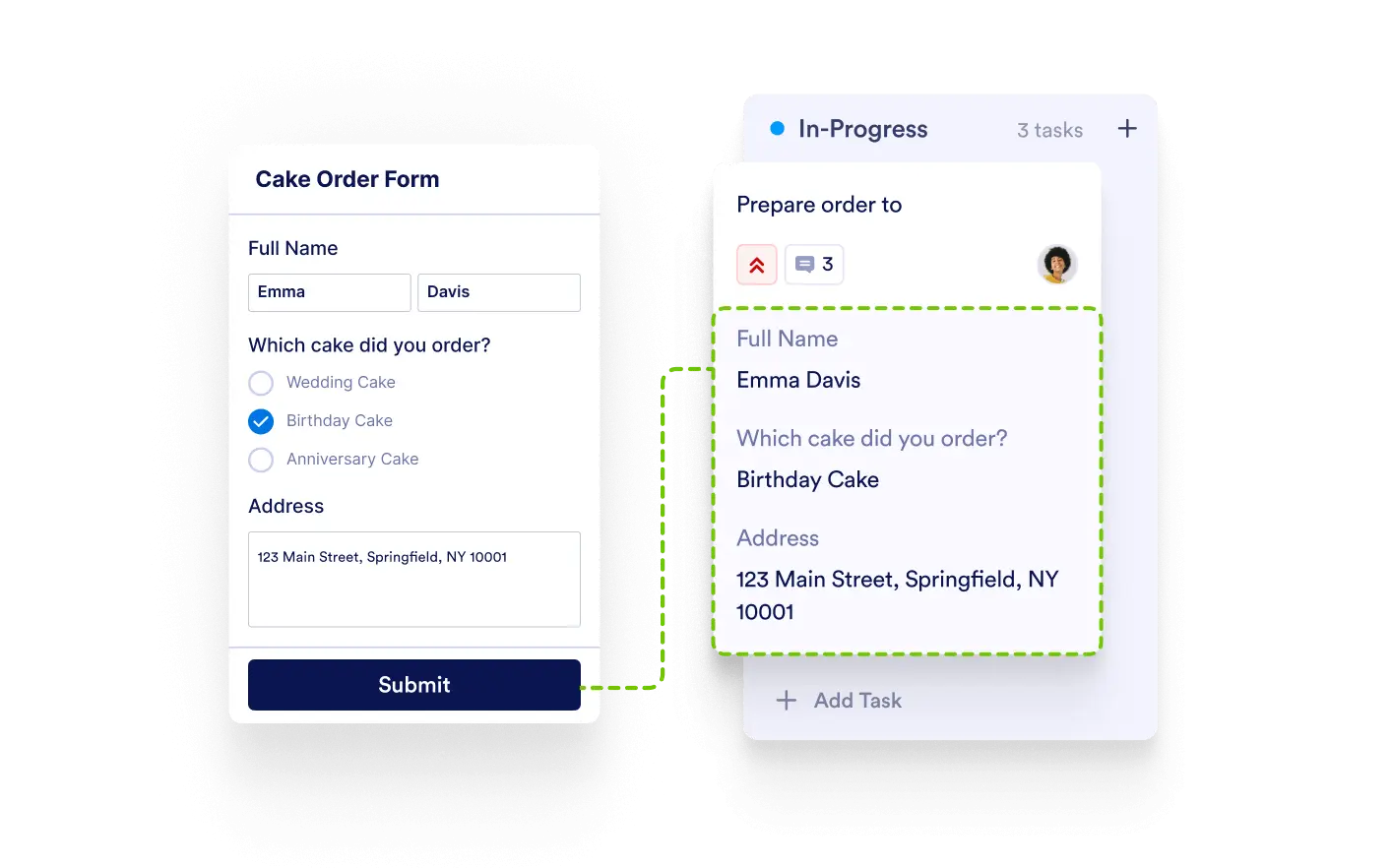
Give your team instant visibility into submission details without opening each task. Highlight critical form data right on task cards to boost clarity and accelerate decision-making.
Highlight Key Submission Info
Choose which form fields—like contact info, department, or deadline—appear on each task card. Instantly identify what the task is about without needing to click through.
Fast, Contextual Task Management
Surface the most relevant information upfront so your team can prioritize, assign, and take action faster. It’s all the context you need, right where you need it.
Customizable Card Views
Tailor each board to your workflow by selecting different form fields to display depending on your process—support tickets, project requests, applications, and more.
Works Seamlessly with Form-Based Task Creation
As tasks are automatically created from form submissions, your chosen fields are immediately visible—saving time and reducing back-and-forth.