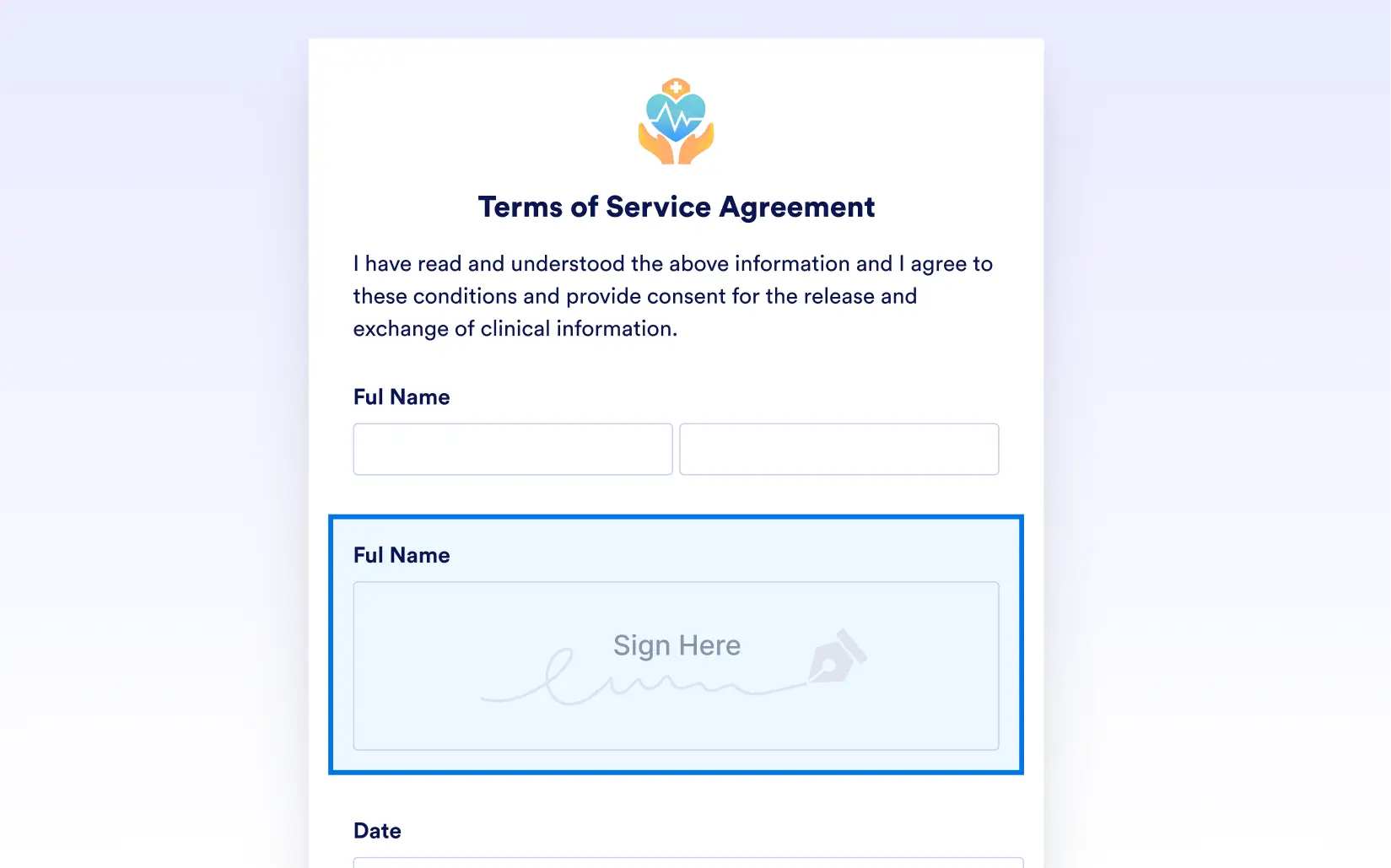
faster by letting users sign directly within your PDF forms. Add signature fields to contracts, agreements, or approvals; no extra software or printing needed. Users can sign with a mouse, stylus, or finger on any device, and you’ll receive a , legally binding signature in seconds. Say goodbye to delays, and start closing the loop instantly.
Enable Signatures in Your PDF Forms
Jotform lets you easily embed signature fields into your fillable PDFs, turning your forms into ready-to-sign documents. Users can complete and sign forms in one step; whether they’re on a laptop, tablet, or phone; helping you streamline workflows and reduce turnaround time.
Simplify Approvals and Agreements with Digital Signatures
Replace physical paperwork with secure, digital signatures that work across devices. Signers can add their signature without downloading any special tools, and you receive a complete, legally compliant record; all within your existing form workflow.