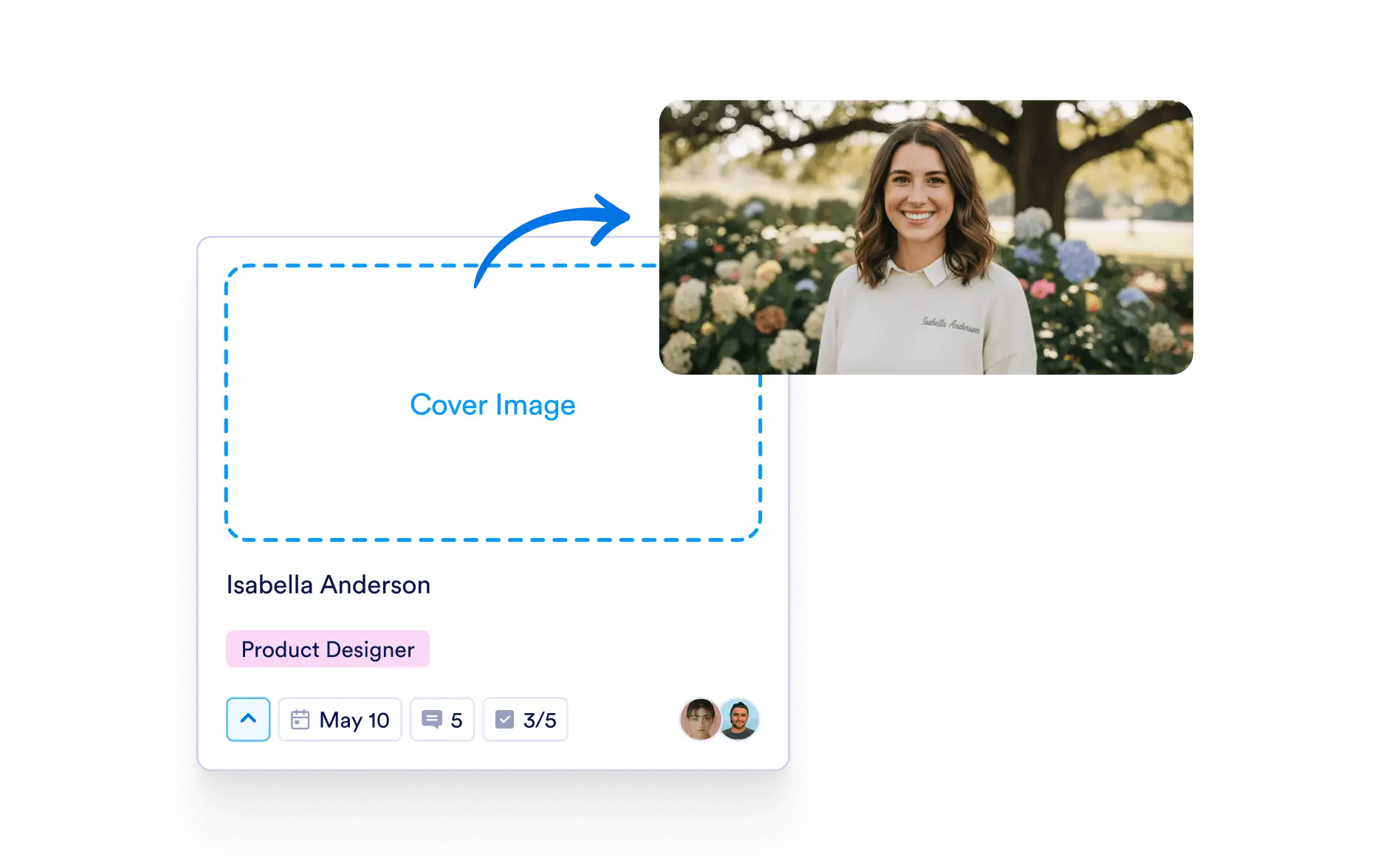
Enhance task clarity with visuals. Use cover images to convey key information upfront and keep your board visually organized and easy to scan.
Better Organization at a Glance
With images showing directly on task cards, your board becomes more intuitive and visually informative.
Make Tasks Instantly Recognizable
Cover images provide instant visual cues that help users identify task types, projects, or statuses without needing to open each task individually.
Boost Productivity with Visual Navigation
Visually-driven boards are easier to navigate, especially when managing many tasks. Cover images help you find what you’re looking for faster.
Flexible and Customizable
Upload any image that helps define or clarify the task—screenshots, thumbnails, mockups, or custom visuals.