Organize Tasks Effortlessly with Tags
Add clarity and structure to your workflows by tagging tasks in Jotform Boards. Whether you’re grouping tasks by topic, priority, or department, tags make it easy to organize and locate tasks instantly. You can add them manually or pull them directly from a connected form field—perfect for dynamic categorization.
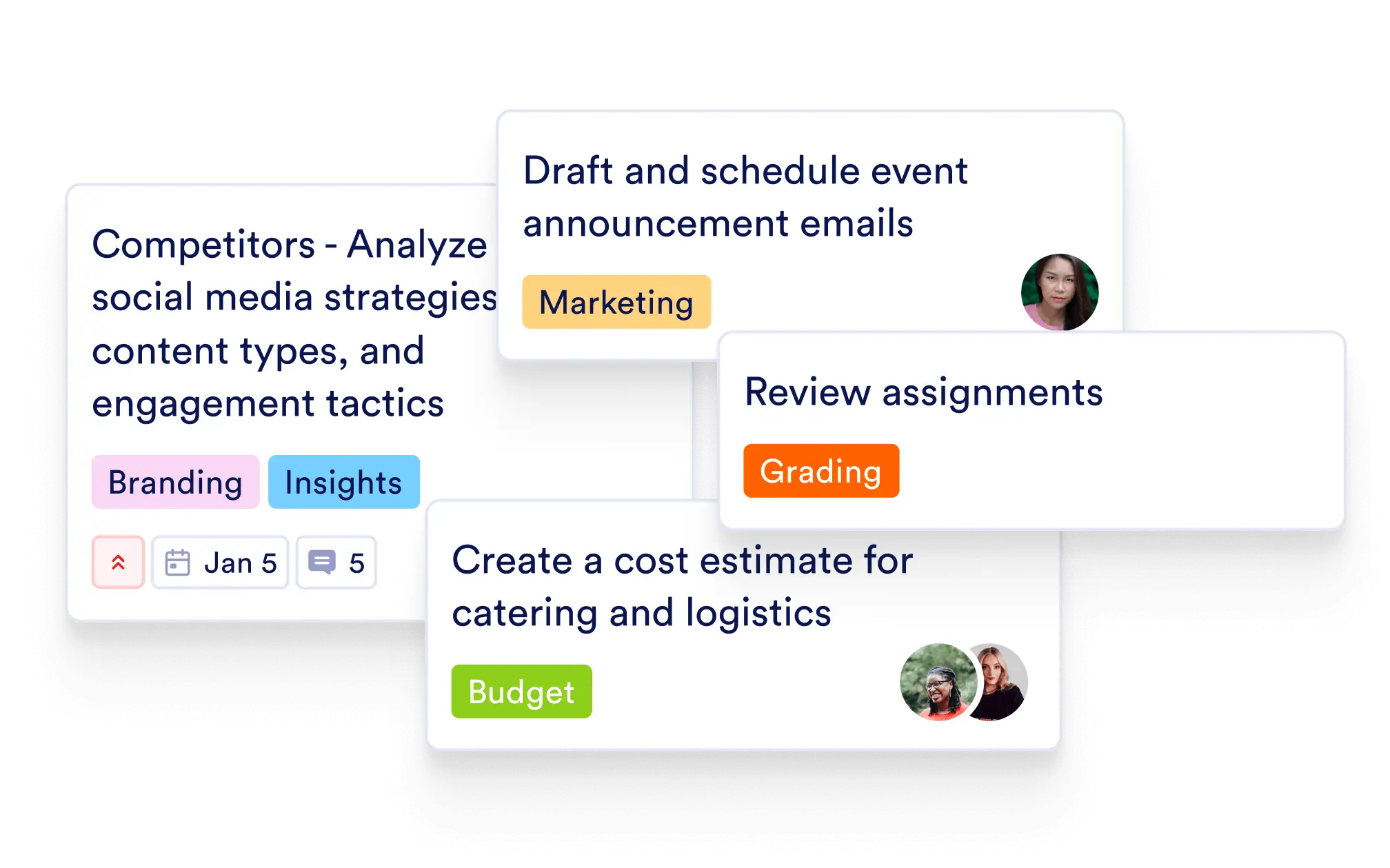
Streamline task management by labeling your tasks with meaningful tags. From project phases to departments, tags help you stay organized and make filtering, searching, and reporting a breeze.
Manual or Automated Tag Assignment
Add tags manually when creating or editing a task, or set your board to pull tag values directly from a form field. This eliminates repetitive input and keeps data consistent across your workflow.
Enhance Search & Filter Capabilities
Use tags to filter your boards and zero in on the exact group of tasks you need. Whether reviewing marketing items, urgent bugs, or region-specific issues, tags make it faster to find and act.
Flexible Task Tagging
Assign tags to categorize tasks by type, team, status, or any custom label you choose. Tags offer a visual cue that helps your team quickly understand the context of each task.
Auto-Generate Tags from Forms
Automatically create and assign tags based on submitted form data. Ideal for workflows like job applications, support tickets, or content submissions—where categorization starts at the source.
Color-Coded and Customizable
Tags are color-coded for quick visual recognition, and you can create as many as needed to reflect your unique processes—like “Pending Approval,” “Client A,” or “Urgent Request.”