Find Tasks Instantly with Powerful Search
Easily locate tasks in your board using Jotform Boards’ advanced search feature. Search by any keyword and instantly see all tasks that contain the term in any task field, description, or even within form submission details if your board is connected to a form. Stay efficient, focused, and in control.
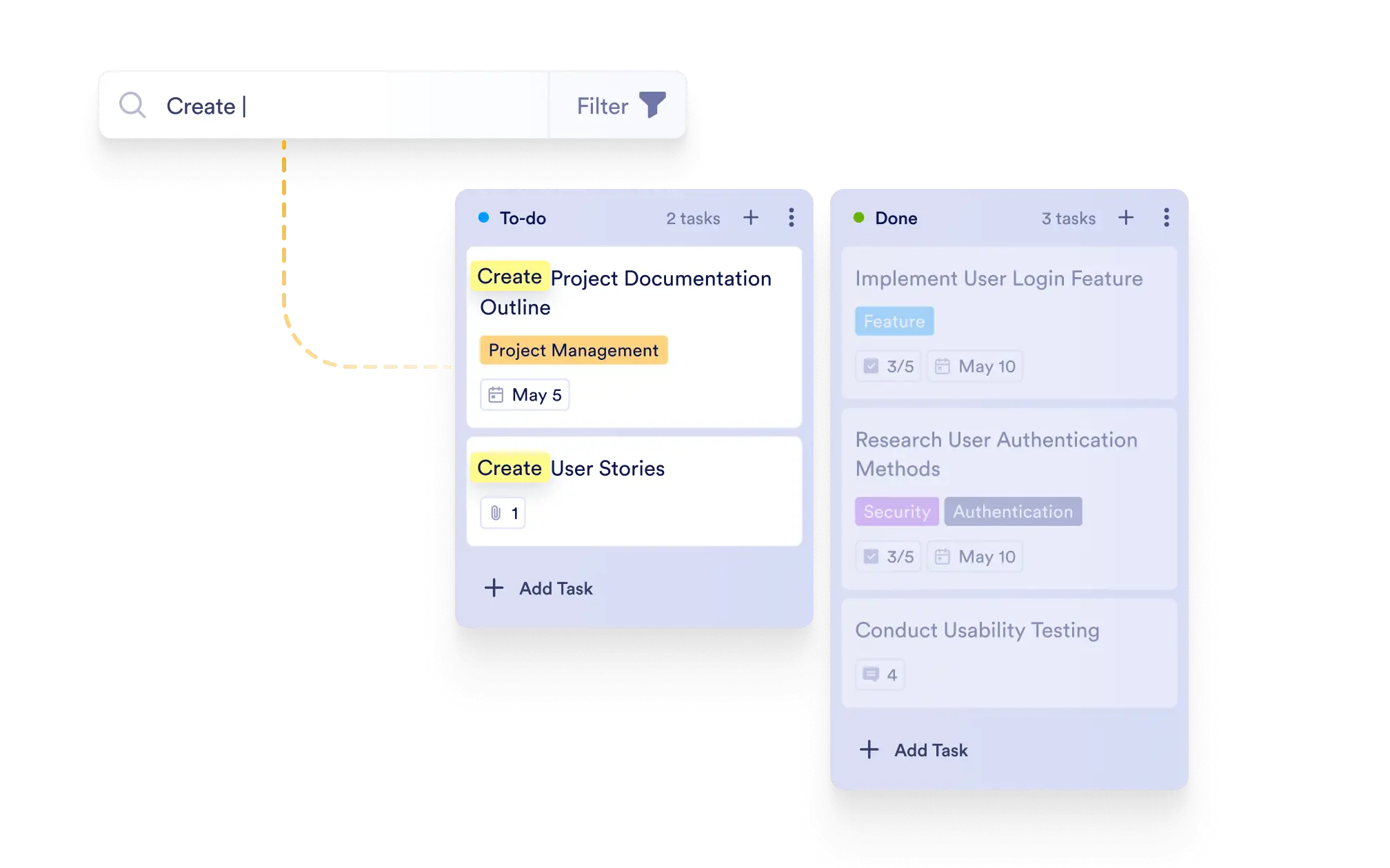
Quickly filter and find tasks by searching across all task fields, descriptions, and connected form submissions — making task management seamless and hassle-free.
Board-Wide Search
Search across your entire board and instantly view only the tasks that match your keyword. Whether it's in the title, description, tags, any custom field or submission detail, you can quickly track down exactly what you need.
Instant Results
Search results are displayed in real time as you type, saving you time and effort when navigating complex boards.
Search Form Submission Data
If your board is connected to a form, your search results will also include matches found in the original form submission data, giving you complete visibility.
Focus on Relevant Tasks
Narrow your view to only the tasks you need, eliminating clutter and helping you concentrate on what’s important.