Find Exactly What You Need with Advanced Filters
Easily filter tasks on your board using precise, customizable conditions with Jotform Boards’ Advanced Filters. Choose the task field, set detailed filtering rules, and combine multiple filters to display exactly the tasks you’re looking for — all in just a few clicks.
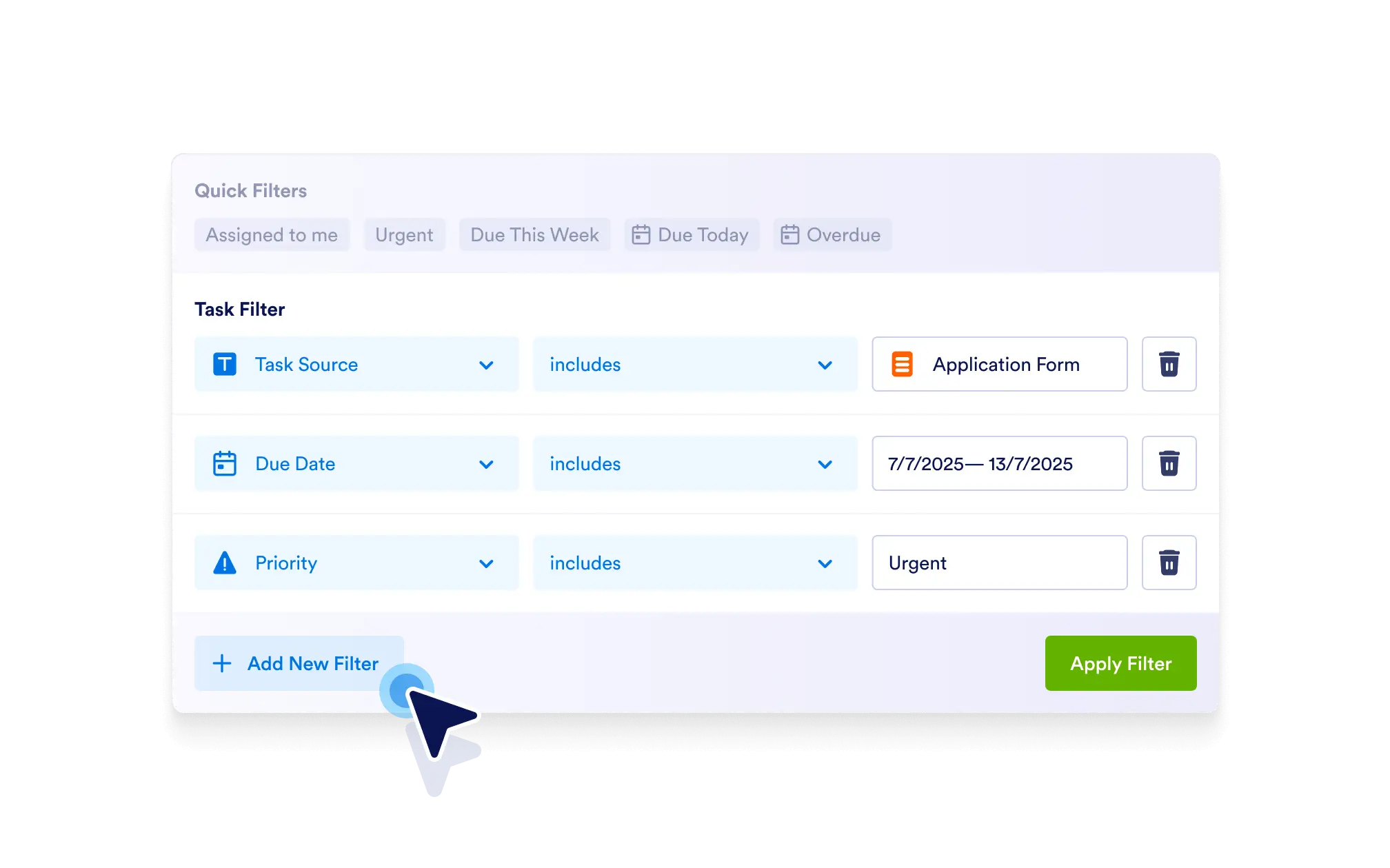
Customize your task views with advanced filtering options to quickly drill down to specific tasks based on detailed criteria. Save time and gain full control over your board’s data.
Filter by Any Task Field or Source
Select from a wide range of task fields — including assignee, priority, due dates, custom fields, and task sources — to apply targeted filters.
Powerful Multi-Condition Filtering
Filter tasks using specific task fields, task sources, and complex conditions. Combine multiple filters to create highly tailored task views.
Set Detailed Conditions
Use flexible filtering logic such as equals, includes, does not equal, earlier than, later than, and more to define exactly how your filters work.
Save Time with Precise Results
Cut through clutter by narrowing your board to only the most relevant tasks, helping you focus and act faster.