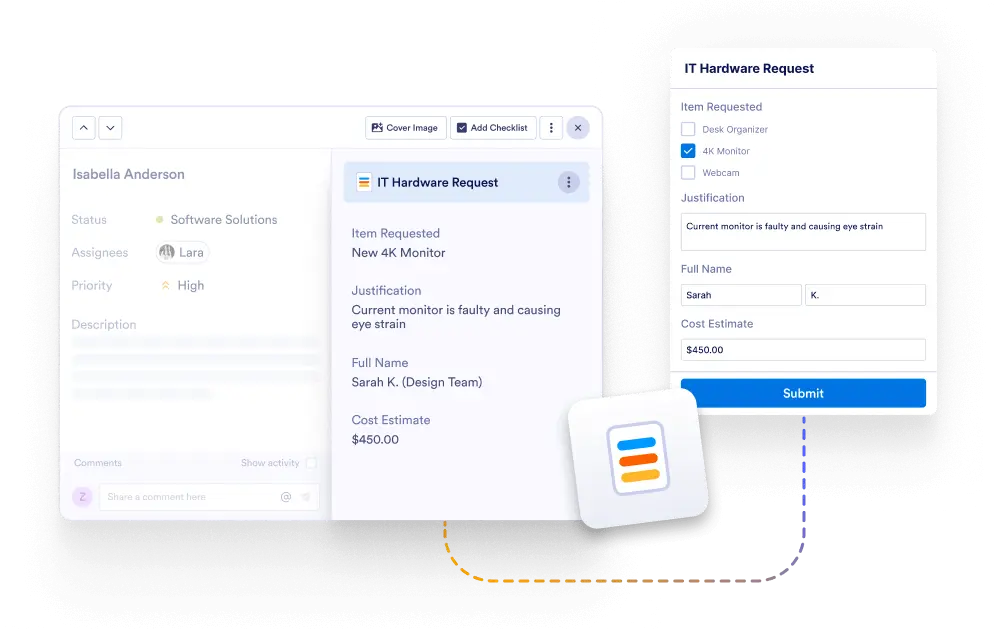
View all form responses directly in your task detail to streamline your workflow. No need to search through form submissions — everything is instantly accessible in the task where it matters most.
Always Have the Full Picture
Whether it’s customer requests, project requirements, or application data, the form information stays connected to the task so nothing gets lost or overlooked.
Instantly Access Submission Details
Tasks connected to form submissions automatically display the full form responses. Quickly check all relevant information without leaving the task view.
Simplify Task Management
Having submission details visible within the task saves time and reduces errors, ensuring your team always works with the most accurate, up-to-date data.