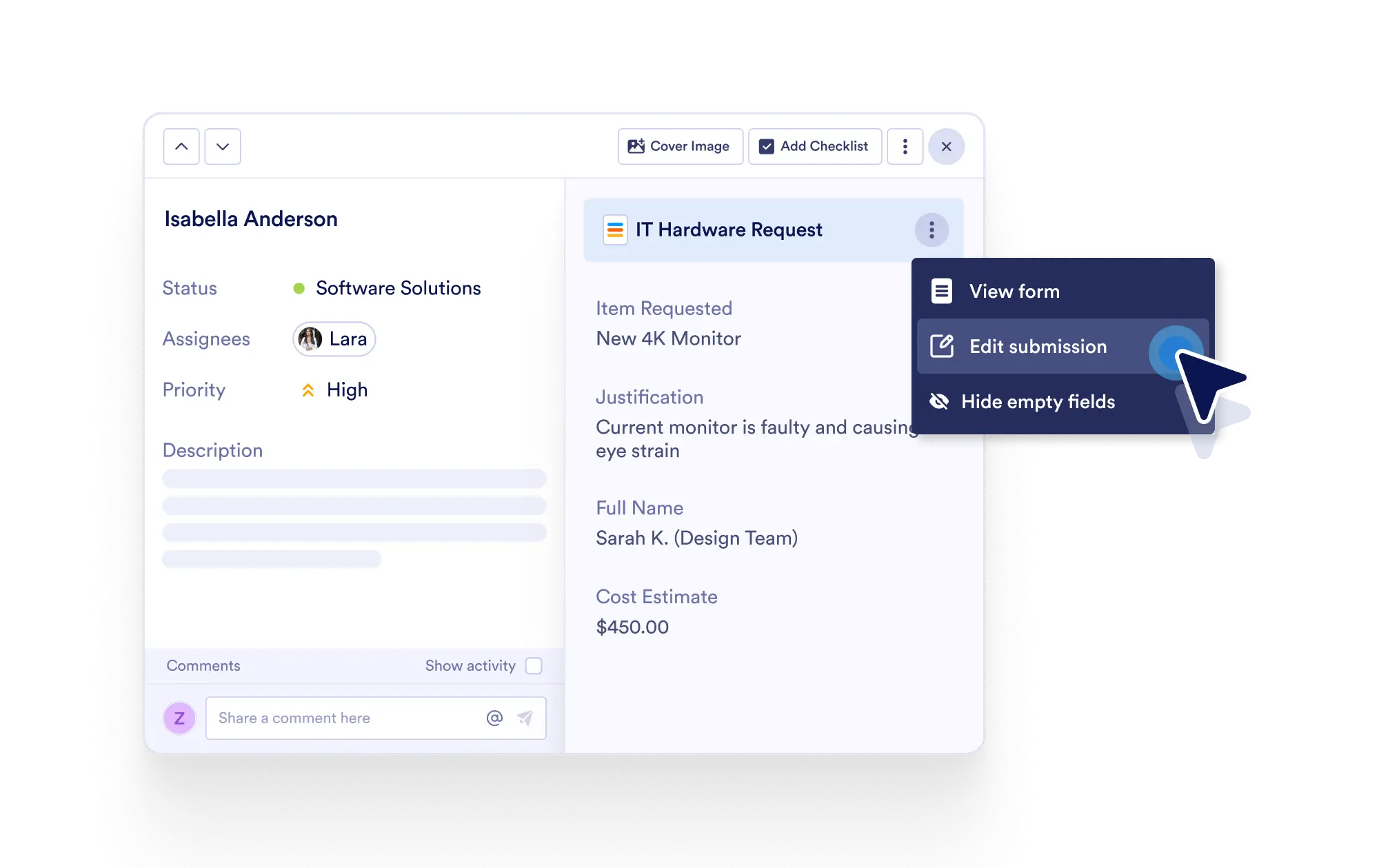
Catch a mistake or need to update information? You can instantly edit form submissions directly from the task detail view to keep your tasks and project records fully aligned.
Fast & Easy Submission Corrections
When a task is created from a form submission, you can click Edit Submission within the task’s submission info section to quickly make changes — no need to navigate away.
One-Click Submission Editing
Access the Edit Submission button directly from the task detail page. You can instantly correct typos, update missing information, or revise details.
Maintain Task & Form Consistency
When you edit a submission, both the task and the connected form record are automatically updated, keeping your data synchronized across platforms.
Save Time, Prevent Errors
Avoid the hassle of switching between systems or manually tracking edits. Make quick corrections on the spot and ensure your workflow runs smoothly.