View Sign Document Answers in Task Details
When tasks are created from Jotform Sign Documents, all submitted answers and signing details are automatically visible in the task detail view. Keep everything you need in one organized workspace.
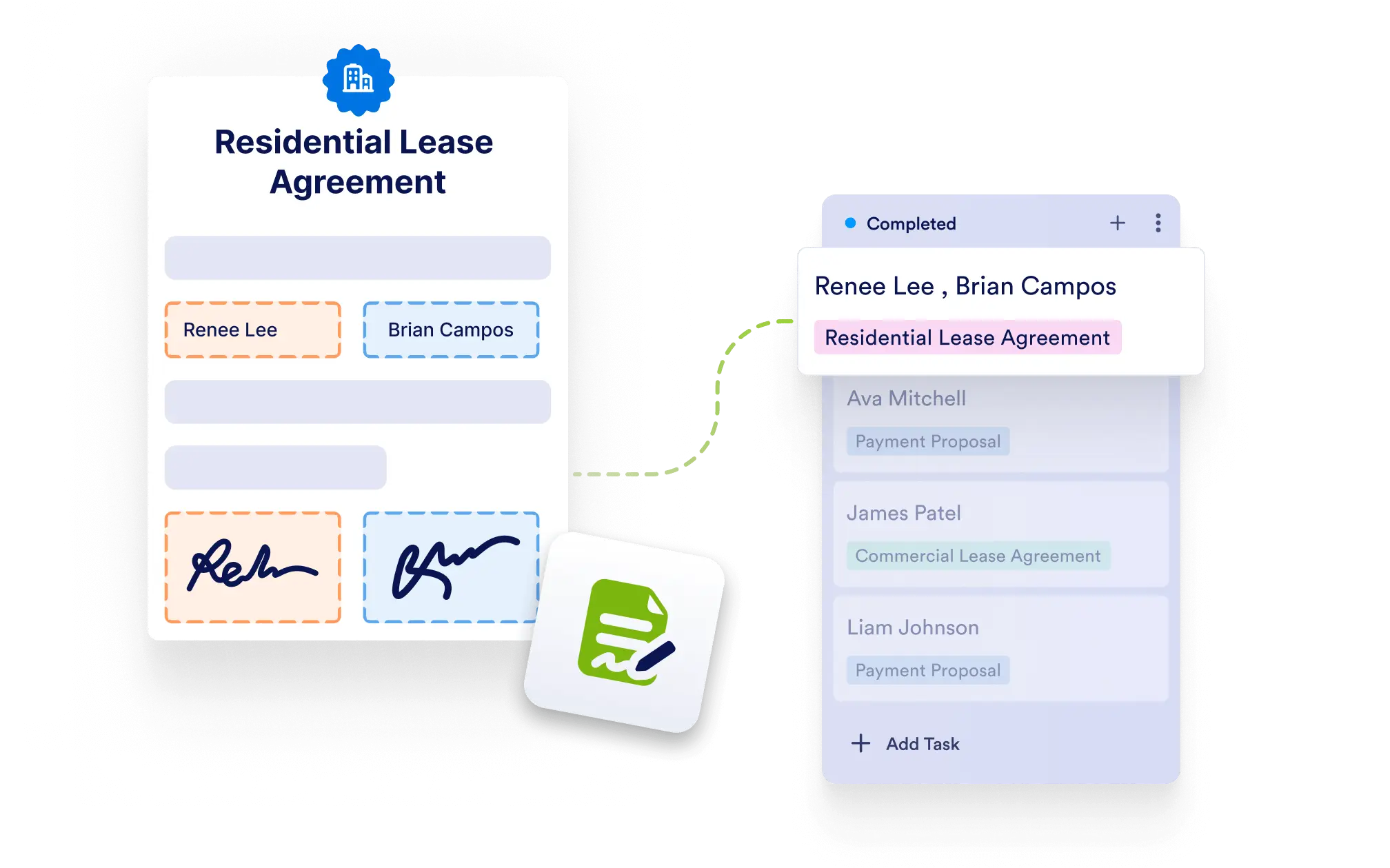
Easily view signer responses, document details, and submission history — all in the same place where you manage your task.
Integrated Document Tracking
When a task is created from a Jotform Sign Document, all the signer’s answers and document metadata are automatically linked to the task, giving you immediate access to critical details.
View Signer Responses Instantly
Open a task and see all the answers provided in the connected Jotform Sign Document. This helps you quickly review agreements, approvals, or submitted data without leaving the task.
Simplify Workflow Reviews
By having sign document answers available within the task, your team can efficiently process submissions, confirm next steps, or follow up as needed.
Keep All Information in One Place
Centralize your project data by combining task management and sign document tracking. Perfect for contract approvals, client onboarding, and internal agreements.