Customize Task Card Visibility to Fit Your Workflow
With Jotform Boards, you can personalize which task details appear on each card. Show key fields like title, priority, due date, tags, or even the task’s source—perfect for managing boards connected to multiple forms, workflows, sign documents, or AI Agents.
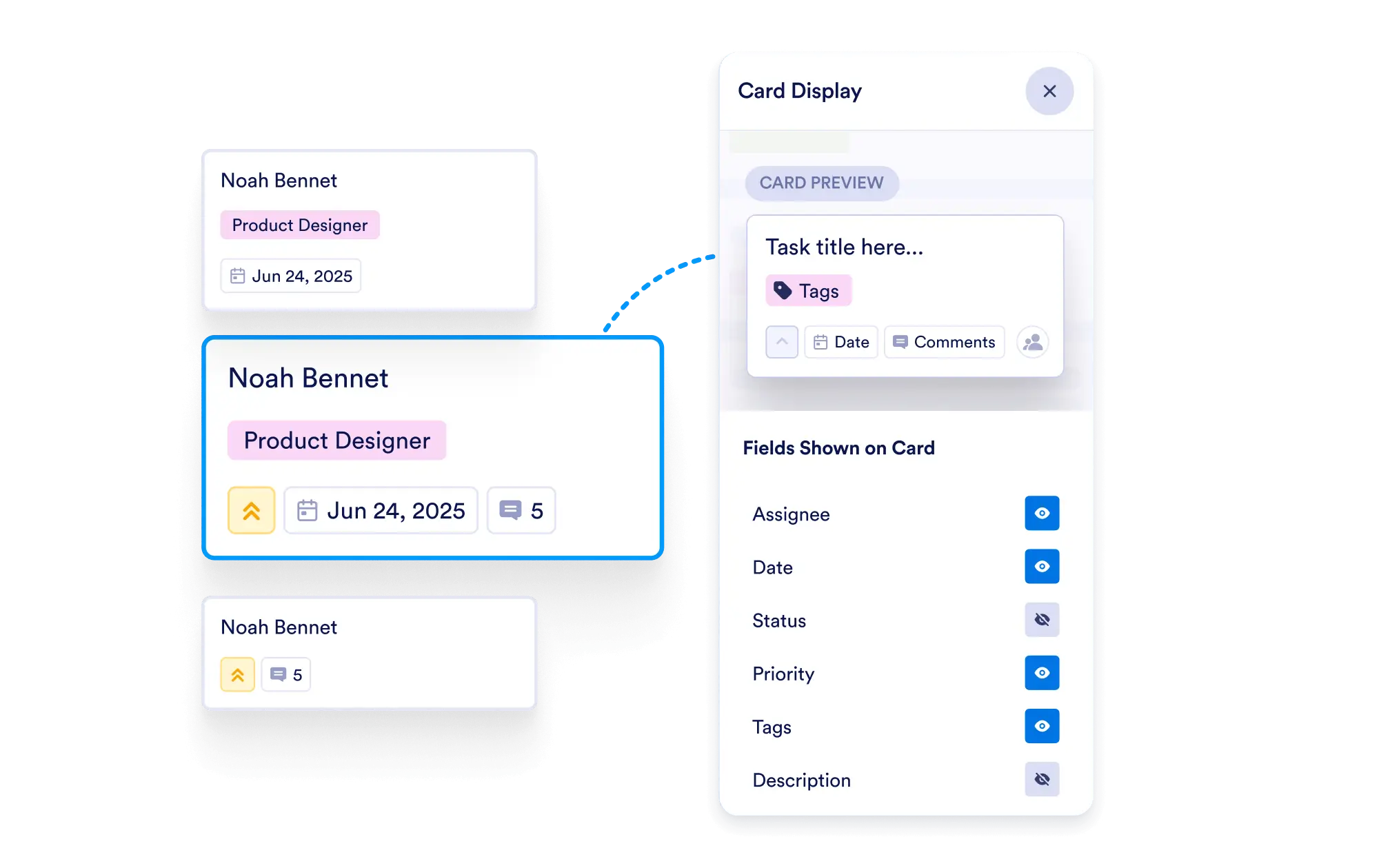
Tailor your board view by selecting which task fields are visible on each card. Highlight essential details and task sources at a glance for faster, more efficient task management.
Customize Task Card Fields
Easily choose which fields—such as task title, priority, due date, tags, and more—will be displayed on your task cards. Keep your board clean and focused on what’s most important.
Select Visible Fields
With Jotform Boards, you can personalize which task details appear on each card. Show key fields like title, priority, due date, tags, or even the task’s source—perfect for managing boards connected to multiple forms, workflows, sign documents, or AI Agents.
Display Task Source Clearly
When your board is connected to multiple forms, workflows, or AI-powered processes, you can enable task source visibility to immediately see the origin of each task.
Streamline Visual Management
With customizable card views, you can declutter your board and display only the details that support your workflow, helping your team process information quickly.