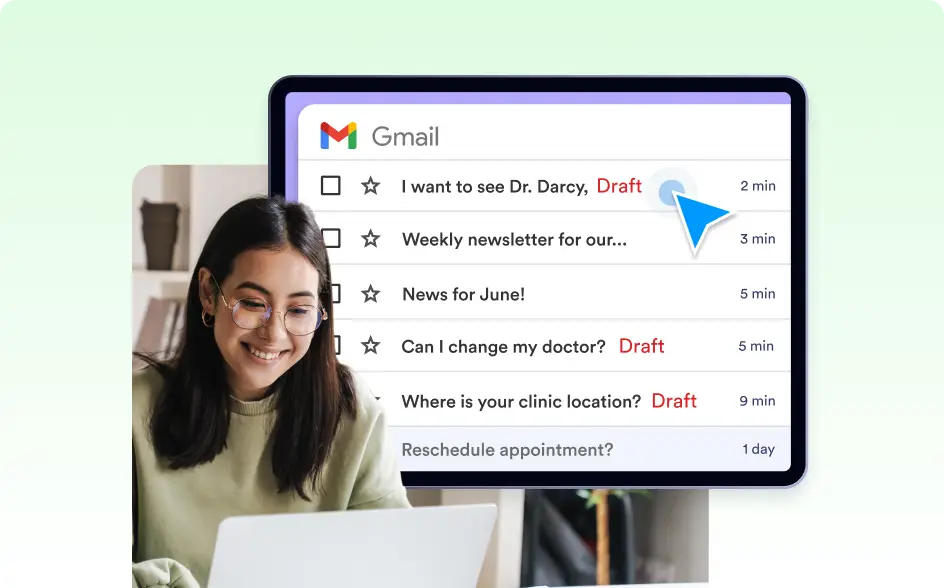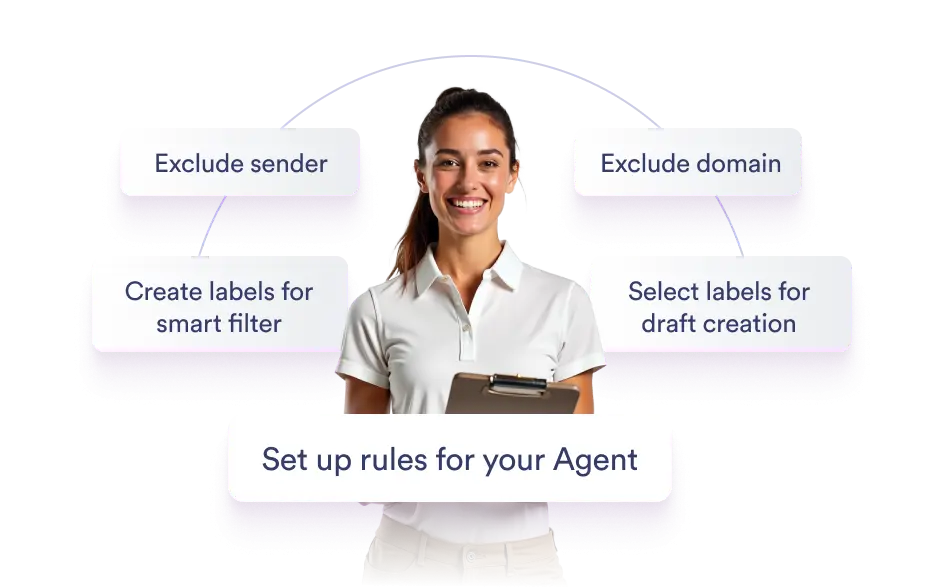
Your inbox, your rules. Protect sensitive conversations by keeping them completely out of your agent’s view—with customizable exclusion logic.
Define Safe Zones with Smart Filters
Set up rules to automatically exclude specific emails from AI processing. Whether legal, HR-related, or internal, your private threads stay private.
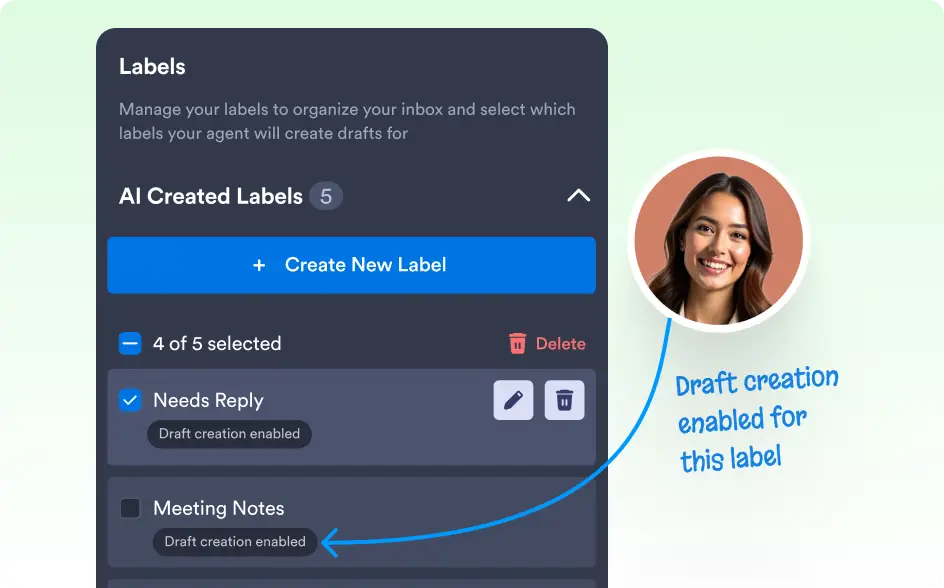
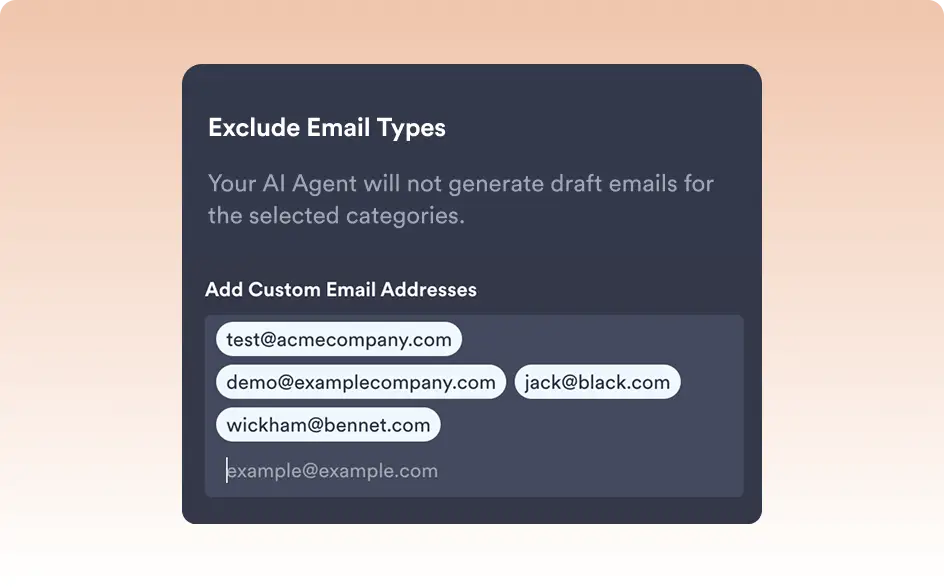
Exclude by Sender, Domain, or Label
Apply filters like “ignore all emails from @legal.com” or “exclude emails labeled Finance” to ensure the agent never sees content it shouldn’t.
Full Privacy, Zero Drafts
Excluded emails are not scanned, stored, or used in draft generation or training—giving you total peace of mind with sensitive content.