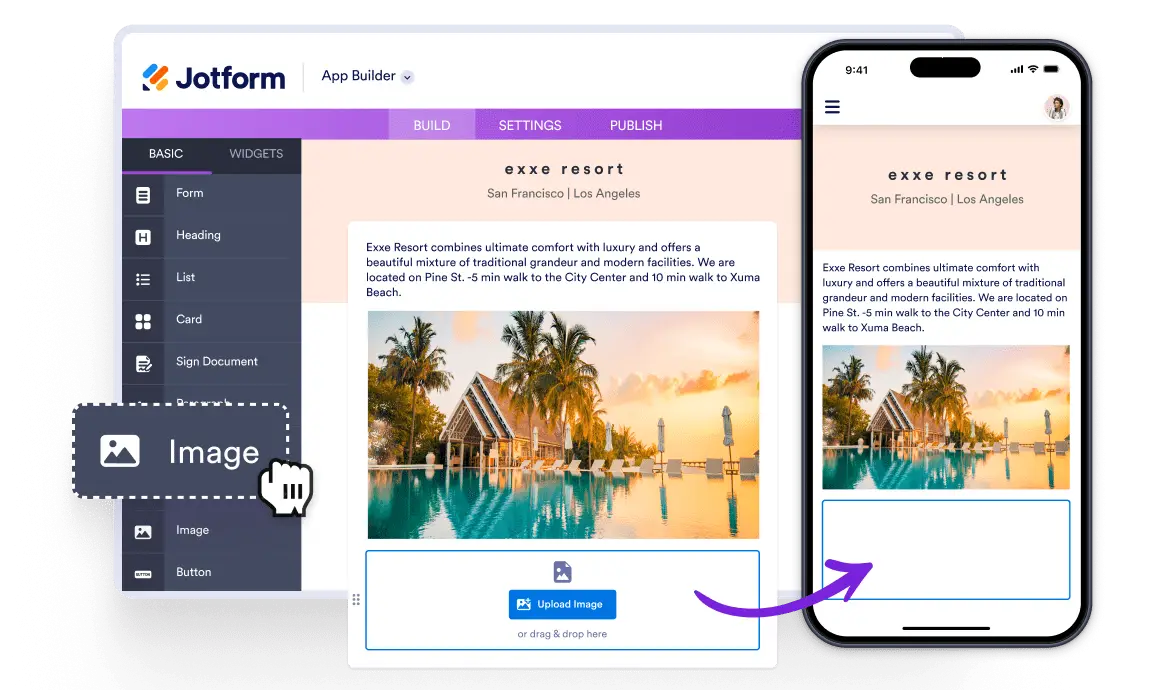
Add visuals with the image element to showcase your content
Bring your app to life with the Image element by showcasing product photos, menus, or portfolios. Upload, reuse, or link images in just a few clicks, then adjust their size, change alignment, and add alternative text for better accessibility. You can also set actions like opening a URL when users tap an image to create a more interactive experience.

Elevate your app by featuring photos, , and portfolios using the free Image element with easy upload, reuse, or link options.
Showcase stunning images in your app
Add vibrant visuals to your app with the free Image element—upload, reuse, or link photos.
Add visual appeal with accessible images
Bring your content to life with the Image element by displaying product photos, team shots, or promotional graphics—add from your library or a URL, and include alt text to make your visuals screen-reader friendly.