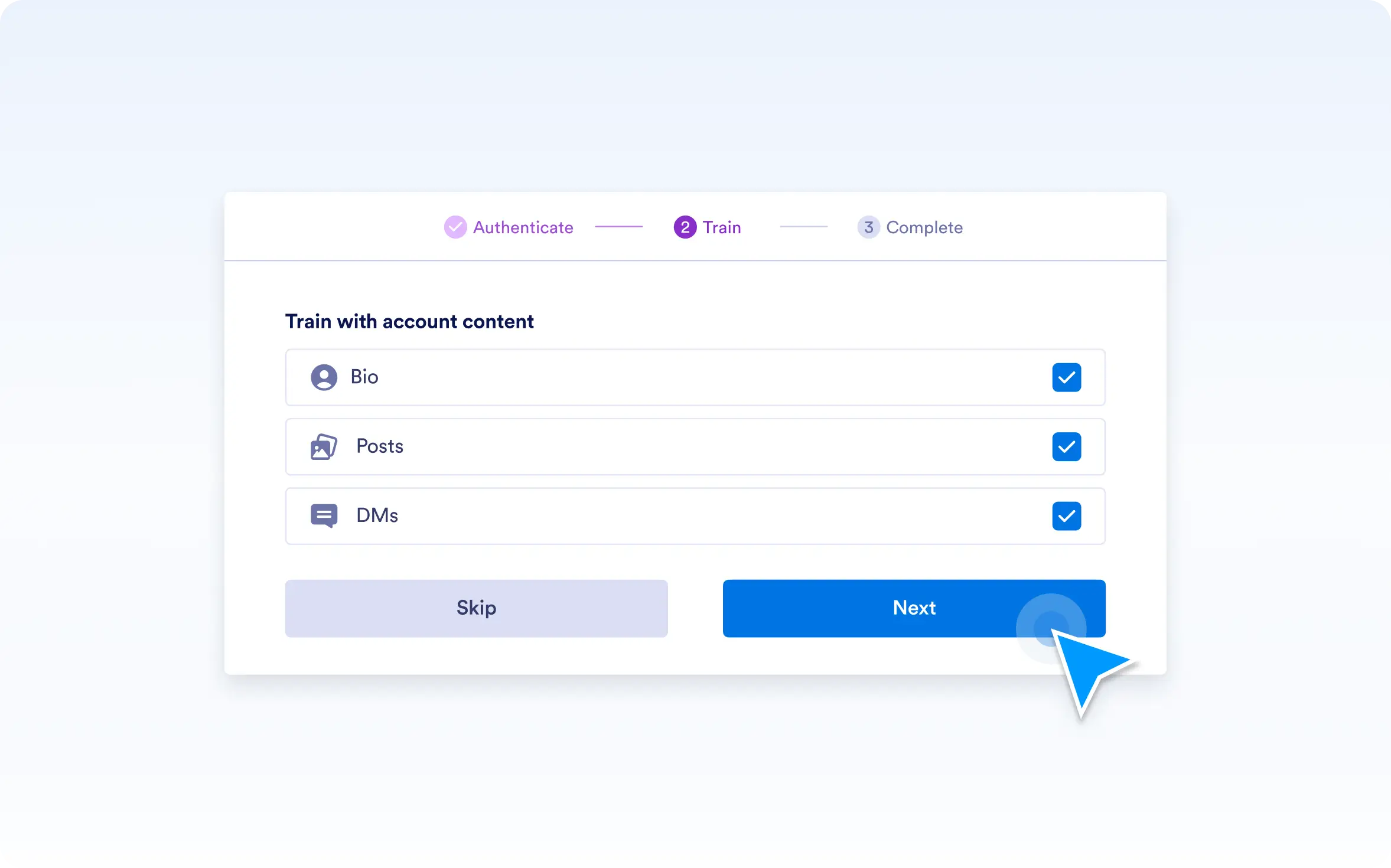
Not every part of your Instagram presence needs to influence your AI replies. By allowing you to enable or disable entire categories of training materials, you keep your agent focused and relevant. Want to exclude all direct messages or skip posts? It’s just a click away. This category-level control keeps your AI aligned with your evolving goals.
Simplified Training Material Management
Managing training materials has never been easier. You can include or exclude the three key categories — direct messages, posts, and bio — based on what you want your AI to learn from. No need to sift through individual messages or posts; just toggle the categories on or off to fit your strategy.
Streamlined Control Over Your AI’s Learning
Select which data sources your AI agent studies: enable direct messages to help the agent understand your conversations, turn on posts to capture your content style, or include your bio to set the tone. Adjust these settings anytime to keep your AI’s replies fresh, accurate, and aligned with your brand’s voice — all without complicated granular choices.