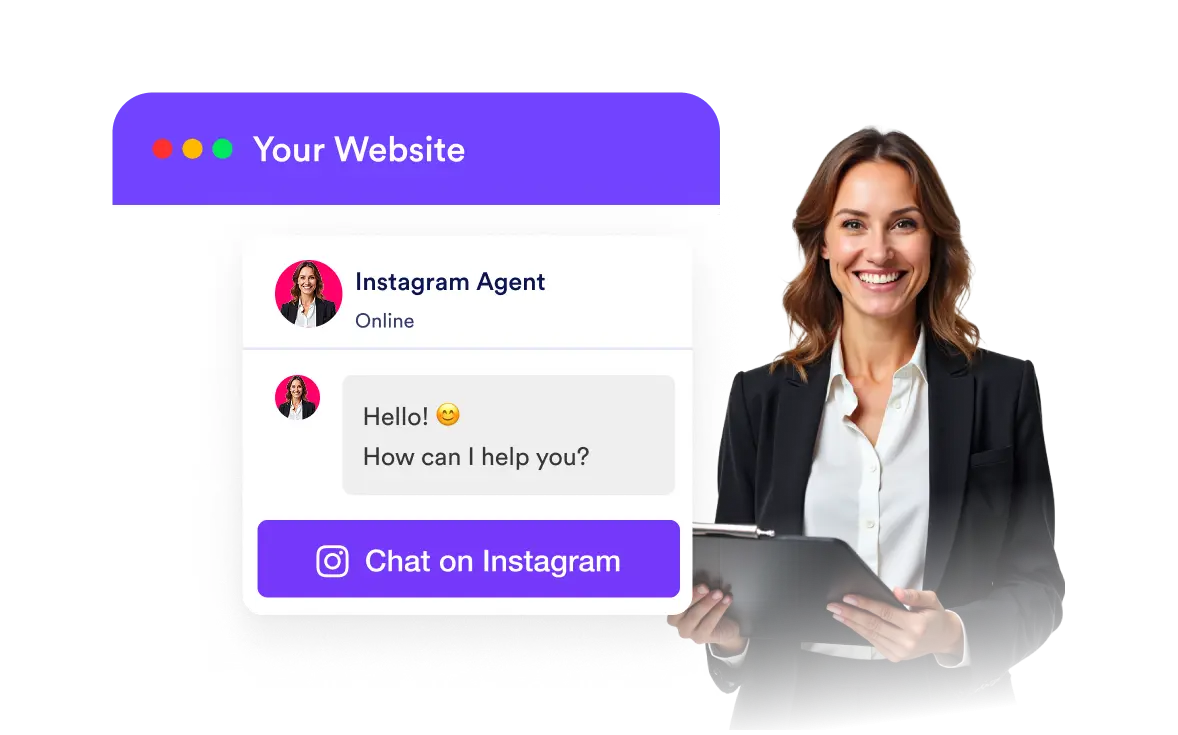
Not everyone wants to manage a chatbot on their website. With the Instagram AI Agent embed, you can offer seamless messaging without extra tools or platforms. Visitors can quickly start conversations on Instagram, keeping all interactions in one place while you maintain your brand’s personal touch.
Two Simple Embed Options to Fit Your Website
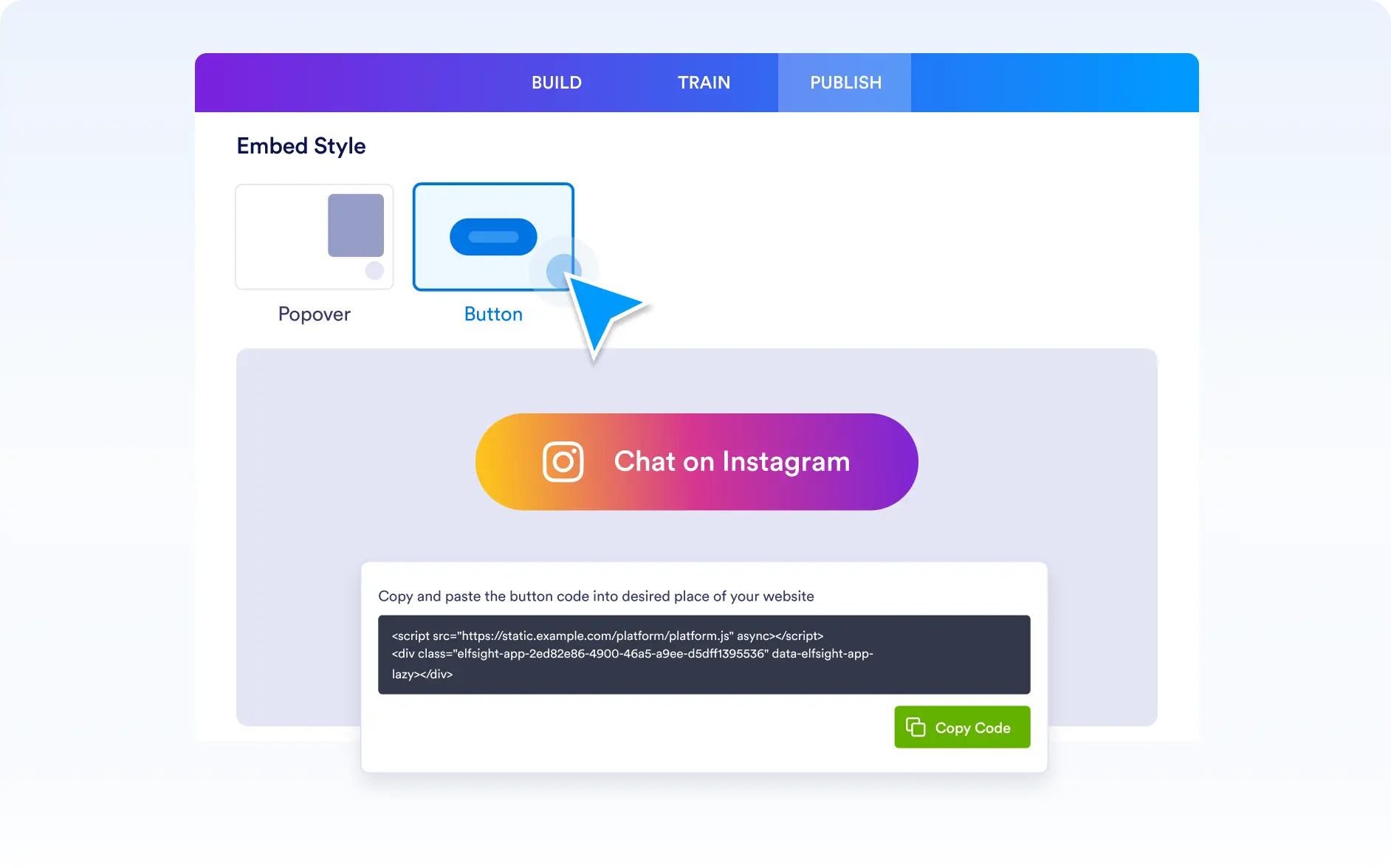
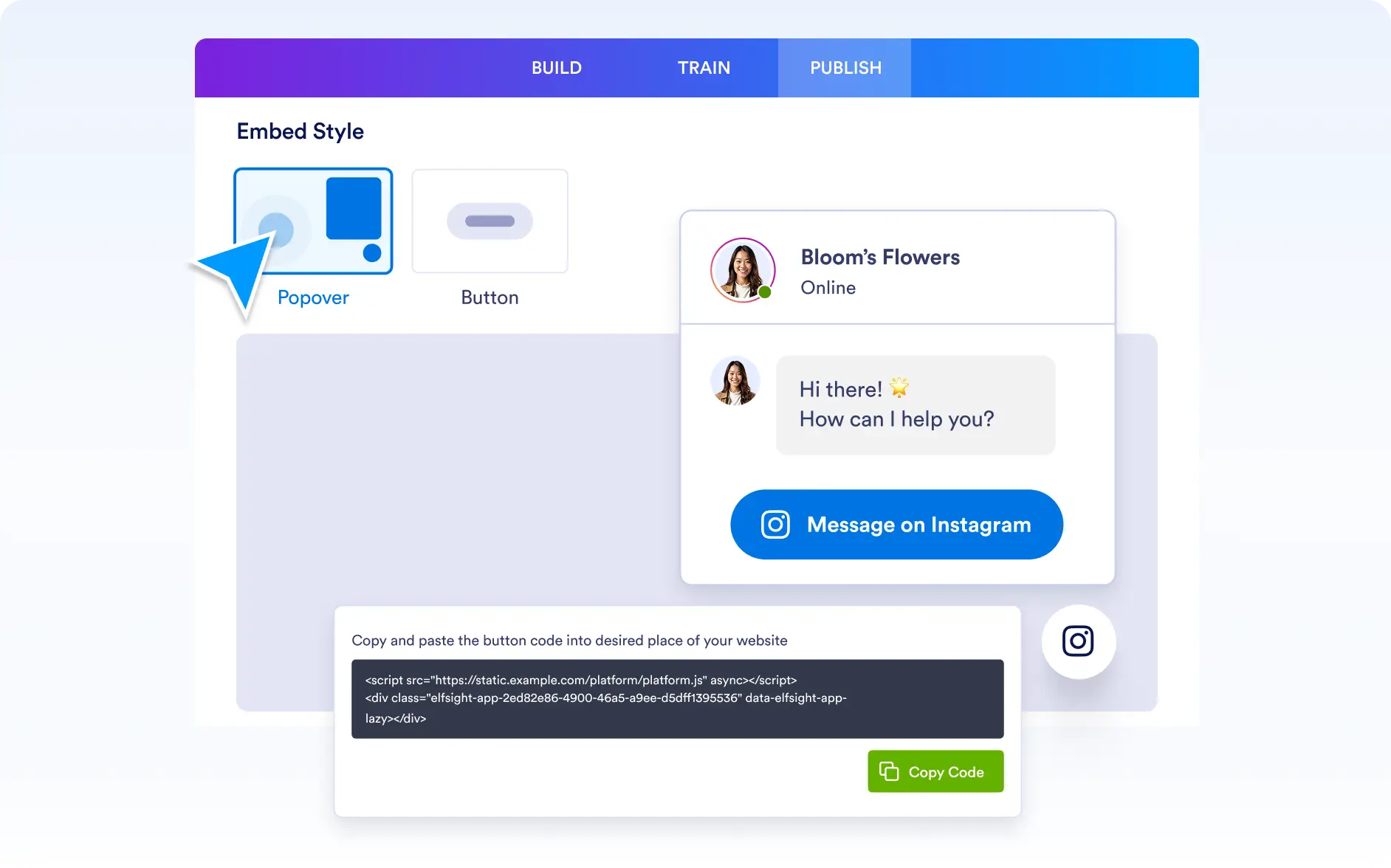
You have two easy ways to add the AI agent to your site. The pop over displays a round Instagram icon that, when clicked, opens a friendly dialog box with a greeting and a “Message on Instagram” button. Clicking that button takes visitors straight to Instagram to start chatting. The message button adds a simple clickable button on your site that directs users instantly to your Instagram messages. Both options let you offer quick access to your Instagram presence without managing chat directly on your website.
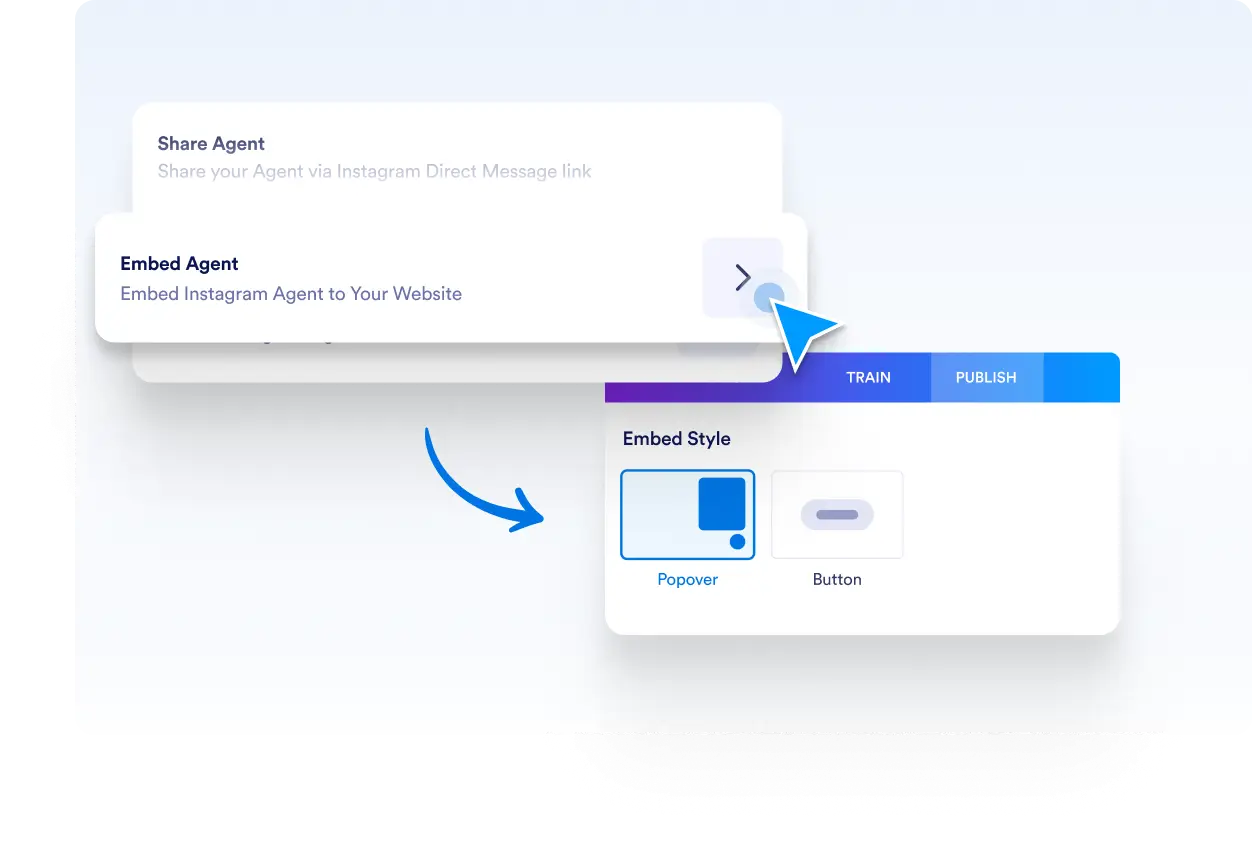
Pop Over Embed
The pop over creates a sleek, round Instagram icon that stays visible on your website. When visitors click it, a dialog box gently appears with a warm greeting and a clear call-to-action button labeled “Message on Instagram.” This approach is perfect for sites that want a polished, interactive prompt encouraging visitors to reach out via Instagram.
Message Button Embed
The message button is a straightforward clickable button placed anywhere on your website. When clicked, it immediately redirects users to your Instagram messaging page. It’s a minimal and clean solution for businesses that want to offer direct Instagram contact without additional pop-ups or dialogs.