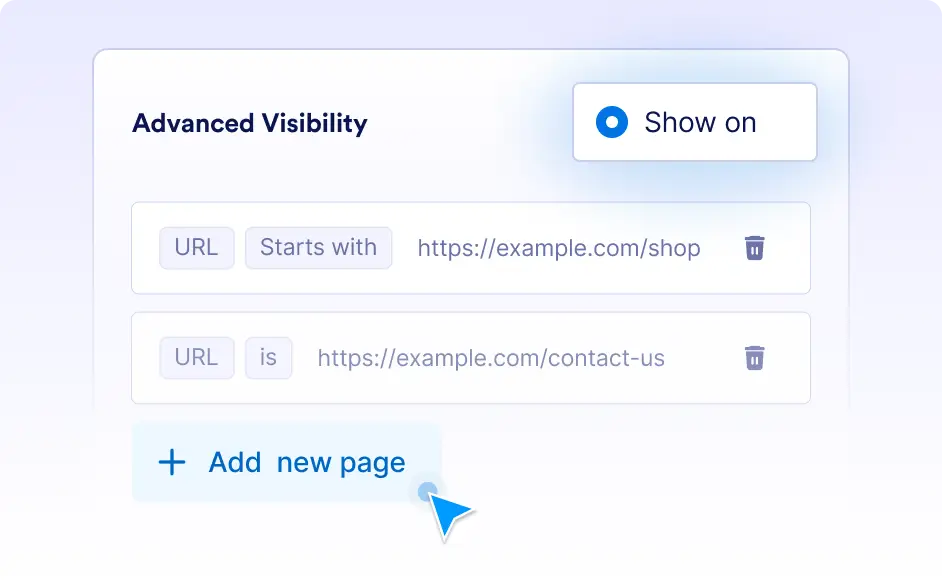
Advanced Visibility
Take complete control over your chatbot's presence across your WordPress website. With Jotform AI Chatbot for WordPress, ensure visitors get help when and where they need it most. Create targeted interactions, better user experiences, and higher engagement rates by putting your chatbot in all the right places.
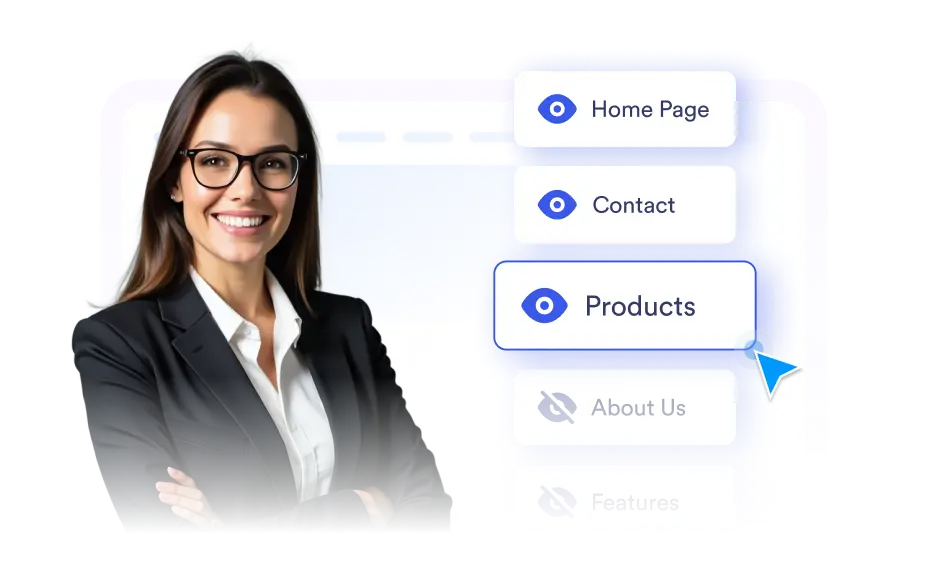
Take control of your chatbot’s presence with Advanced Visibility. Deliver smarter placement, focused engagement, and a better visitor experience every time.
Smarter, Targeted, and User-Friendly Visibility
Advanced Visibility gives you complete control over where your chatbot appears. Decide which pages or URLs to show it on, and hide it where it’s not needed. This keeps conversations relevant, reduces clutter, and ensures visitors always get support at the right moment.
Smart Page Targeting That Actually Works
Choose exactly which pages show your AI chatbot and which ones don't. Whether you want it on your homepage, product pages, or contact forms, you have complete control.
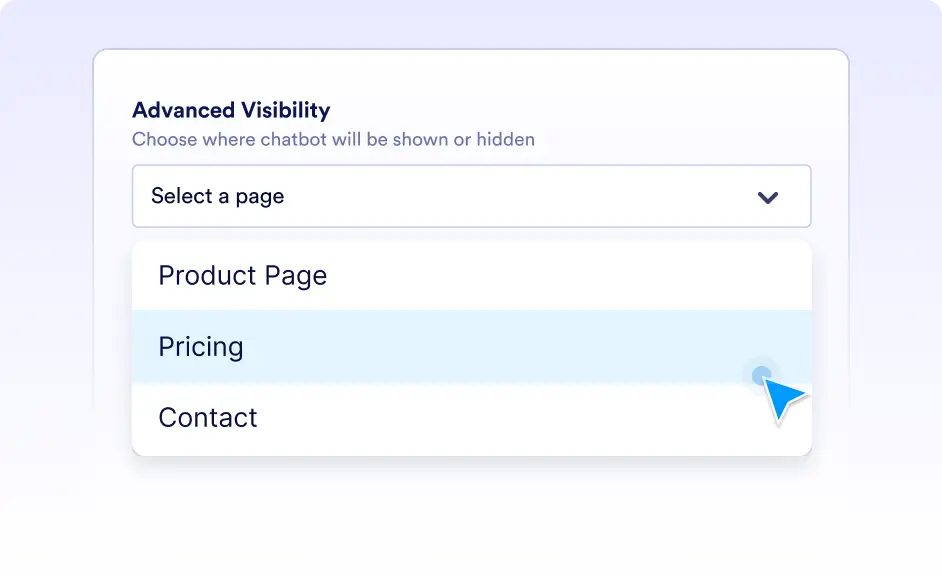
Keep Your Professional Pages Clean
Some pages work better without a chatbot popup - like thank you pages, checkout confirmations, or internal company pages. Advanced Visibility lets you hide your AI assistant on specific URLs or page types, maintaining a professional appearance where it matters most while still providing support everywhere else.
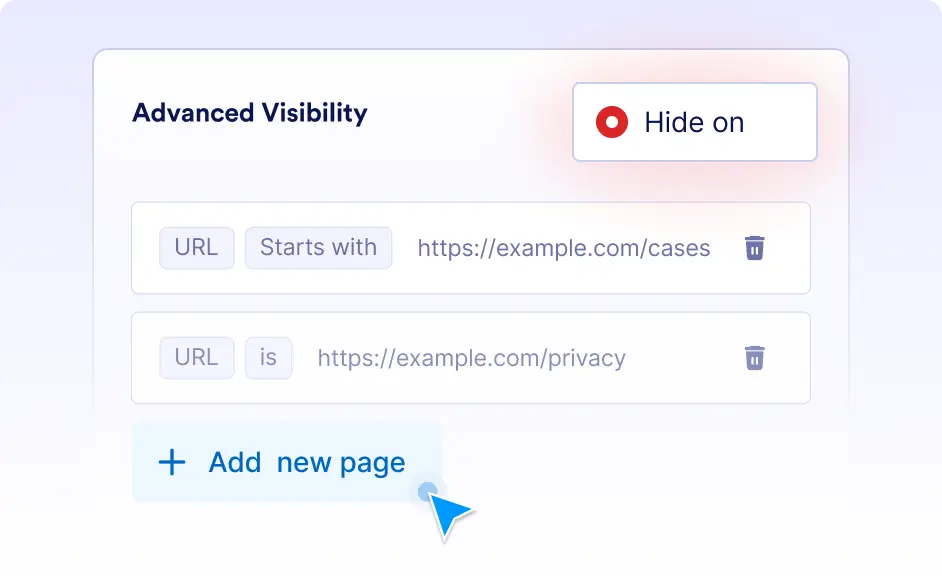
Put Help Where People Actually Need It
Instead of showing your chatbot everywhere, place it strategically on high-traffic pages where visitors typically have questions. Target your pricing pages, product catalogs, or FAQ sections to catch people when they're most likely to need assistance.