Layout control makes it easy to customize how your visitors interact with your chatbot. With just a few clicks, you can adjust its appearance, position, and behavior to match your website’s design and flow.
Complete Control Over Chatbot Layout
Customize how your chatbot looks, where it appears, and when it opens. With flexible layout control, you create an experience that fits seamlessly into your website.
Flexible Appearance Options
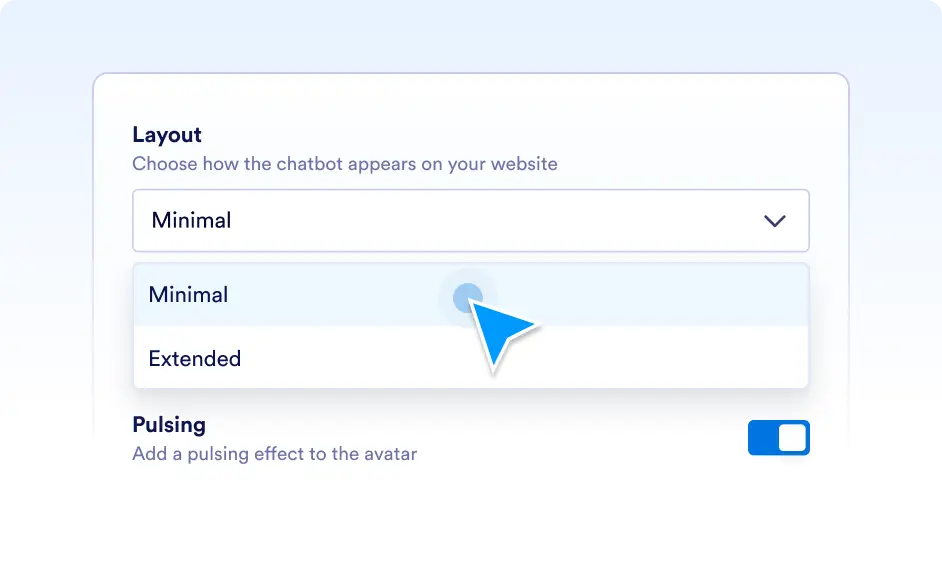
You can decide how your chatbot looks on your website. Choose between a minimal or more visible layout, add a pulsing effect to draw attention, and create a presence that feels right for your brand.
Perfect Placement Every Time
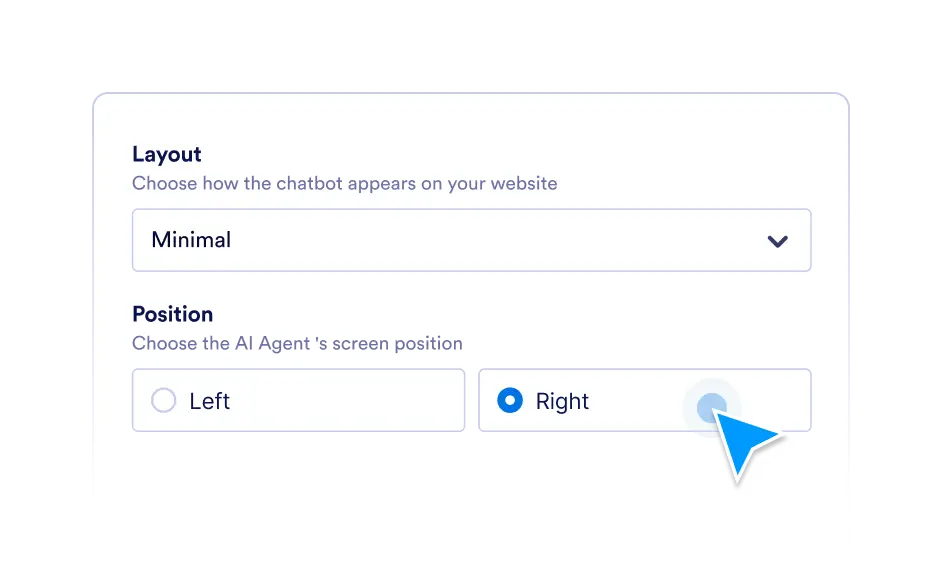
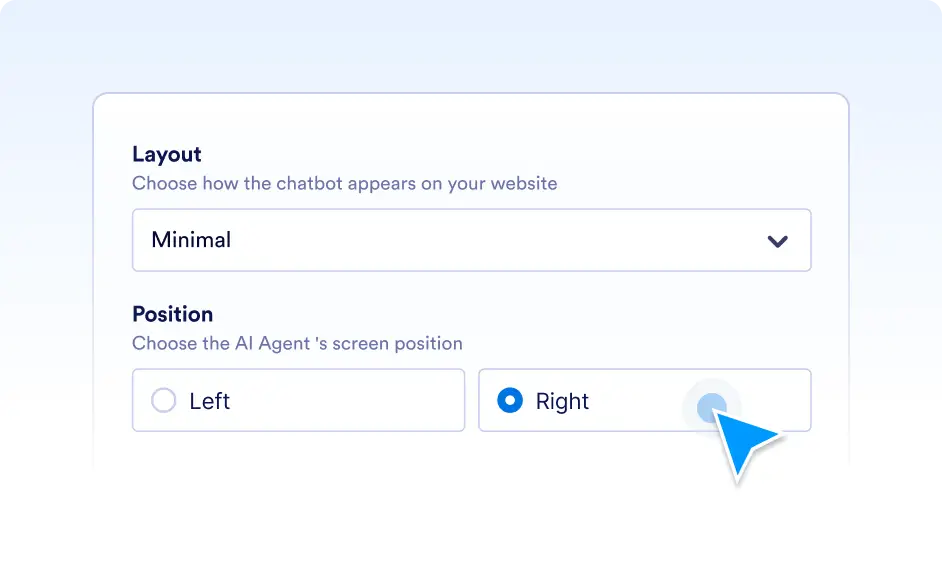
With layout control, you don’t need to compromise on design. Simply set the chatbot on the left or right side of the screen, ensuring it complements your site’s layout and feels natural for your visitors.
Control When It Opens
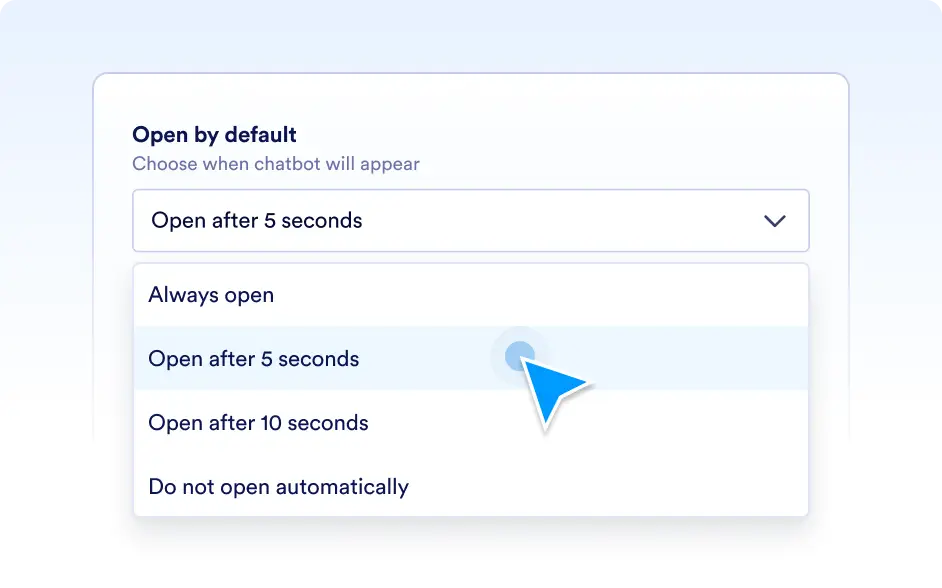
You get to choose how proactive your chatbot should be. Whether you prefer it to stay closed until clicked, or open automatically to greet visitors, layout control makes it easy to tailor the timing to your audience’s needs.