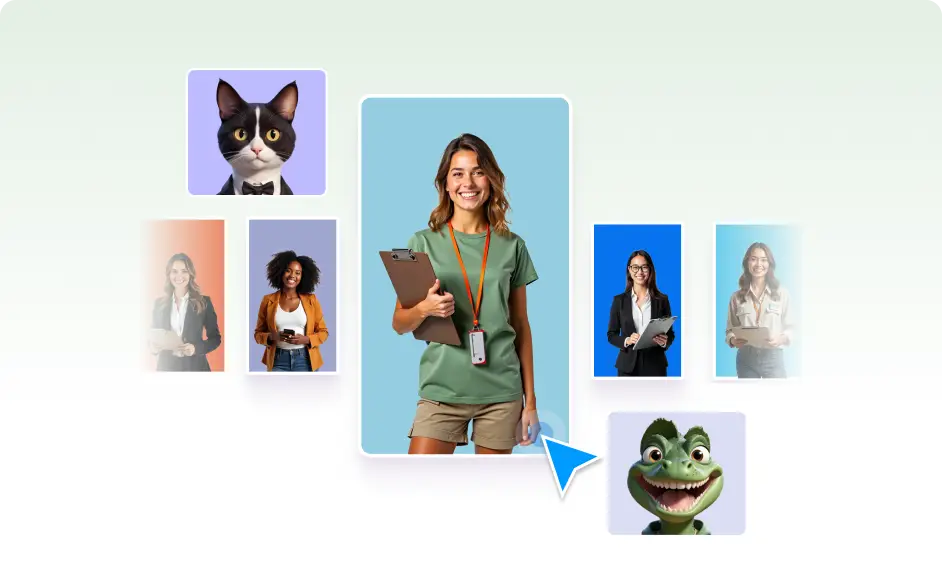
Adjust appearance, layout, and design elements to fit your WordPress theme. Deliver on-brand experiences, professional design, and stronger visitor trust every time.
A Look That Matches Your Brand
Agent Style gives you complete control over how your chatbot appears on your WordPress site. By customizing colors, fonts, avatars, and layout, you create a consistent design that feels natural for your visitors and reinforces your brand identity.
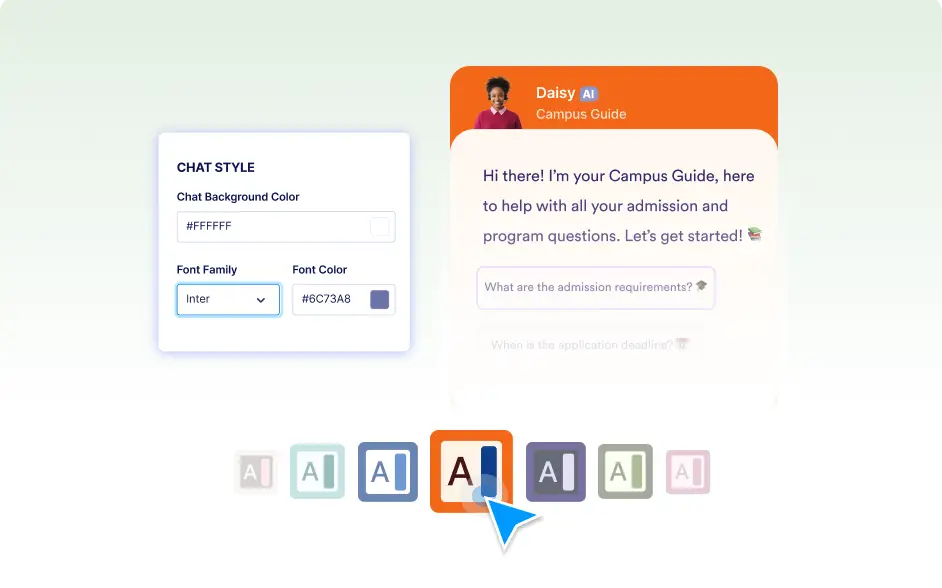
Color & Font Control
Choose colors and typography that match your site. Keep your chatbot visually consistent with your brand identity for a seamless experience.
Layout Customization
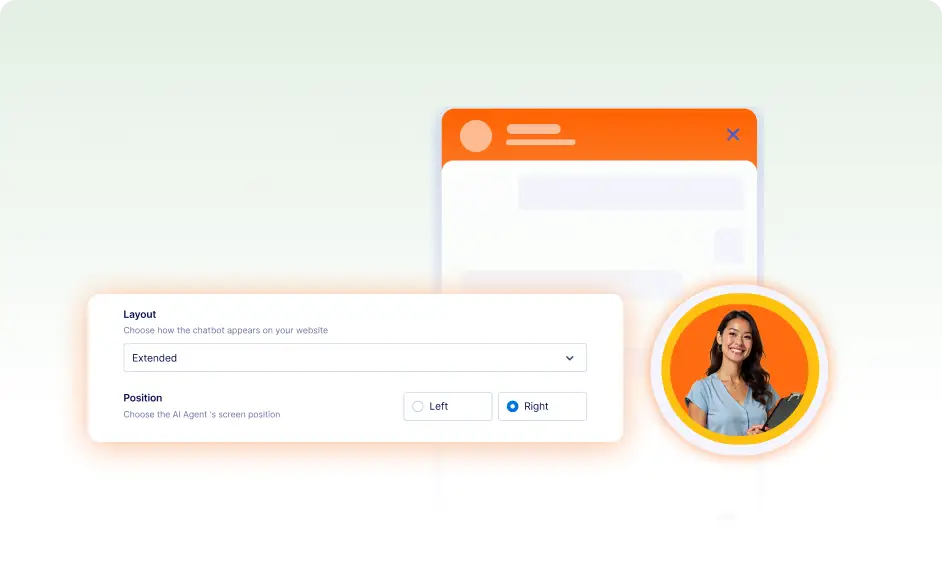
Decide where your chatbot appears and how it’s displayed. Adjust positioning and size to make it easy to access without overwhelming the page.
Avatar & Visual Elements
Add a personal touch with a custom avatar and visual details. These small style choices help your chatbot feel friendly and approachable.