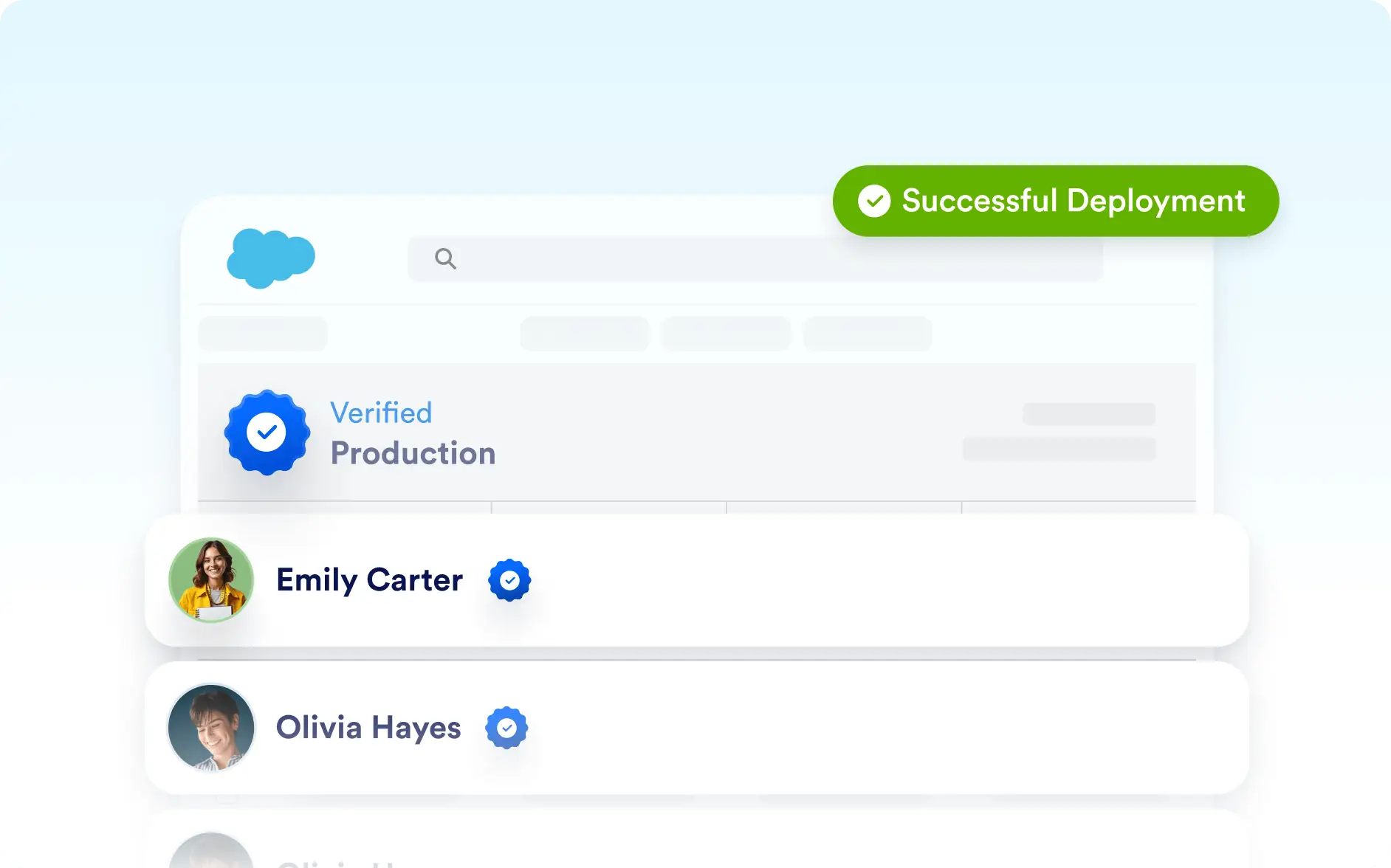
Connect Your Salesforce AI Agent to Sandbox or Production
While connecting your Salesforce account, you can choose between Sandbox and Production environments. This gives you the flexibility to safely test your AI Agent’s features in a Sandbox before deploying it live in Production.
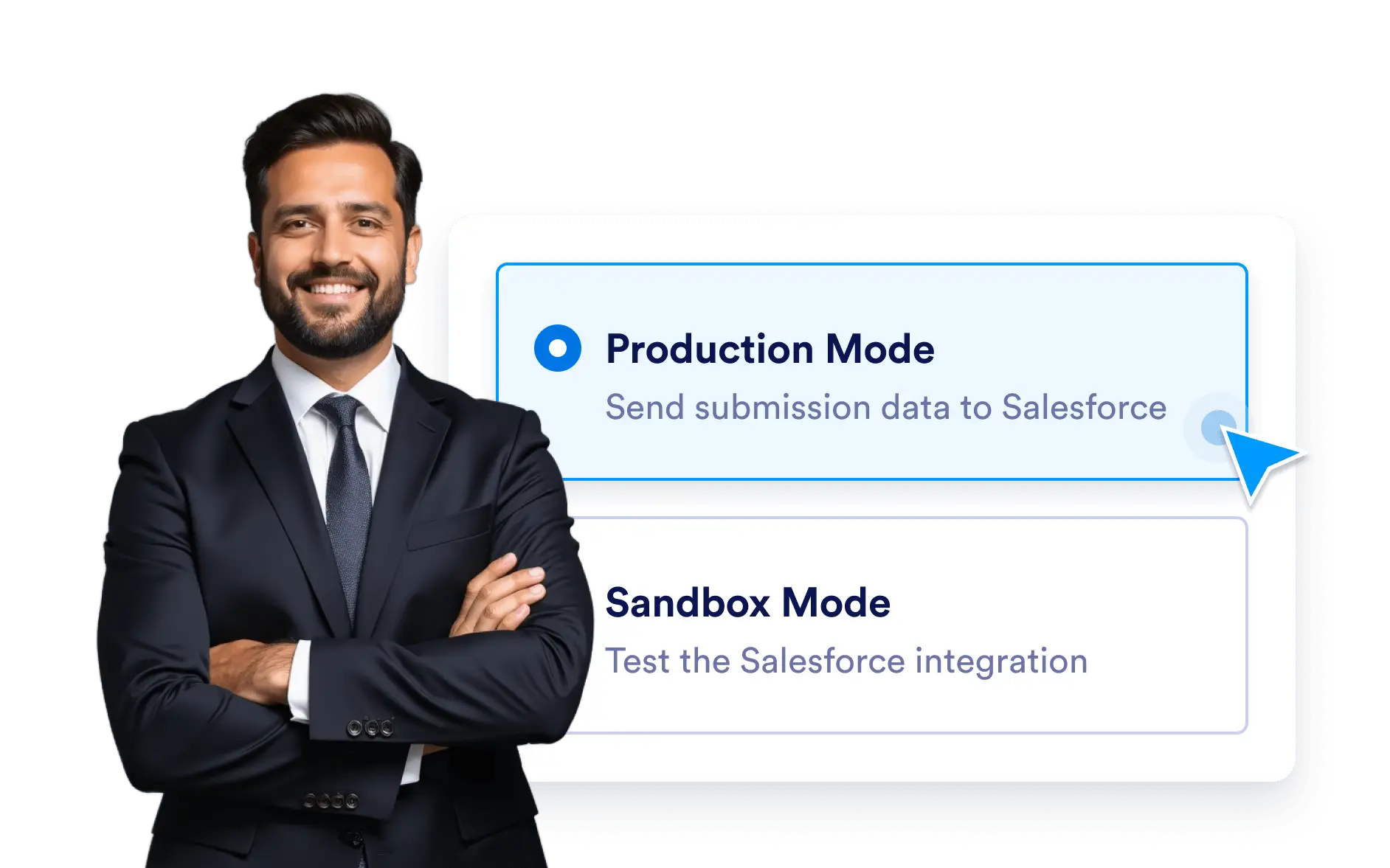
Ensure your Salesforce AI Agent works exactly as intended. Start by testing in Sandbox, then confidently switch to Production once your setup is ready to go live.
Flexible Environment Setup
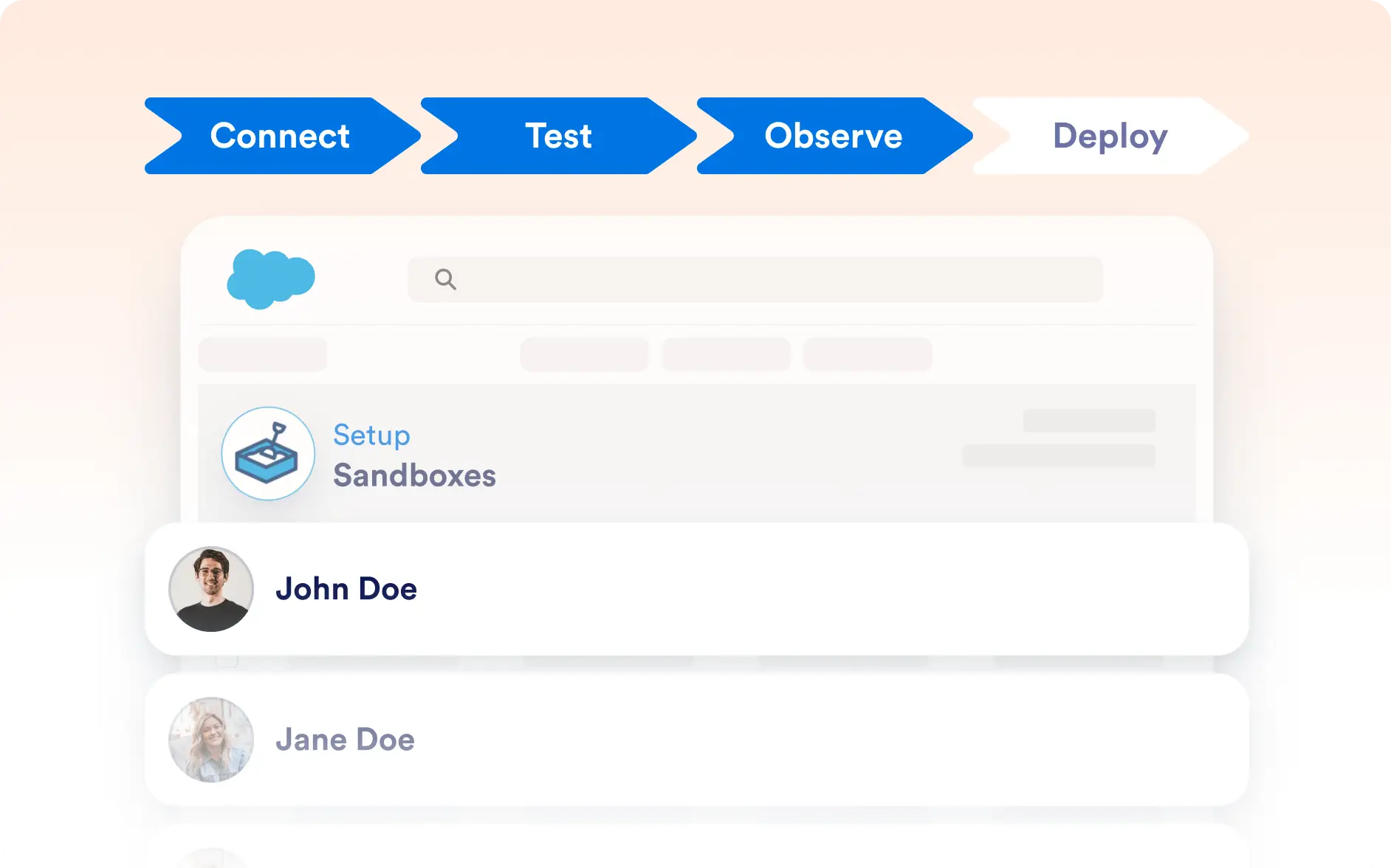
Jotform’s Salesforce AI Agent lets you connect to either Sandbox or Production environments with ease. Test and refine your agent in Sandbox to verify its functionality, then deploy it to Production for real customer interactions.
Test Safely in Sandbox
Connect your agent to Salesforce Sandbox to simulate real scenarios and confirm your workflows without affecting your live data.
Deploy Confidently to Production
Once your AI Agent is ready, switch to Salesforce Production and launch it for real customer conversations—knowing everything has been tested in advance.