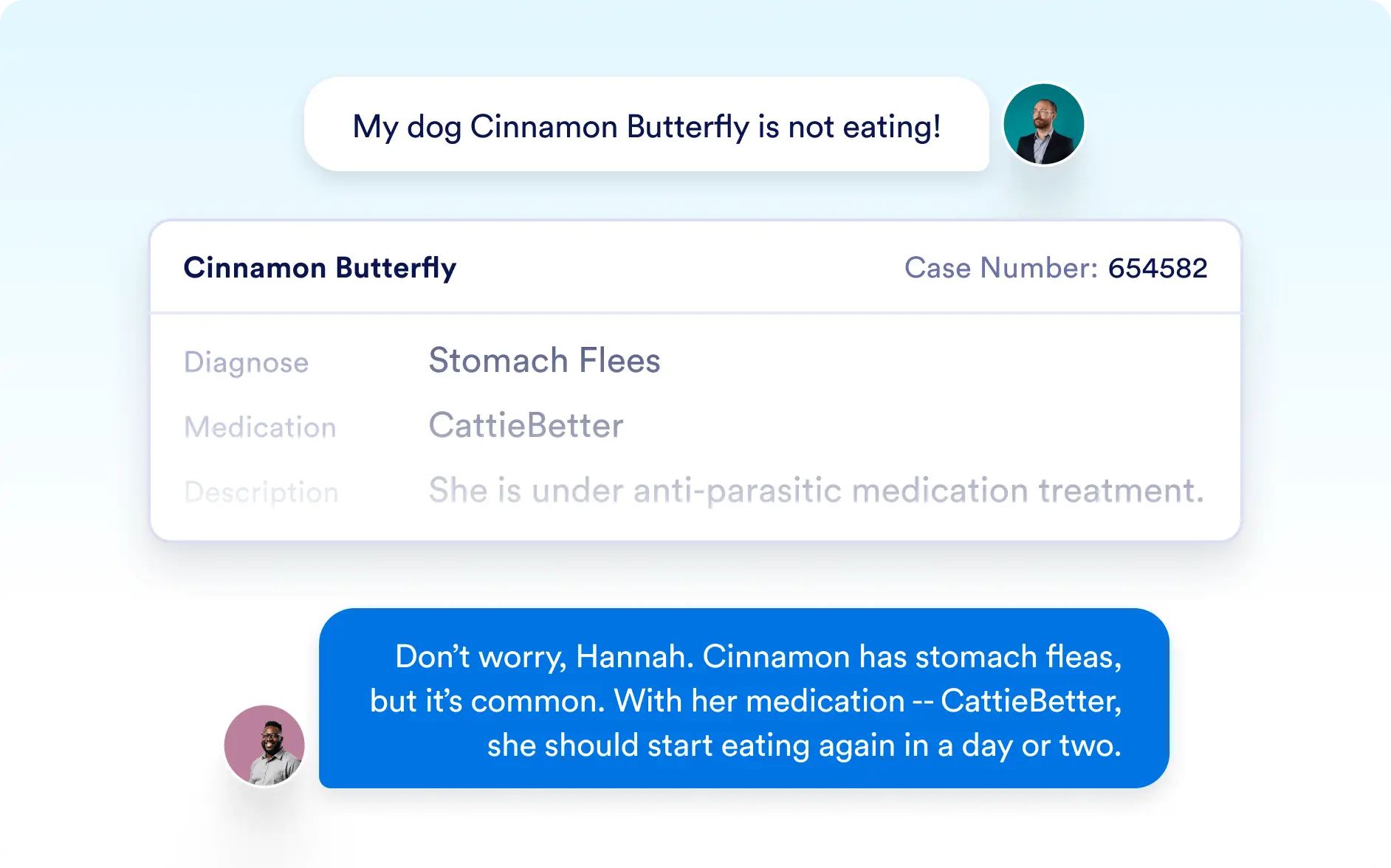
Get Record
With Jotform’s Salesforce AI Agent, you can use the Get Record action to quickly retrieve Salesforce records based on conversation inputs, static values, or another action’s result. By matching data from the user’s message to any Salesforce record field, your agent can identify the correct record and use it for providing answers or linking related records across actions.
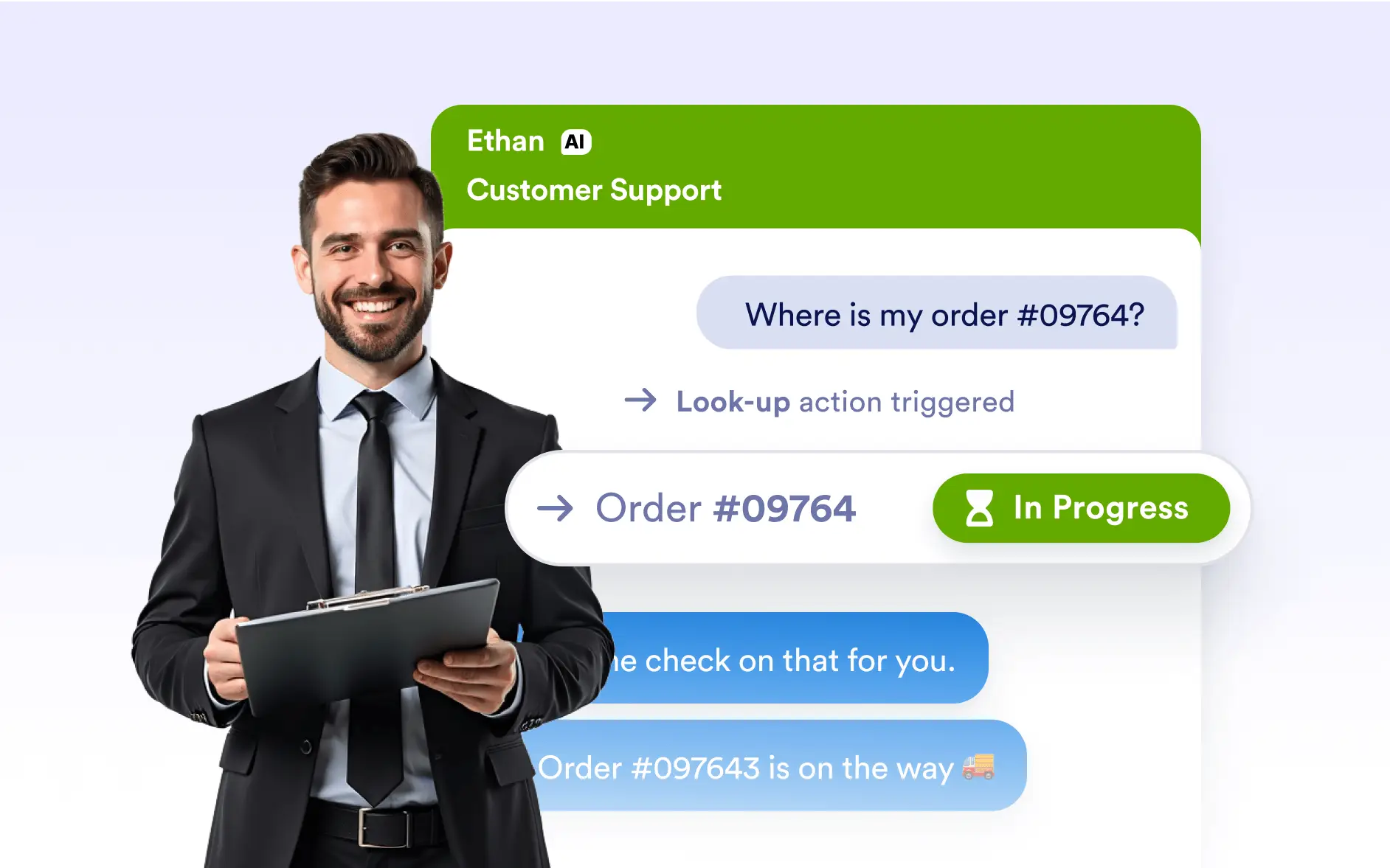
Power up your Salesforce AI Agent with record lookups. Match user inputs to Salesforce fields, fetch the right records instantly, and use them to deliver accurate answers or seamlessly connect related records.
Intelligent Record Retrieval
The Get Record action makes it simple to find the exact Salesforce record you need. Using Lookup Fields, your agent matches conversation data to Salesforce fields—like email, phone number, or ID—and retrieves the right record. From there, the record can be used to respond with details, or linked into follow-up actions such as creating or updating related records.
Match User Data to Salesforce Records
Use Lookup Fields to match details from the user’s conversation—such as name, email, or custom field values—directly to Salesforce records. This ensures precise and reliable record retrieval every time.
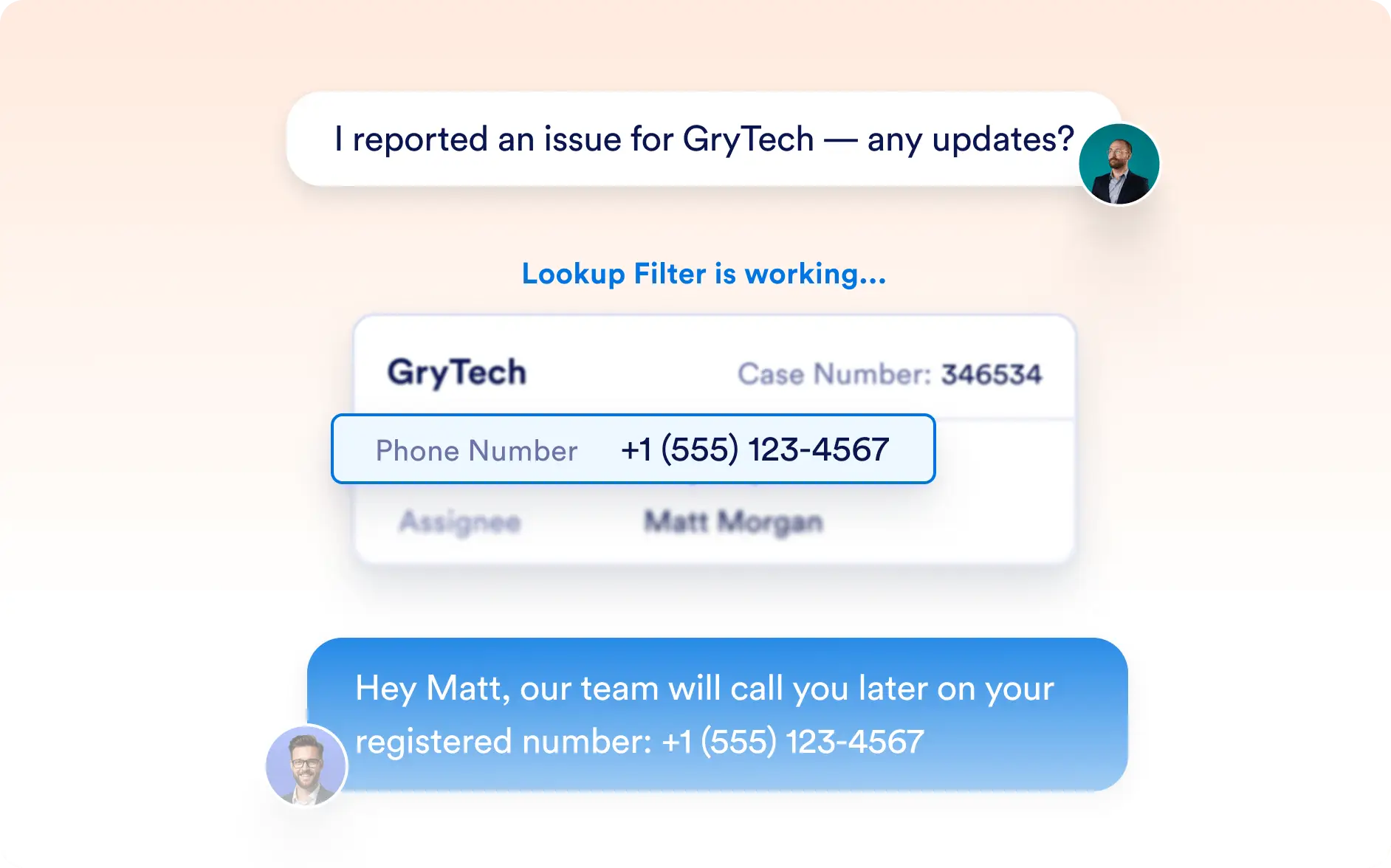
Use Records in Conversations or Actions
Once retrieved, your Salesforce record can be used to provide users with accurate information in real time or to power other actions, like connecting related records through updates or creations.