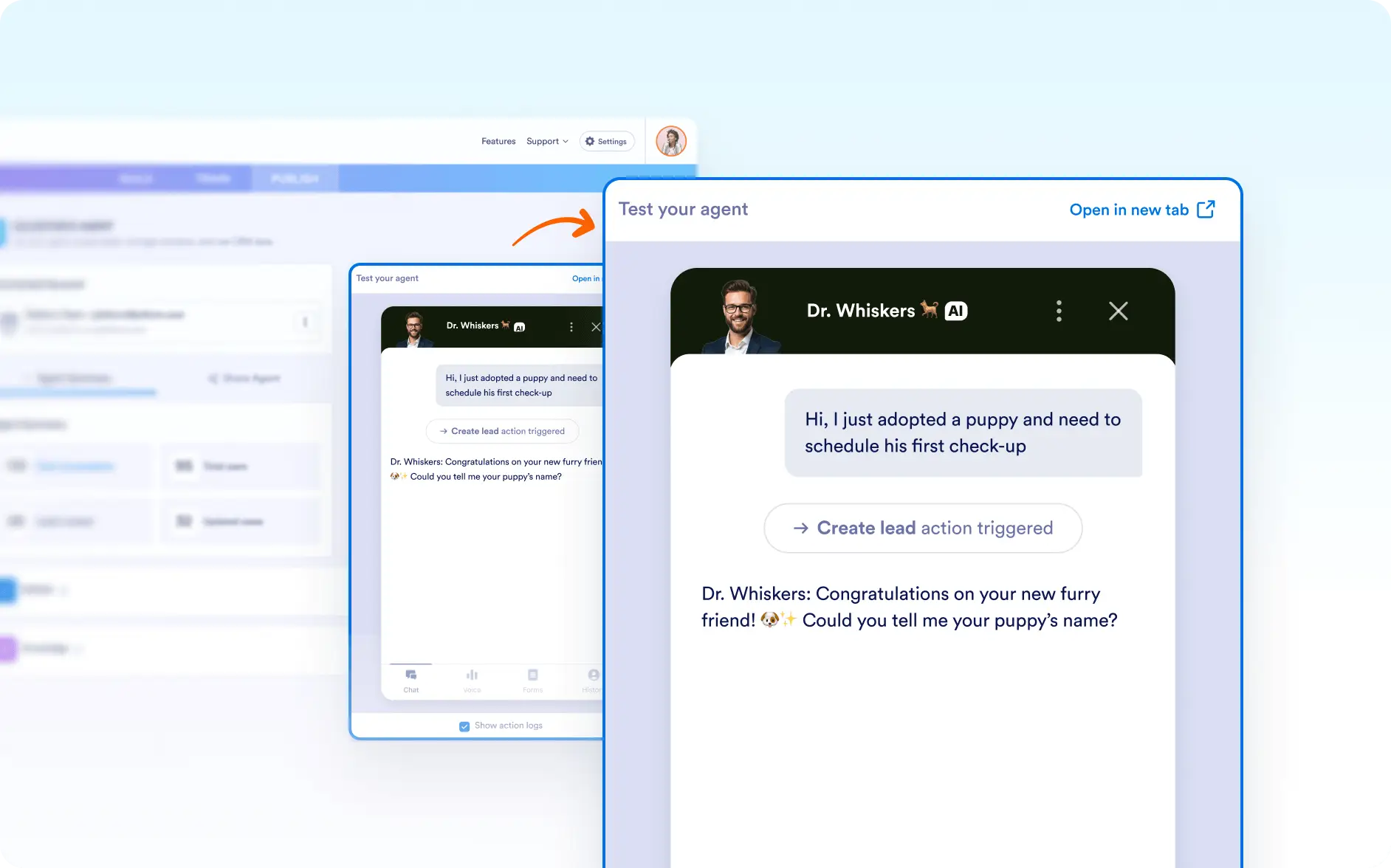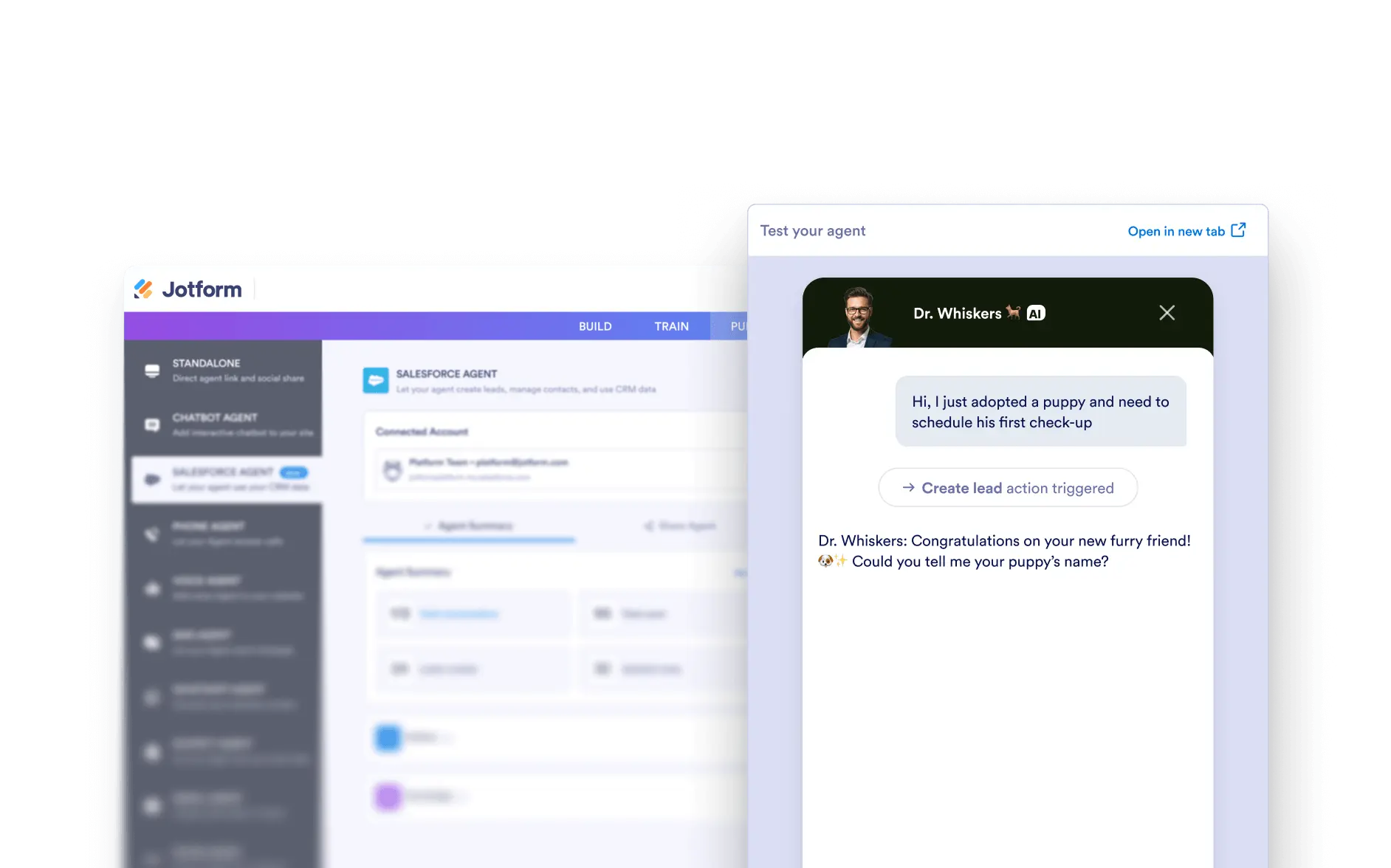
Experience your AI Agent exactly as your users will. Test chat or voice interactions, check connected forms, and review conversation history in real time to ensure everything works seamlessly.
Agent Preview & Testing
Ensure your AI Agent is performing just as intended with a built-in preview and testing environment. From simulating real conversations to reviewing form submissions, Jotform’s Salesforce AI Agent gives you everything you need to fine-tune your setup before going live.
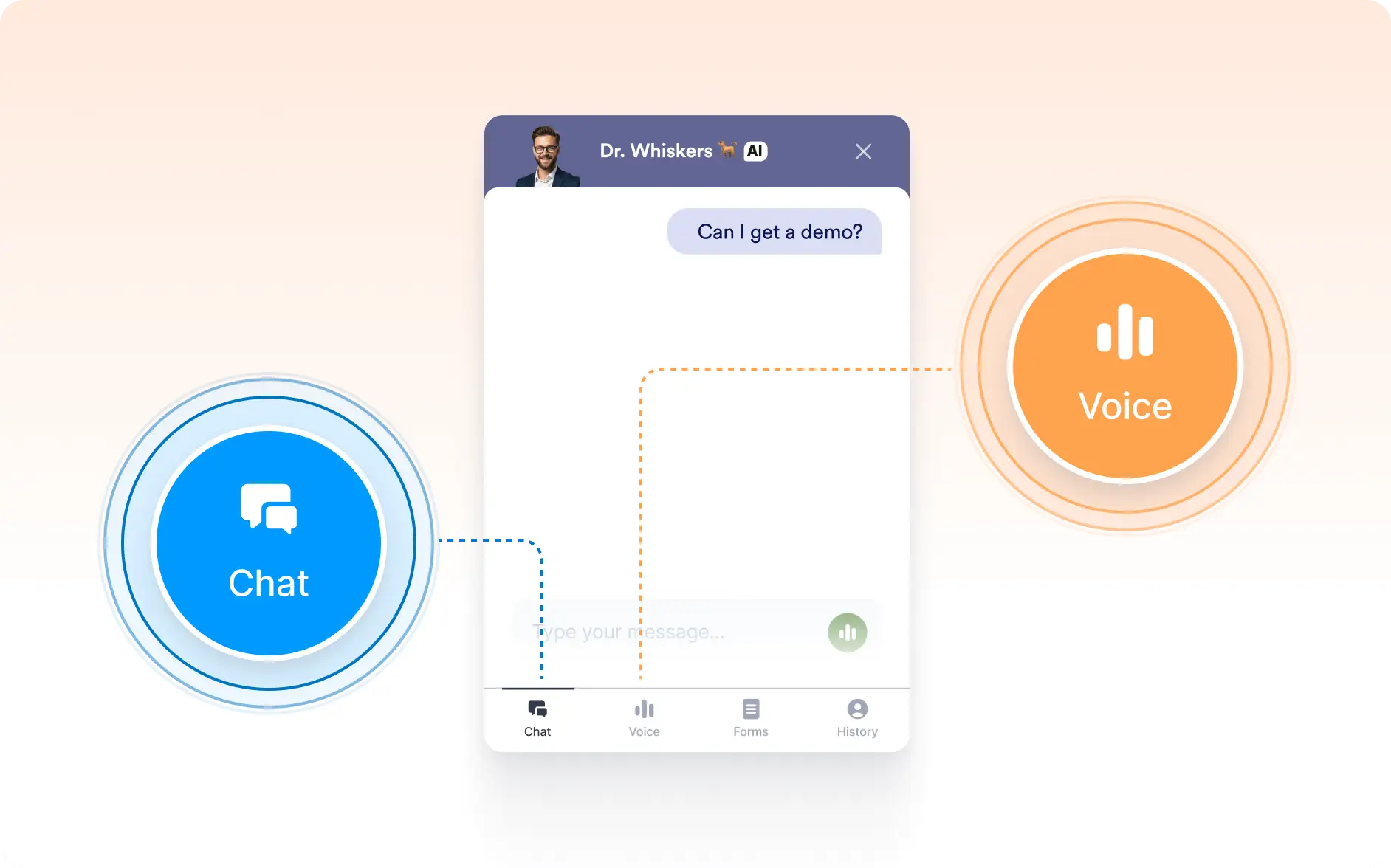
Switch Between Chat and Voice Testing
Test your AI Agent through both text-based chat and voice conversations to experience its full interaction capabilities.
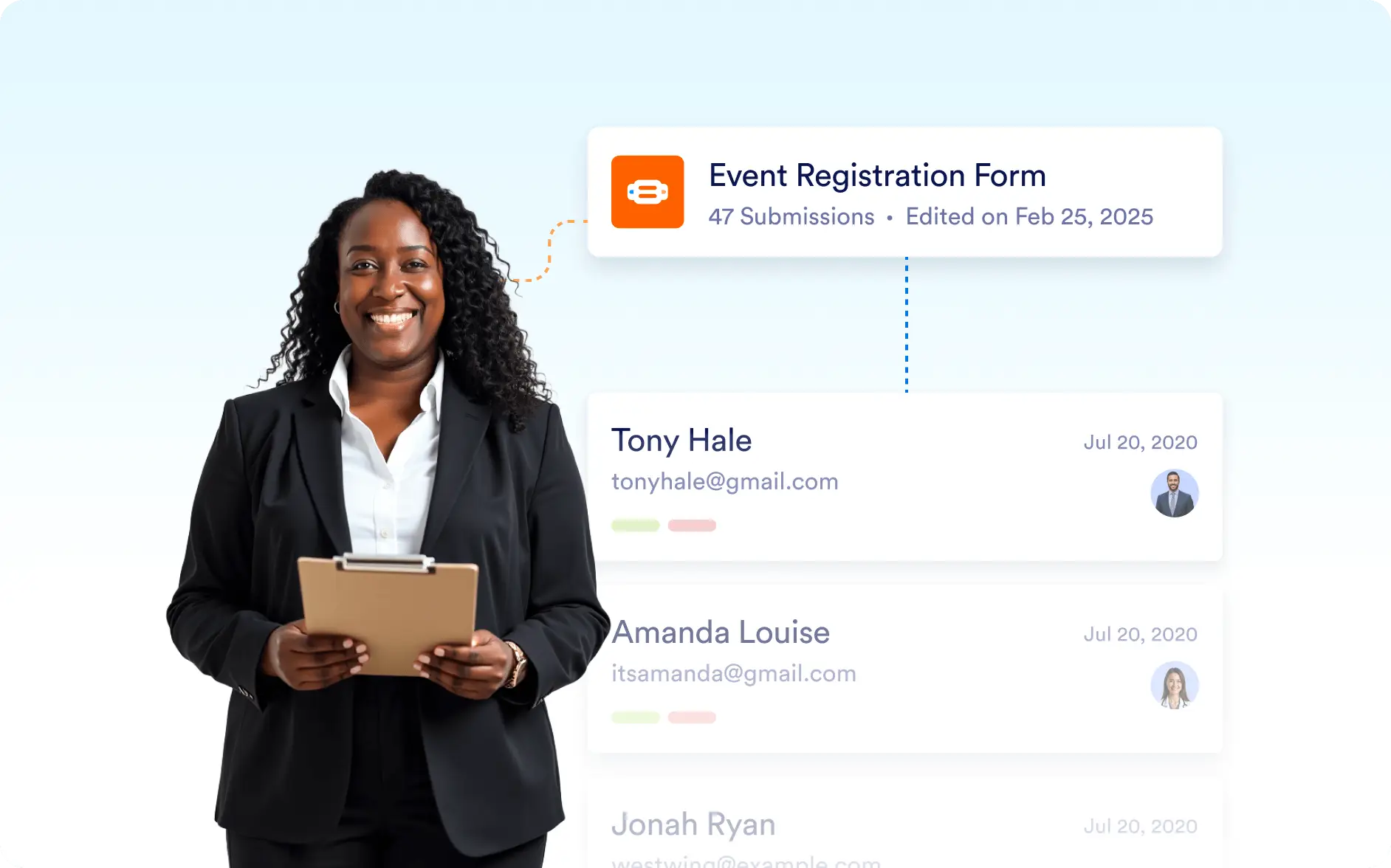
View Connected Forms and Submissions
Instantly see the forms linked to your AI Agent and access user submissions created during test conversations.
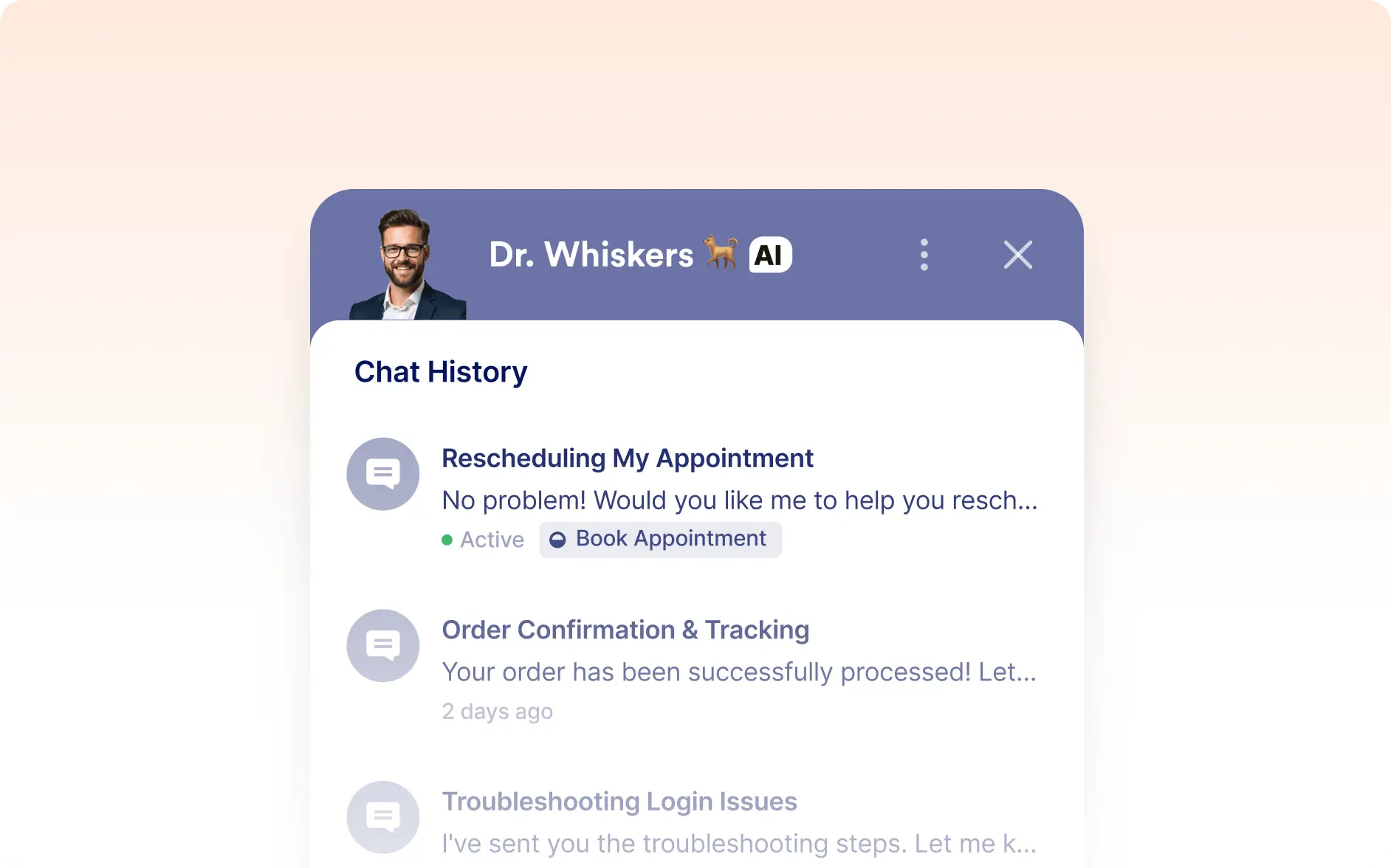
Access Conversation History
Review past interactions from the History view to track your agent’s performance and refine workflows.
Real-Time Agent Preview
Interact with your AI Agent exactly as your users would, making it easy to validate and optimize before deployment.