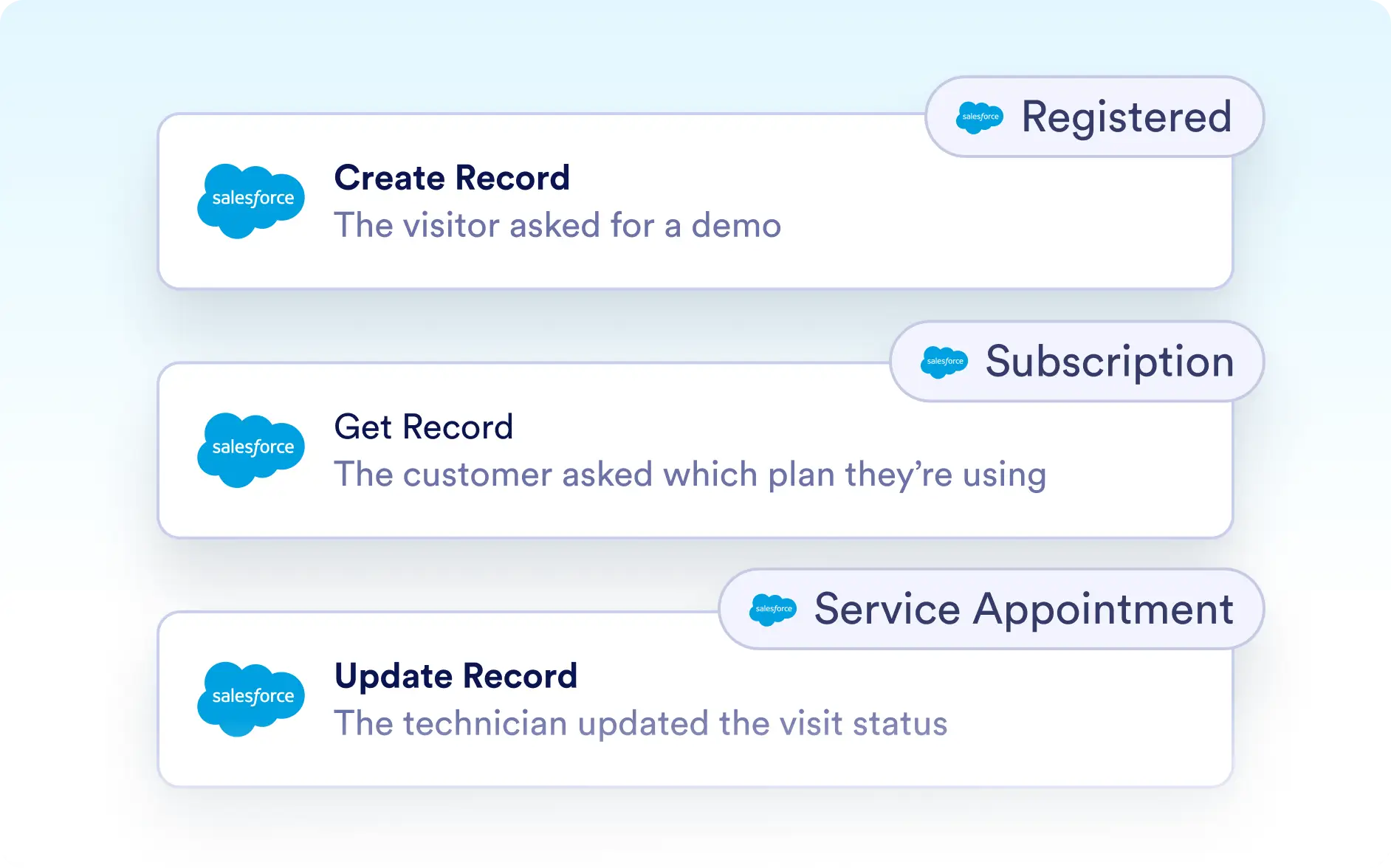
Manage and Organize All Your Salesforce Agent Actions
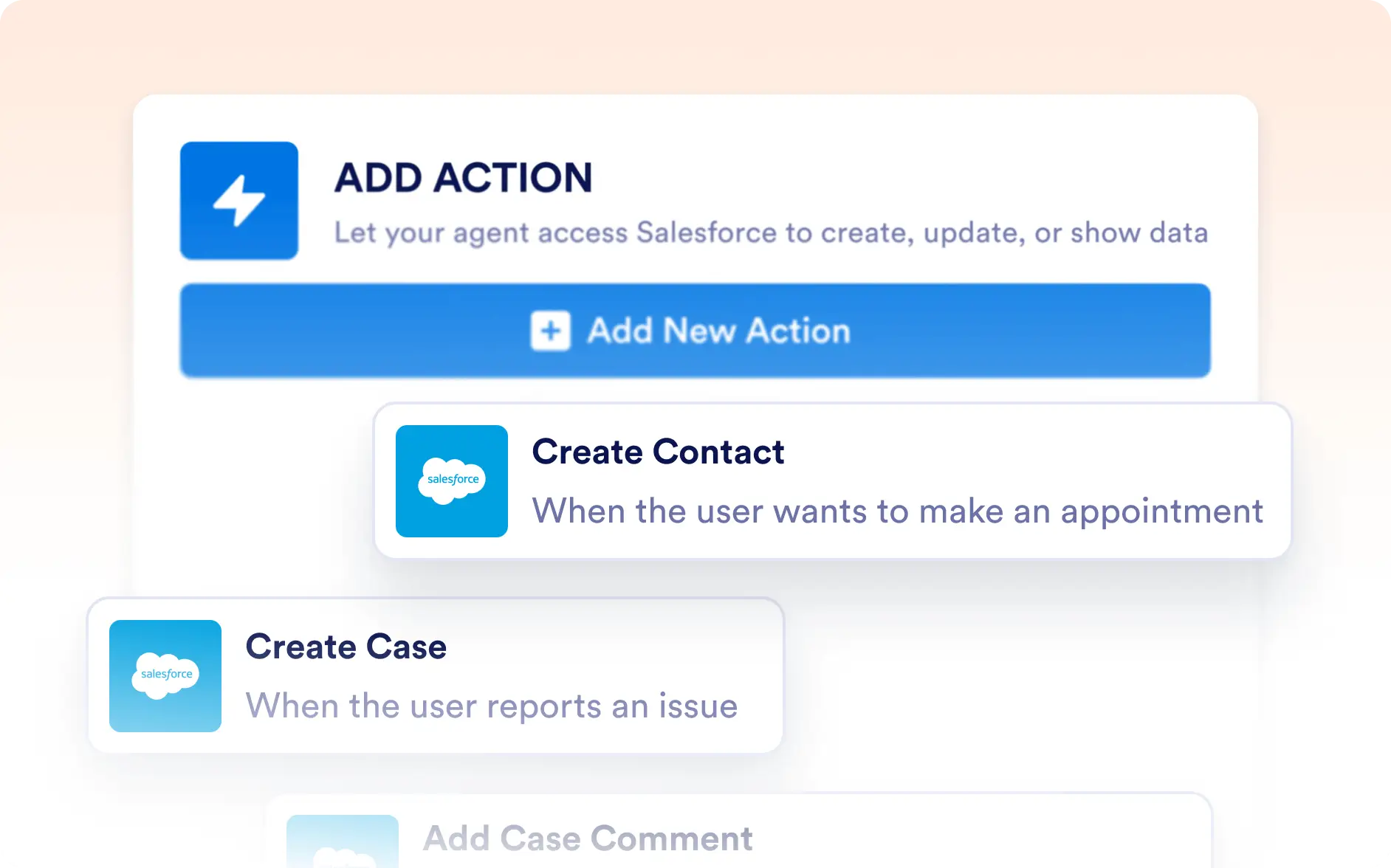
Stay in control of your Salesforce Agent with a clear overview of every action you’ve created. From this details menu, you can review existing actions, add new ones, and easily identify custom-object actions with labeled badges.

Keep your Salesforce Agent organized with a dedicated actions menu. Quickly view, add, or update actions—and instantly recognize custom-object actions with clear badges for seamless management.
Centralized Action Management
The Salesforce Agent Actions details menu gives you one place to manage all your agents' actions. Review every action that’s already been created, add new ones when needed, and easily spot custom-object actions with badges that display the object name.
View and Add Actions Easily
Access a full list of previously created actions or add new ones directly from the details menu—making it simple to adjust your agent’s capabilities at any time.
Identify Custom-Object Actions with Badges
Custom-object actions are clearly marked with badges showing the object name, so you can quickly recognize and manage them without confusion.