Manage and Expand Your AI Agent’s Knowledge Base
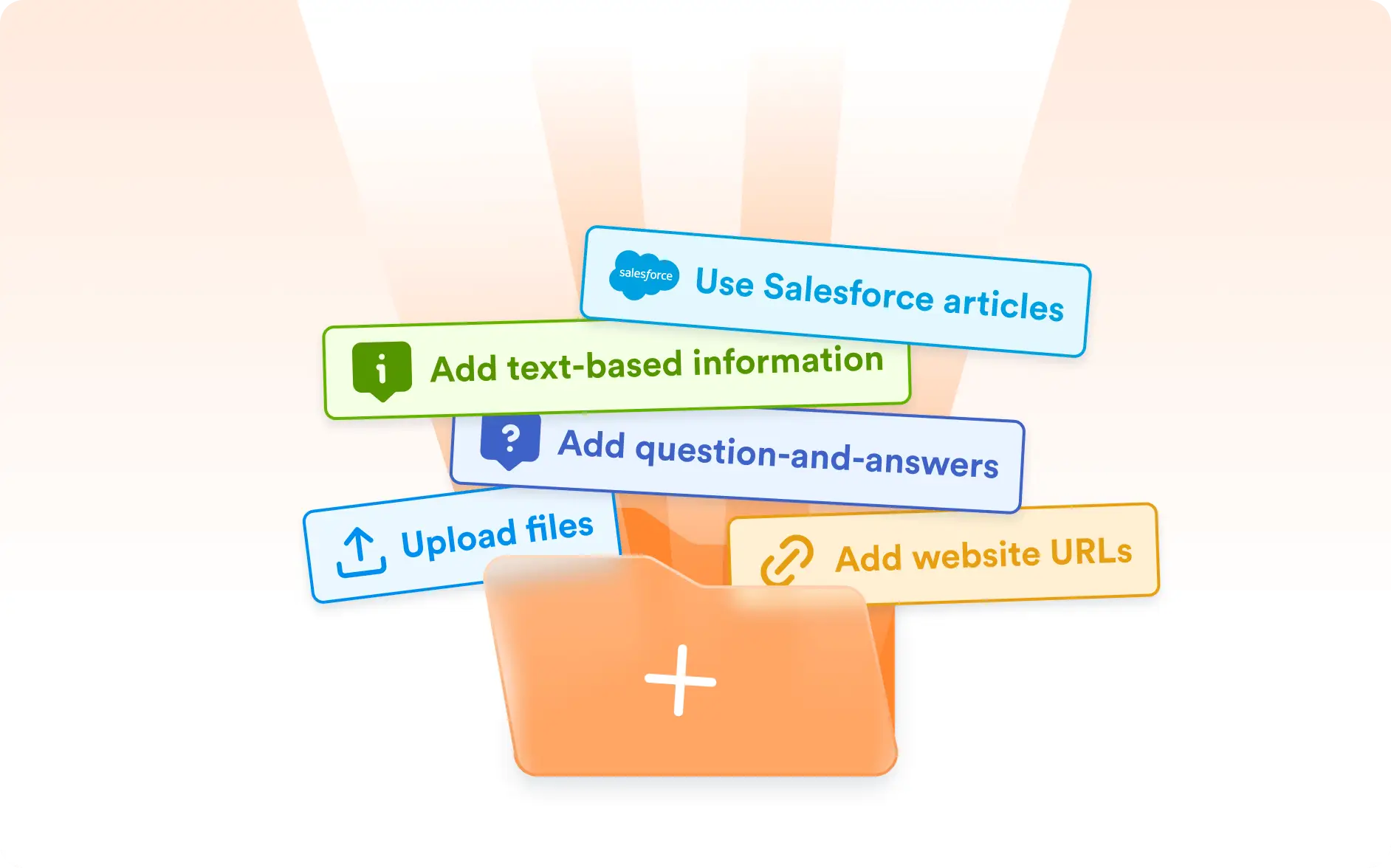
Keep your Salesforce Agent’s knowledge base up to date with ease. From the Knowledge details menu, you can view all previously added Salesforce Knowledge articles, add new ones, and enrich your agent with multiple types of knowledge sources like links, files, or Q&A entries.

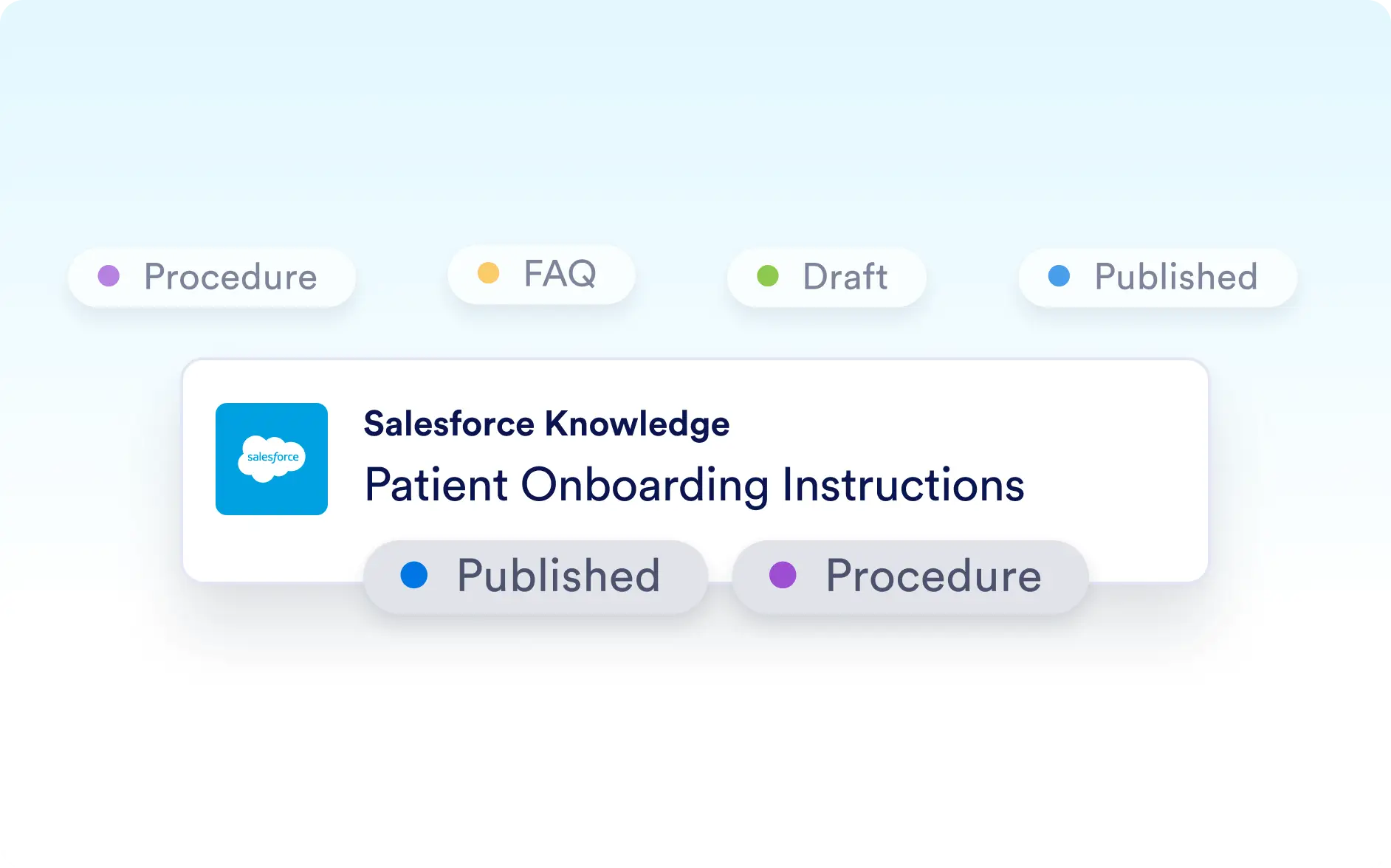
Give your AI Agent the right information at the right time. Manage Salesforce Knowledge articles alongside other content types and clearly see their status and category with tags—ensuring your agent always has , ready-to-use knowledge.
Flexible Knowledge Management
The Salesforce Agent Knowledge details menu helps you centralize and organize everything your AI Agent knows. Whether you’re pulling in Salesforce Knowledge articles or adding other resources like links, files, or Q&As, your agent can access accurate and updated information to better assist your users. Knowledge articles are clearly labeled with type and status tags—making it simple to track whether an article is a FAQ, procedure, or still in draft mode according to Salesforce Knowledge.
View and Add Knowledge Easily
Access a complete list of Salesforce Knowledge articles or add new ones to your agent. You can also enrich your agent with generic knowledge, including links, files, and Q&As.
Clear Knowledge Categorization
Each Salesforce Knowledge article comes with tags that show its type (FAQ, Procedure, etc.) and status (Published, Draft). This gives you full visibility into your knowledge base and ensures your agent always references the right version.