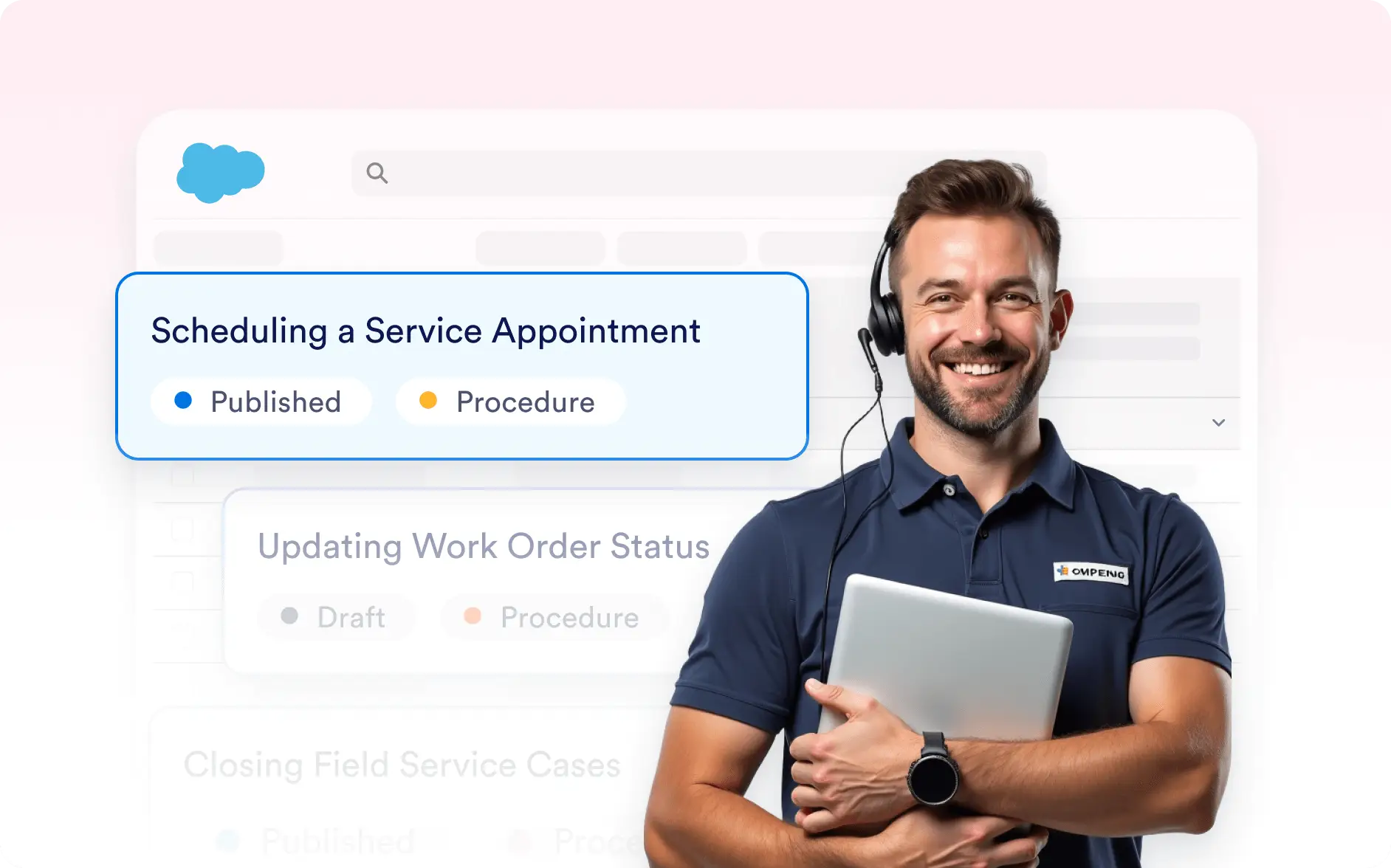
Deliver fast, relevant customer support without lifting a finger.
Your Salesforce Agent in Service Cloud responds instantly to every customer inquiry, whether it’s a new support case, a follow-up request, or an urgent escalation. It automatically creates and updates records, assigns tickets to the right queues, and ensures no customer message goes unanswered.

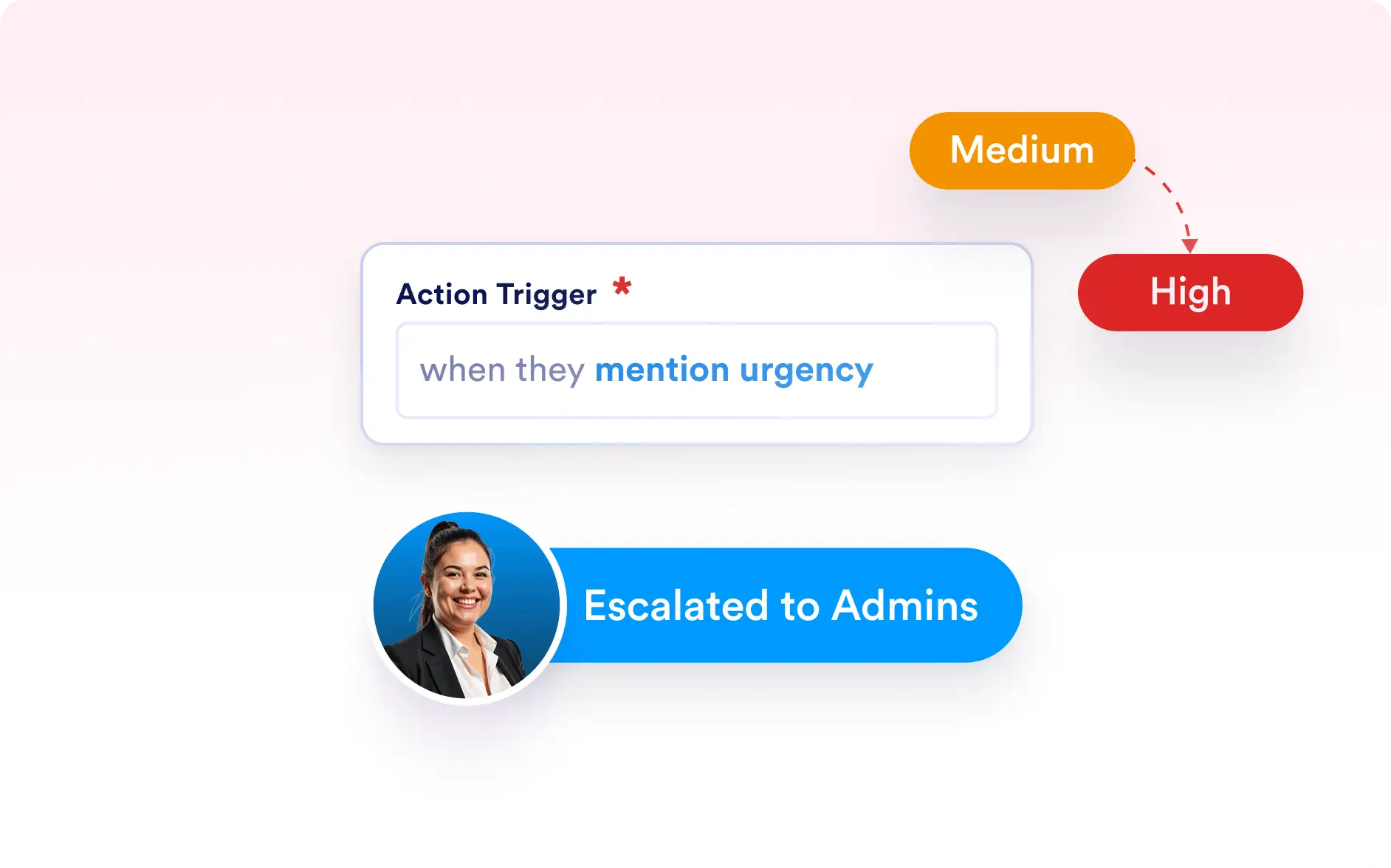
With intelligent automation rules, you can define exactly which cases your Agent should handle, and which ones should go directly to a support specialist. For example, routine inquiries can trigger automated responses and case creation, while sensitive or escalated topics get flagged for human review.
Customize How Your Salesforce Agent Handles Support Cases
Fine-tune how your Salesforce Agent responds to customers by setting intelligent rules, filters, and workflows. You can define response priorities, escalation paths, and message categories — giving you full control over how automation integrates with your support process.
Define Case Rules and Priorities
Choose whether your Salesforce Agent should respond to all support inquiries or only to specific ones that match defined keywords, topics, or issue types. Control how cases are created and which queue or rep receives them automatically.
Integrated Knowledge Responses
Enhance customer experiences with automated, accurate responses powered by Salesforce Knowledge Articles. Your Agent uses verified content to deliver helpful answers while keeping your messaging consistent and professional.