Pause and Resume Workflows Anytime
Add flexibility to your processes by pausing workflows at any step for a set duration from minutes to months or until a specific date and time. Once the waiting period ends, your workflow automatically resumes from where it left off. You can also manually continue paused workflows whenever you’re ready, with the option to require a comment for added accountability.
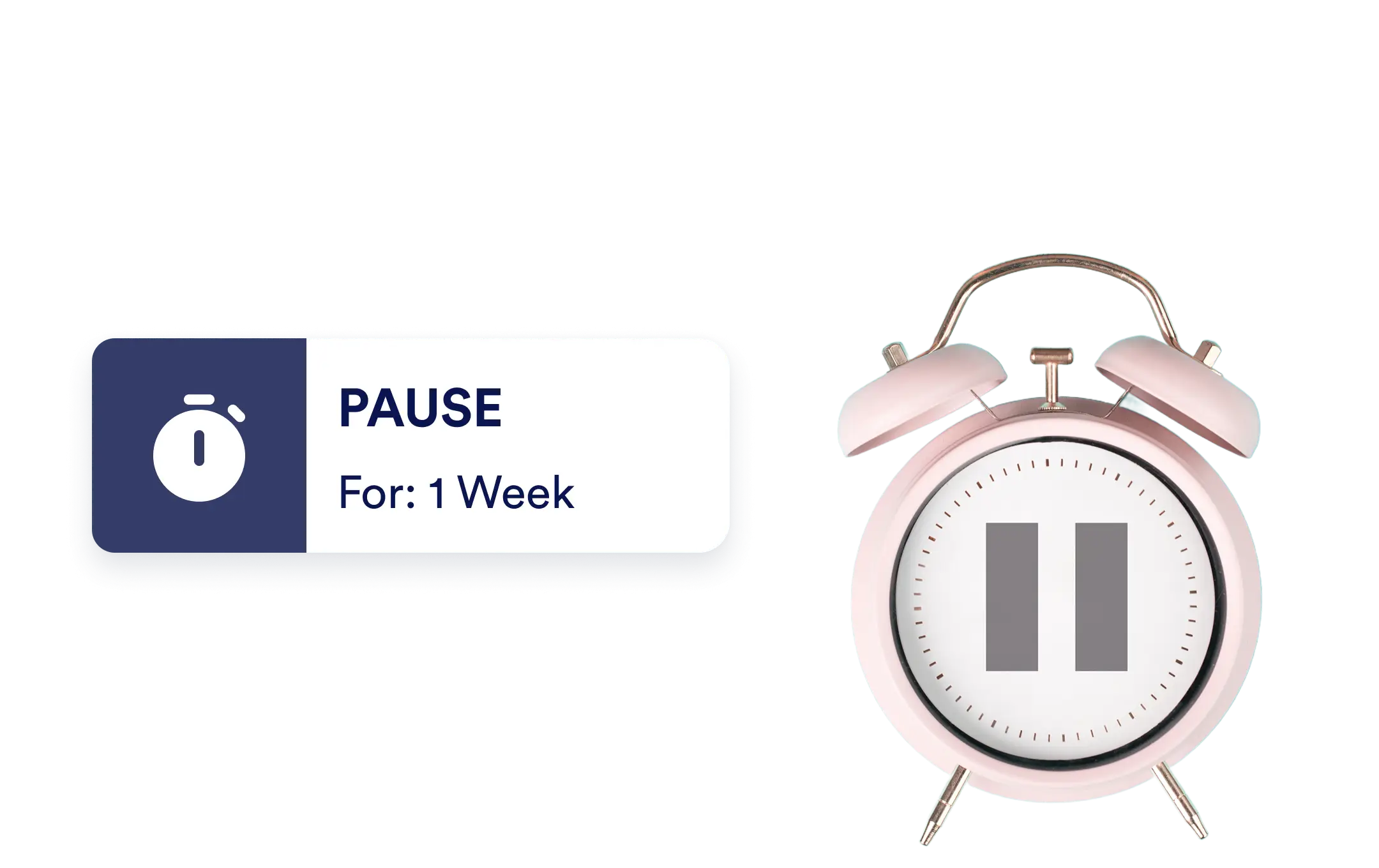
Control the timing of your workflows with powerful pause options. Automatically delay progress for a set duration or until a chosen date, or resume manually when conditions are right keeping your process perfectly aligned with real-world timing and approvals.
Flexible Pause Options
Easily control when your workflow moves forward. Whether you’re waiting on a specific date, event, or input, Jotform Workflows lets you pause automation until the right moment ensuring every step happens exactly when it should.
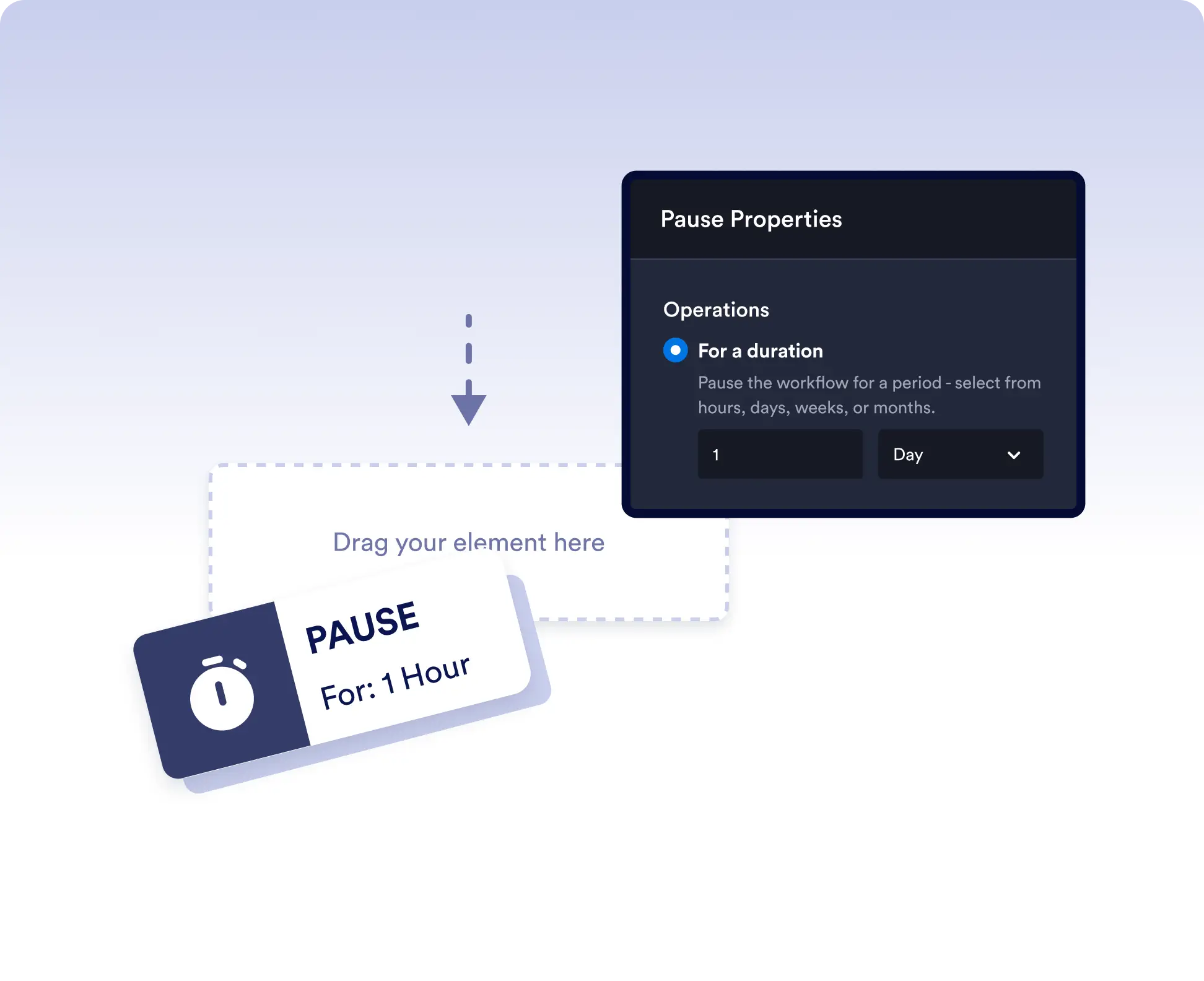
Pause for a duration
Choose to pause your workflow for minutes, hours, days, weeks, or months. Once the set time passes, your flow automatically continues to the next step without any manual effort.
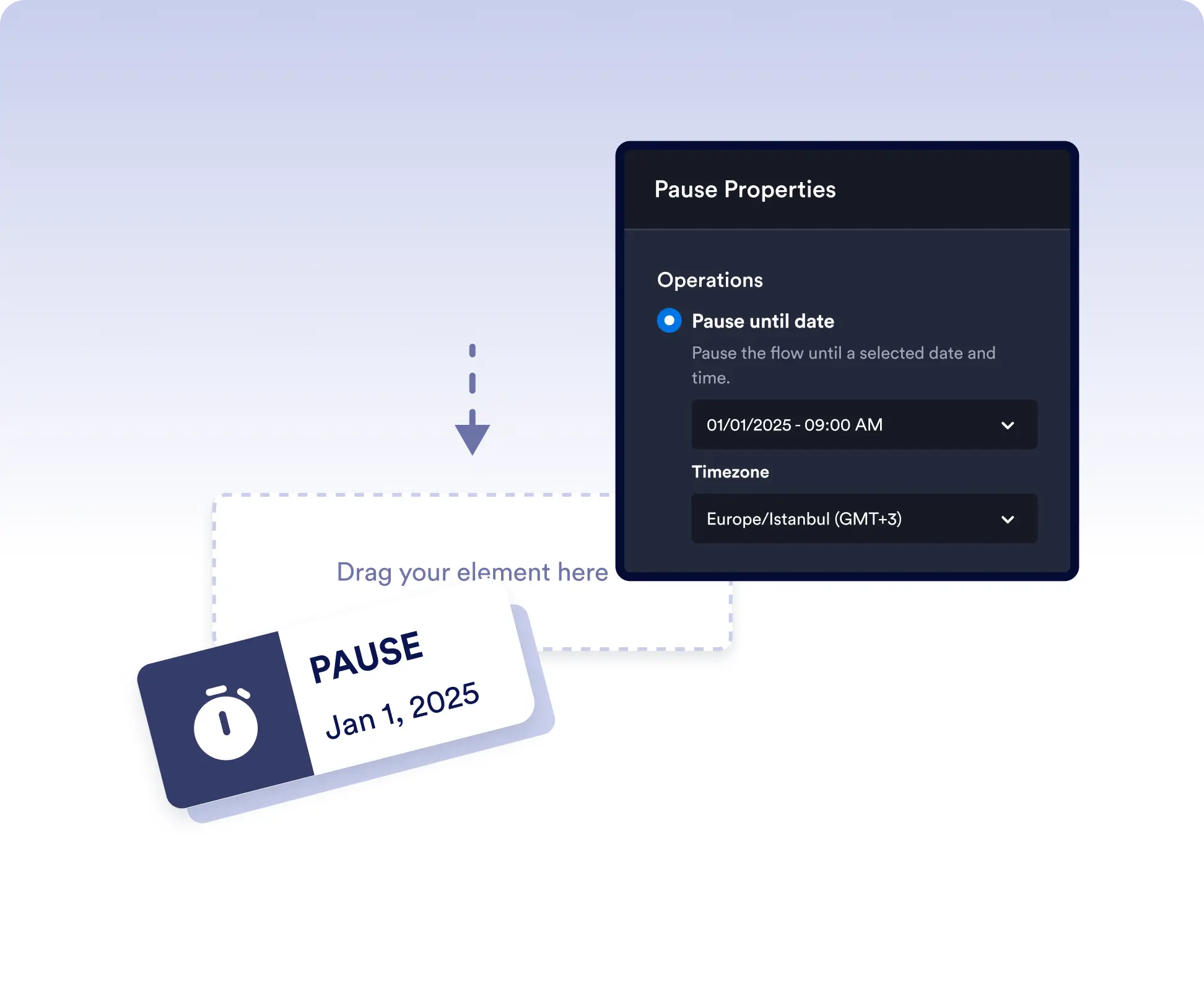
Pause until a date
Schedule workflows to resume automatically on a specific date and time perfect for timed announcements, project milestones, or periodic reviews.
Delay workflow progress when needed
Pause workflows for a set duration or until a specific date to align with deadlines, waiting periods, or scheduled events. This is ideal for follow-ups, cooling-off periods, or timed notifications.
Stop and resume workflows with control
Temporarily stop a workflow while waiting for external input or internal approval. Resume it manually when ready, with the option to require comments for added accountability and context.
Frequently Asked Questions
Have questions about this feature? Explore the FAQs below for quick answers, or reach out to our support team for more details.
Yes. You can schedule a workflow to automatically resume on a chosen date and time.
Yes. You can manually resume a paused workflow at any time when conditions are met.
Once the pause duration ends or the scheduled date is reached, the workflow automatically continues from where it left off.