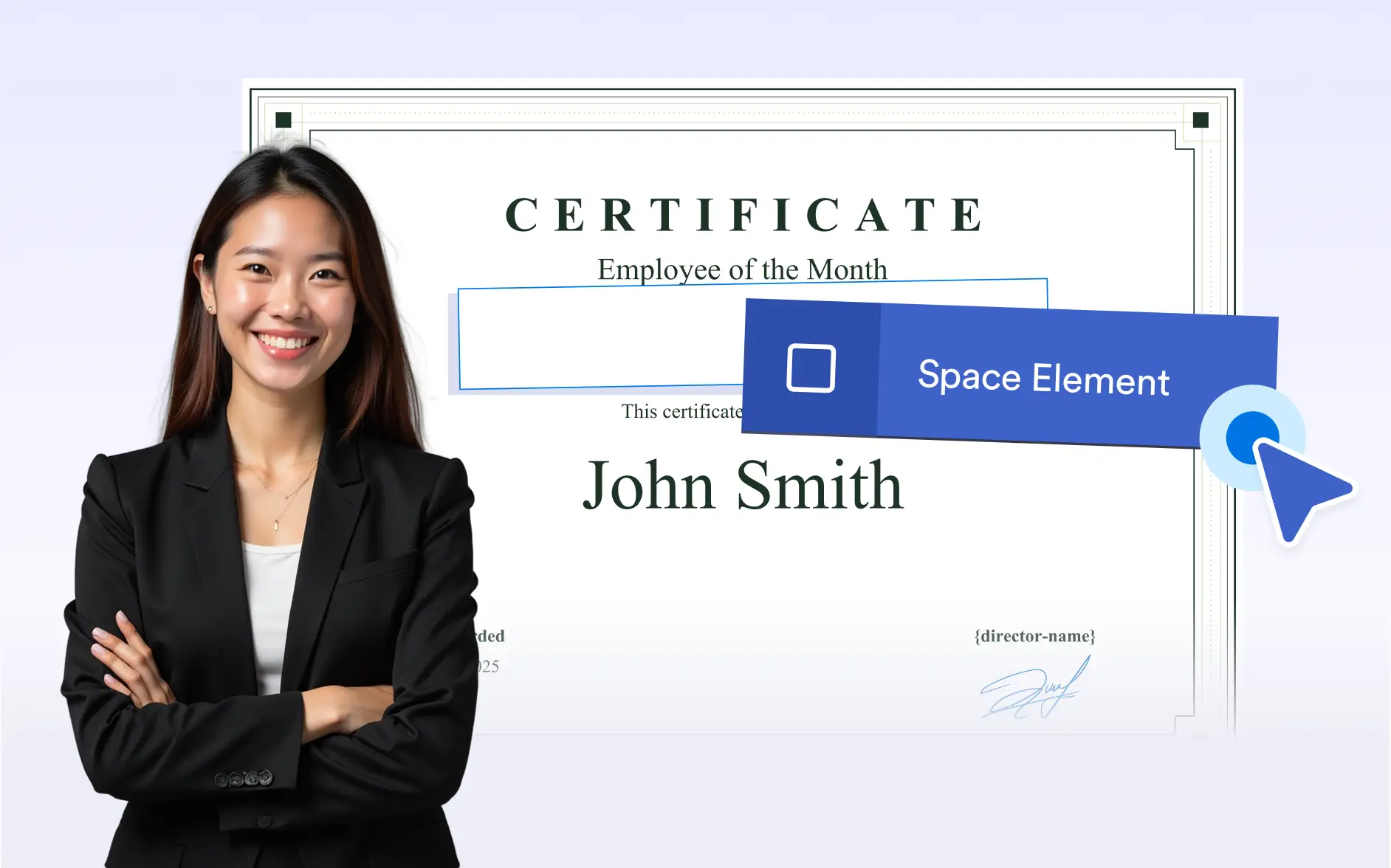
exactly the way you want with flexible empty space. Create breathing room between sections, improve visual flow, or , comments, and annotations after printing.
Structured Layouts with Purposeful Spacing
The empty space element allows you to control vertical spacing in your document, helping you design clean layouts and leave room for real-world interactions.
Add Horizontal Spacing
Insert horizontal space to create clear separation between elements placed side by side. This helps improve readability, balance layouts, and prevent content from appearing crowded.
Add Vertical Spacing
Use vertical space to add breathing room between stacked sections or content blocks. Create smoother visual flow, guide readers through information, and improve overall document structure.
Leave Space for Notes and Annotations
Add intentional empty areas to allow room for handwritten notes, internal comments, or reviewer annotations. Ideal for approval processes, checklists, or documents requiring manual input.