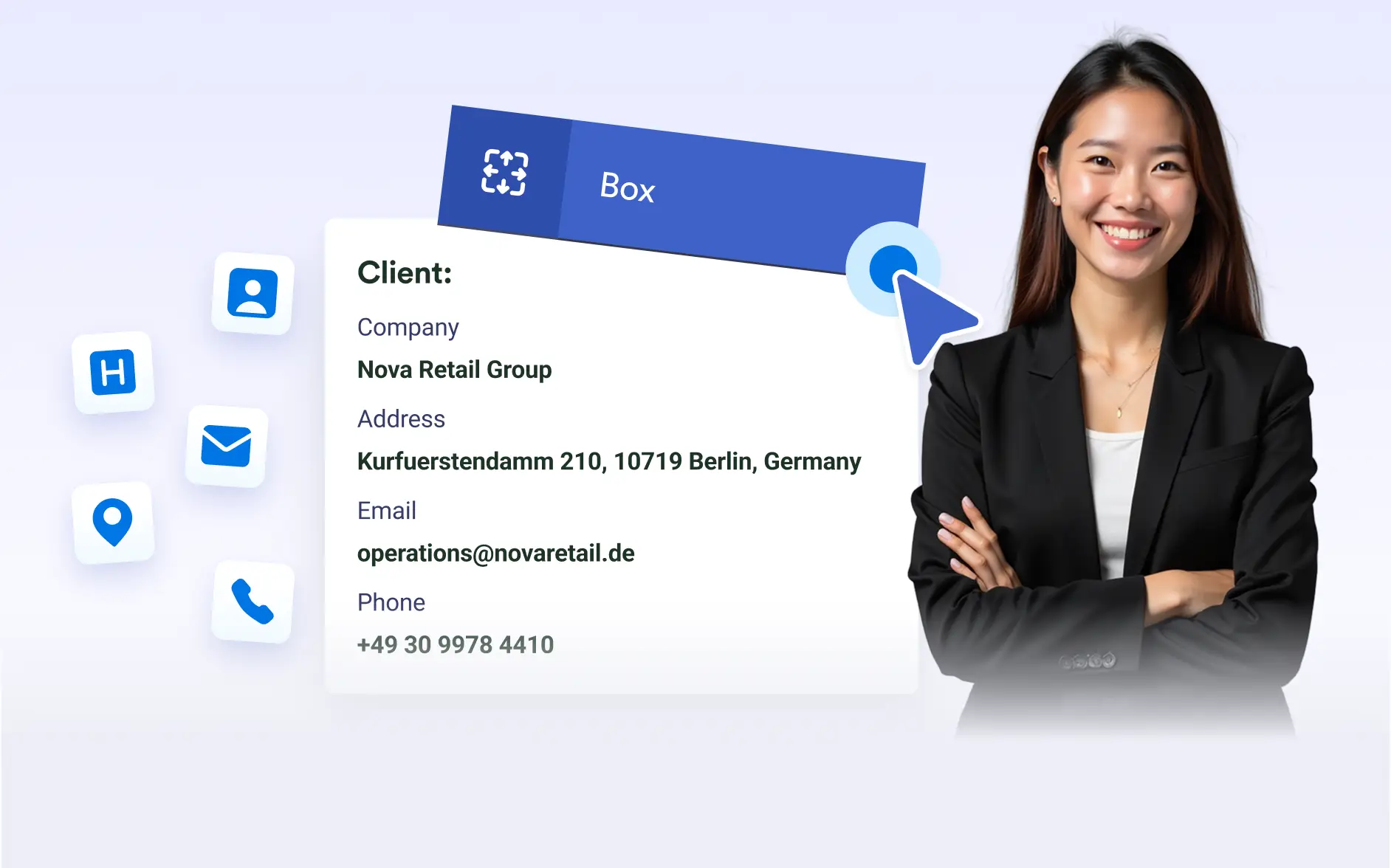
Group related content inside clean, customizable boxes to build well-structured documents. , organize information visually, and use background colors or images to make important areas stand out.
Structured Content Grouping
The Box element allows you to wrap multiple elements inside a single container, helping you organize content into clear, visually separated sections.
Add Background Color or Images
Enhance your document with boxes that use background colors or images. Highlight important content, create visual sections, or introduce branded design elements that stand out on the page.
Control Box Margins for Precise Layouts
Adjust left, right, or top margins to position content exactly where you want it. Fine-tuned spacing helps you maintain a clean layout and ensures boxes fit naturally within your design.
Group Related Content Together
Use boxes to group meaningful content such as instructions, summaries, notes, or key data. Clear grouping improves readability and helps users quickly understand the structure of your document.
Create Styled Page Headers
Design organized page headers using colored boxes to display titles, branding, or important details. Add visual structure to each page and reinforce your document’s overall style.