
Add clear titles and sections using flexible headings and subheadings, styled with custom fonts, colors, alignment, and text styles to match your branding.
Clear Section Titles with Headings and Subheadings
The Heading element lets you add bold titles and subheadings that instantly elevate your document, creating clear, polished sections that guide readers and strengthen your overall presentation.
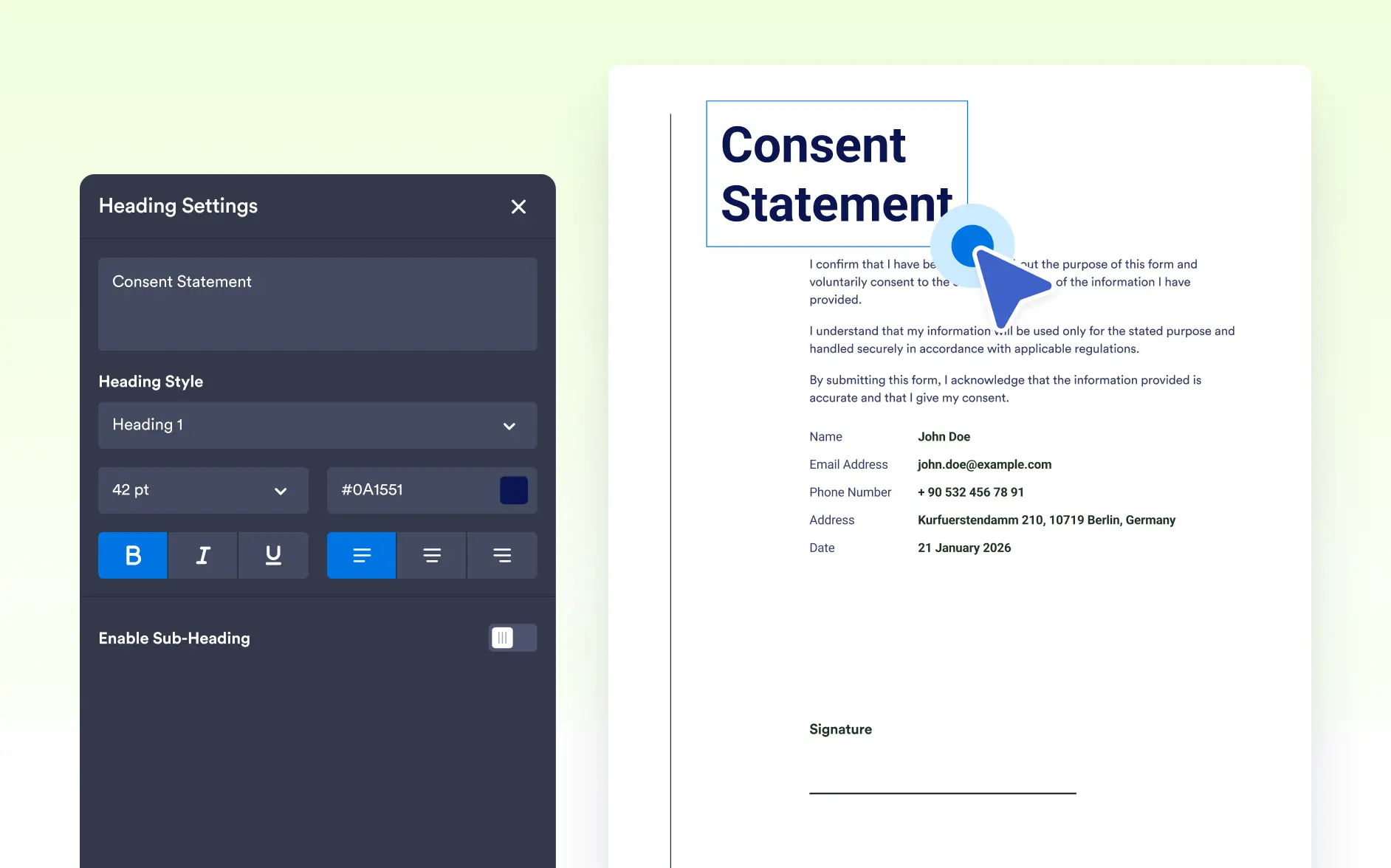
Customize Heading Styling
Adjust font family, size, style, color, and alignment to create clear, polished headings. Flexible styling helps your document match your branding and improves overall visual consistency.
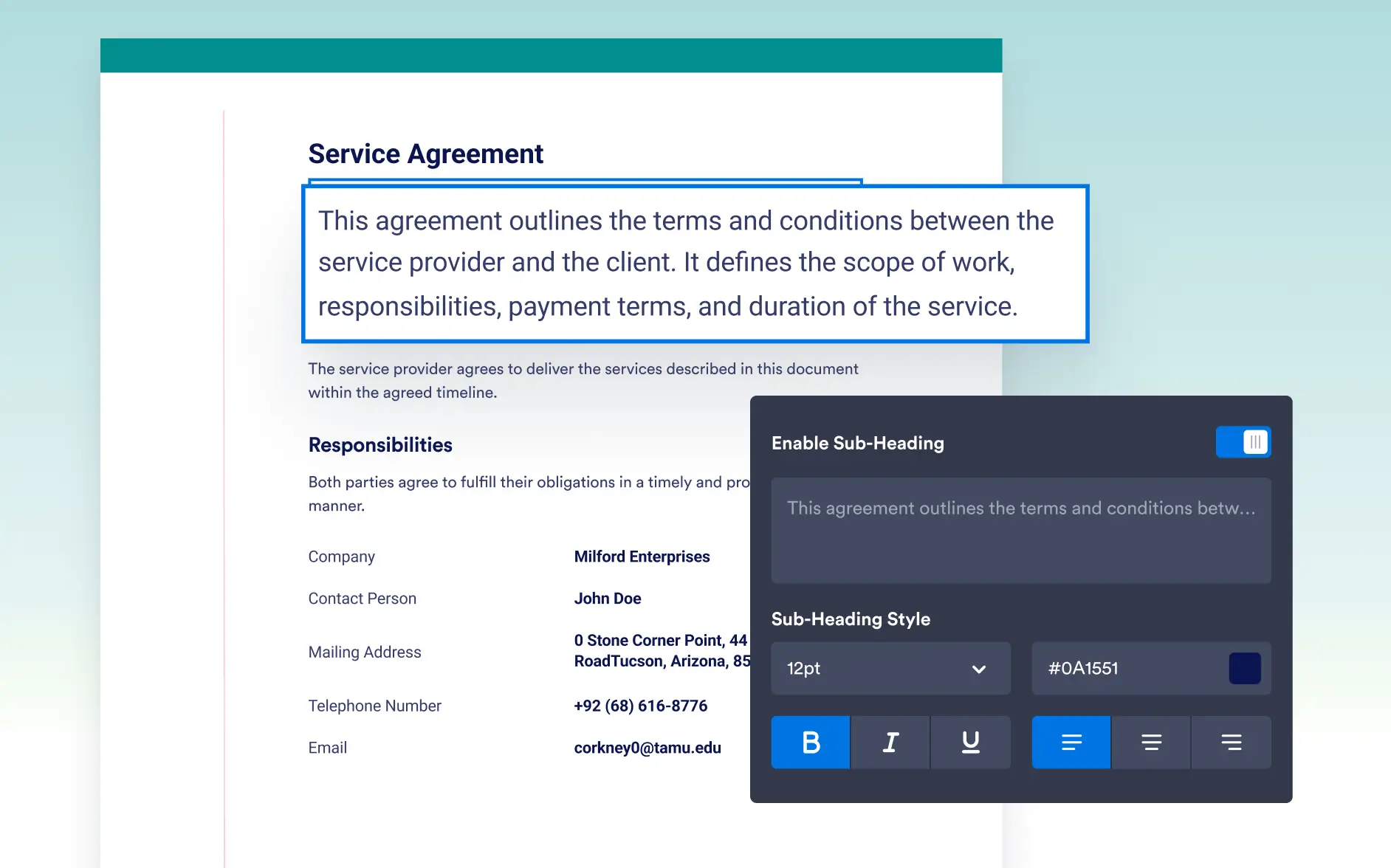
Style Subheadings Independently
Add subheadings with their own styling to create hierarchy and clarity. Subheadings can use different fonts, colors, or sizes to guide readers through sections more effectively.
Give Sections Clear Titles
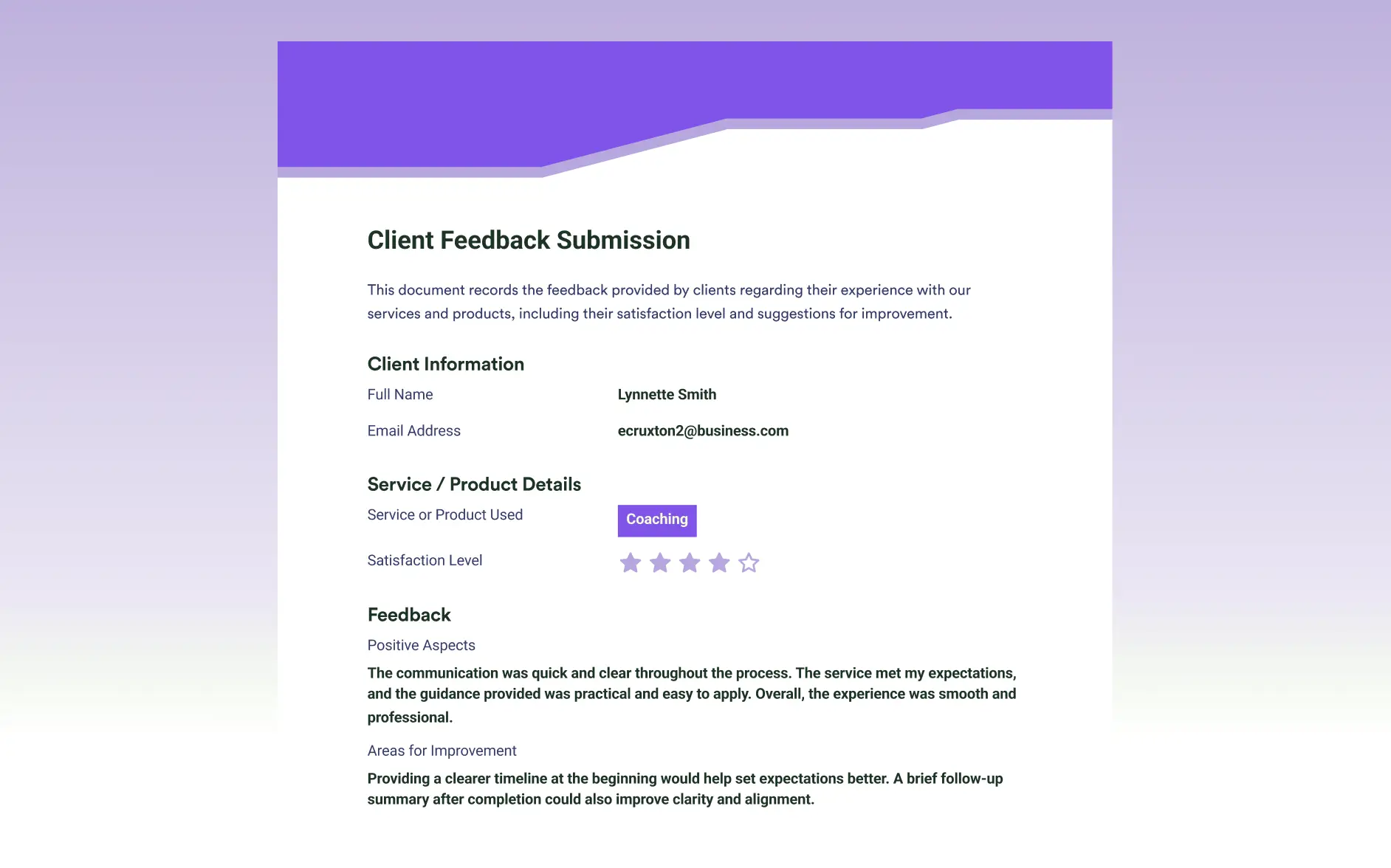
Use headings to label sections, introduce topics, or highlight important information. Well-defined titles make your document easier to navigate and help readers understand content quickly.

Improve Reading Flow With Structured Layouts
Place headings strategically to break up content and create a smoother reading experience. Structured layouts help readers follow the document naturally and keep information organized.
Frequently Asked Questions
Check out our FAQs for answers to common questions, or contact our support team for further information.
The Heading element allows you to insert bold, structured titles into your PDF document. It helps organize sections and clearly separate different parts of your form submission.
Yes. In addition to main headings, you can add subheadings to create a clear content hierarchy within your document. You can customize each heading or subheading individually by adjusting its font size, weight, alignment, and color to match your layout and design preferences.
Headings are useful for breaking long documents into clear sections, such as “Customer Information,” “Order Details,” or “Terms and Conditions.” They improve readability and give your PDF a more professional, structured appearance.