Reinforce Your Brand Identity
Place your brand logo directly into your documents to create a clear and consistent professional identity. Strengthen brand recognition across every document you generate, share, or automate, ensuring your brand stays front and center in all communications.

Add your organization’s logo to your documents in seconds. Display your brand consistently across confirmations, reports, agreements, and official documents for a more trusted and professional look.
Brand Every Document Automatically
Adding your logo reinforces your brand identity and ensures every document aligns with your organization’s visual style. This creates a cohesive, professional look across all documents you generate, share, or automate.
Use Your Logo in Page Headers
Add your organization logo to the page header so it appears consistently on every page. This keeps branding visible throughout the document and reinforces your identity across all generated PDFs.

Automatically Use Your Form Logo
Apply the logo already set in your form automatically to your document. This ensures visual consistency without re-uploading assets and keeps your documents aligned with your form branding.
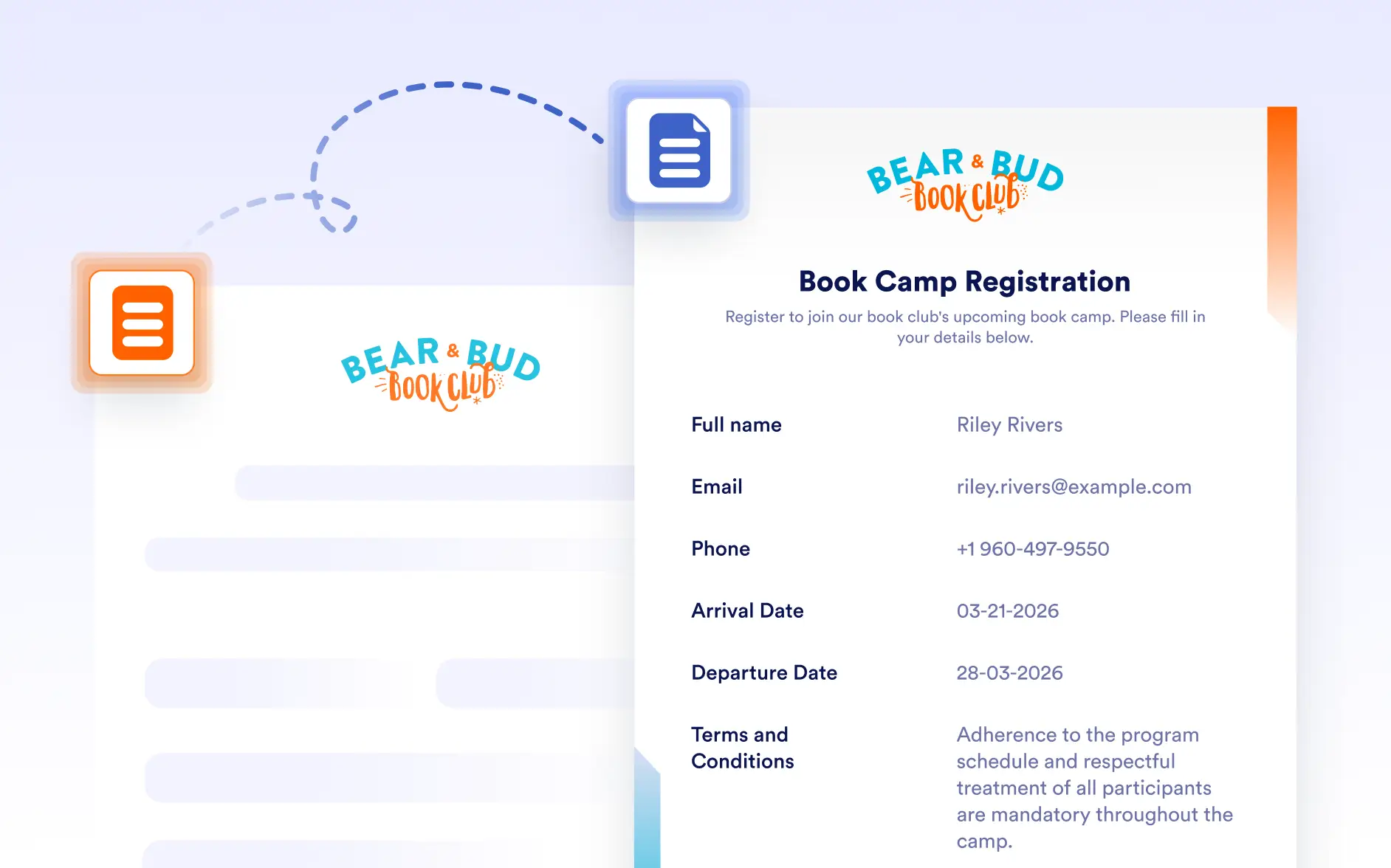
Upload Logos with the Image Element
Upload your organization logo using the Image element and place it anywhere in the document. Control size, alignment, and placement to fit your layout and branding needs.