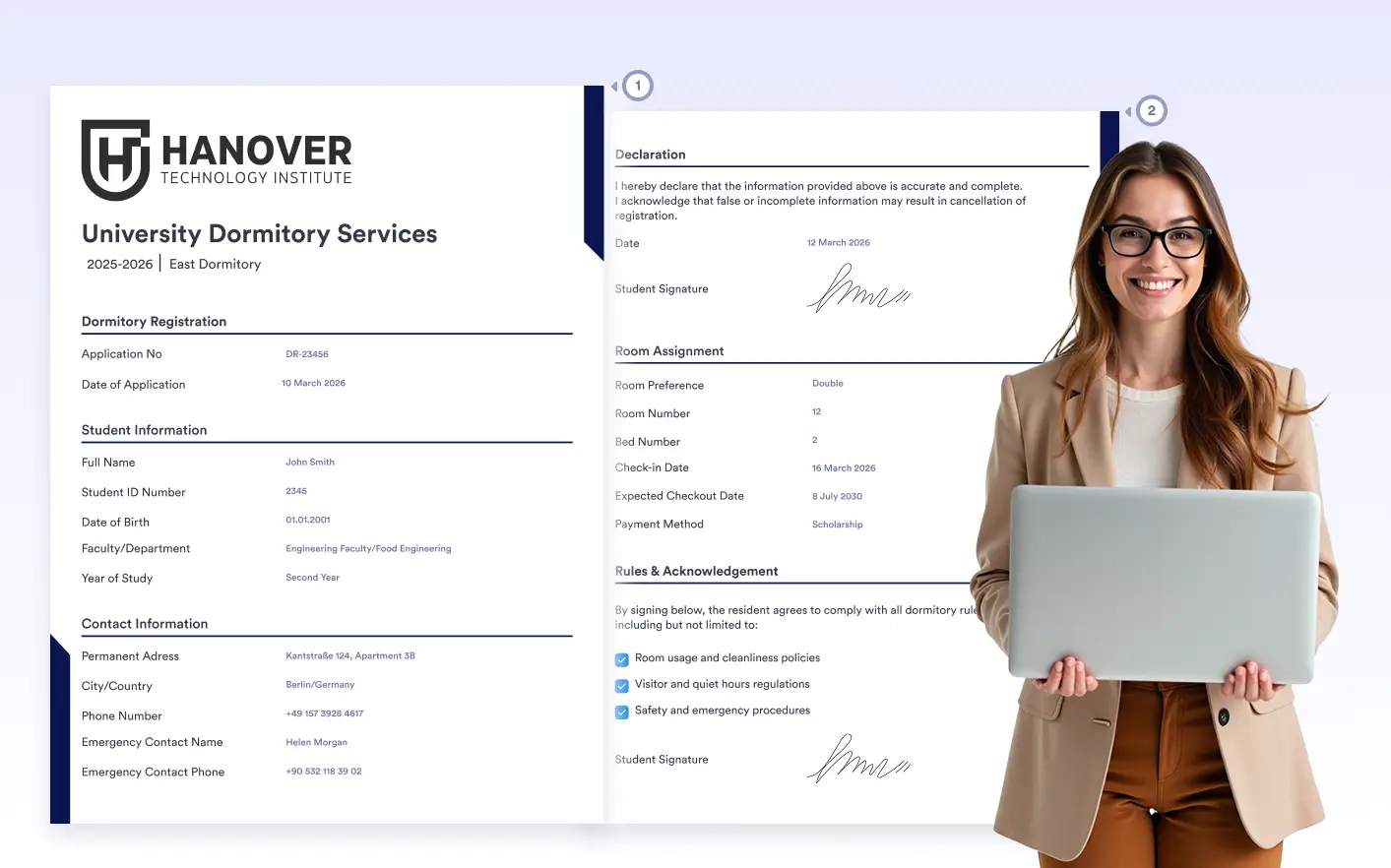
Whether you’re generating , multipage documents handle growing content smoothly. Pages flow naturally as content expands, without manual adjustments.
Flexible Layouts Across Multiple Pages
Build documents that extend across pages while staying clean and readable. Multipage support ensures your layout, branding, and structure remain consistent from the first page to the last.
Consistent Styling Across Pages
Fonts, colors, spacing, headers, footers, and branding remain consistent across all pages. Each generated PDF maintains a unified look, even as content spans multiple pages.
Controlled Section Breaks
Use page breaks to control exactly where new pages begin in your document. Clearly separate sections like summaries, terms, signatures, or appendices to keep content organized, readable, and well structured.
Supports Dynamic Submission Lengths
Multipage documents adapt smoothly to different submission scenarios, including long answers or optional fields. Layouts remain predictable and well structured, even when content length varies between submissions.
Print-Ready and Shareable Output
Documents are generated with clean page transitions, making them suitable for printing, sharing, and archiving. Multipage support ensures professional results in every format.
Frequently Asked Questions
Check out our FAQs for answers to common questions, or contact our support team for further information.
Multipage Documents allow you to design PDFs that span across multiple pages instead of compressing all content onto one page. This is especially useful for long forms, contracts, detailed applications, or reports.
You can add new pages manually and use the Page Break element to control exactly where content continues. This gives you full control over document flow and section separation.
Yes. When your content exceeds a single page, it automatically flows onto the next page. You can further organize and structure the layout by adding additional pages or adjusting spacing as needed.