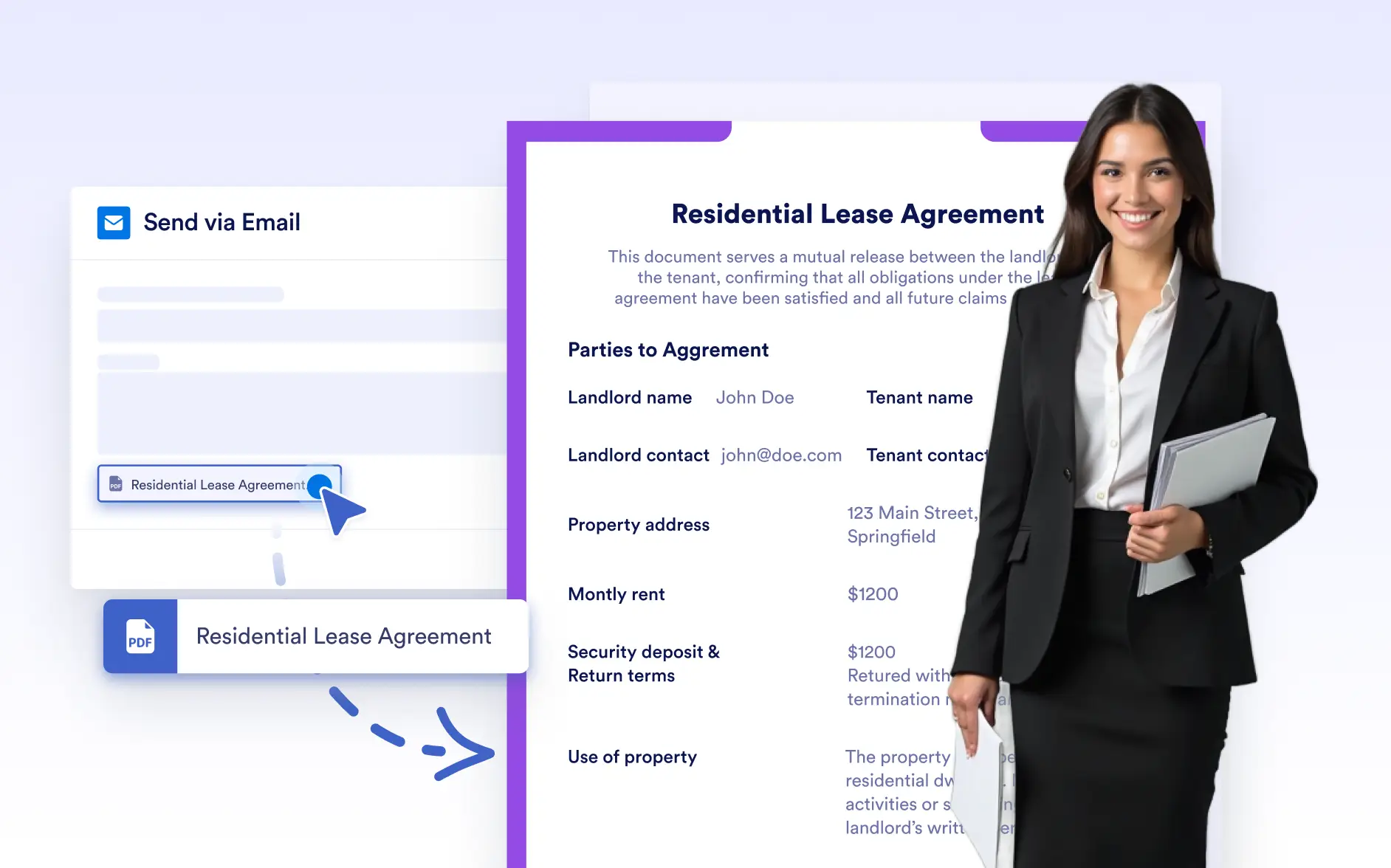
Share Documents Instantly via Email
Send documents directly from the PDF Editor without leaving your workspace. Share finalized PDFs with recipients in just a few clicks, keeping document delivery fast, simple, and controlled.
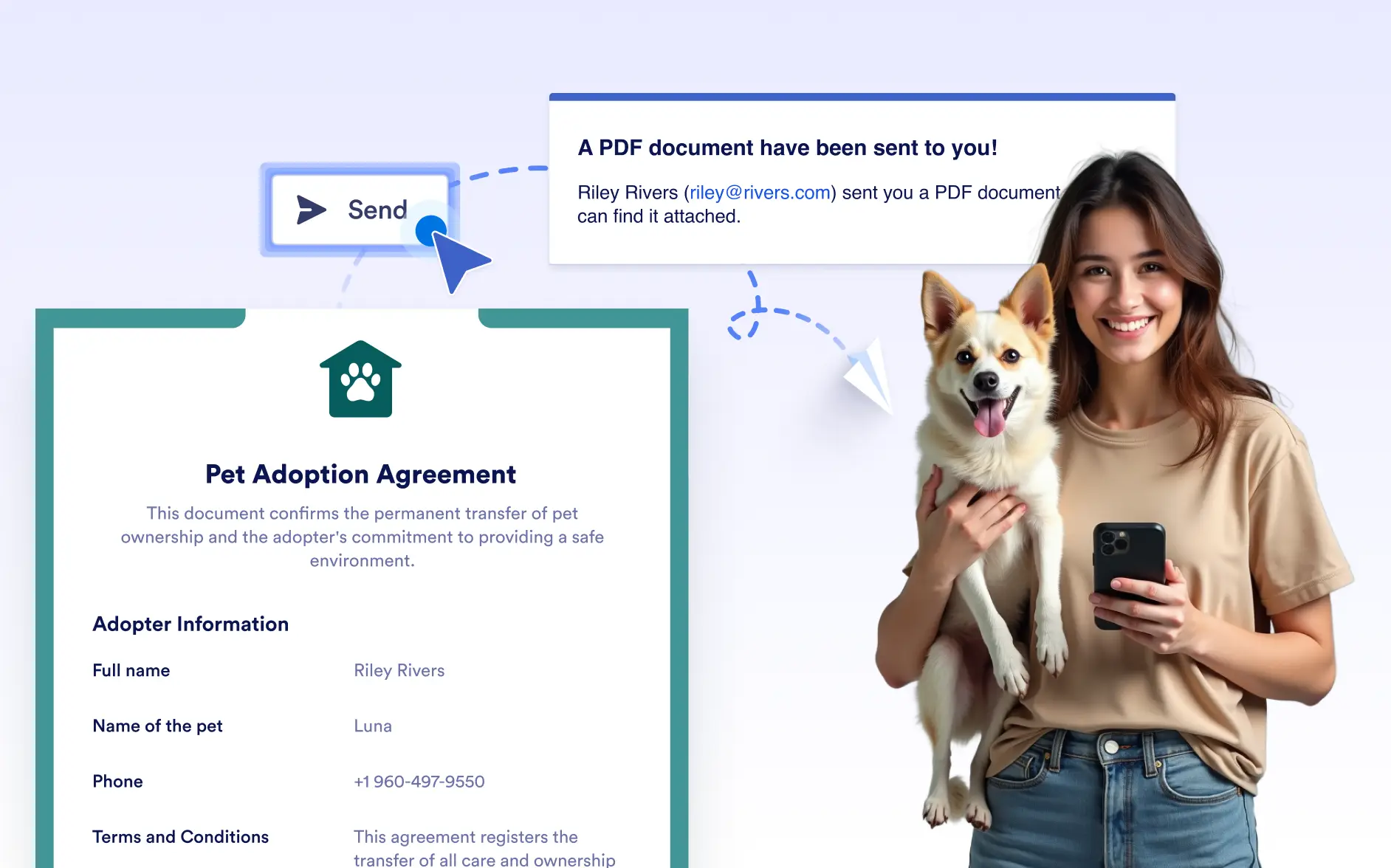
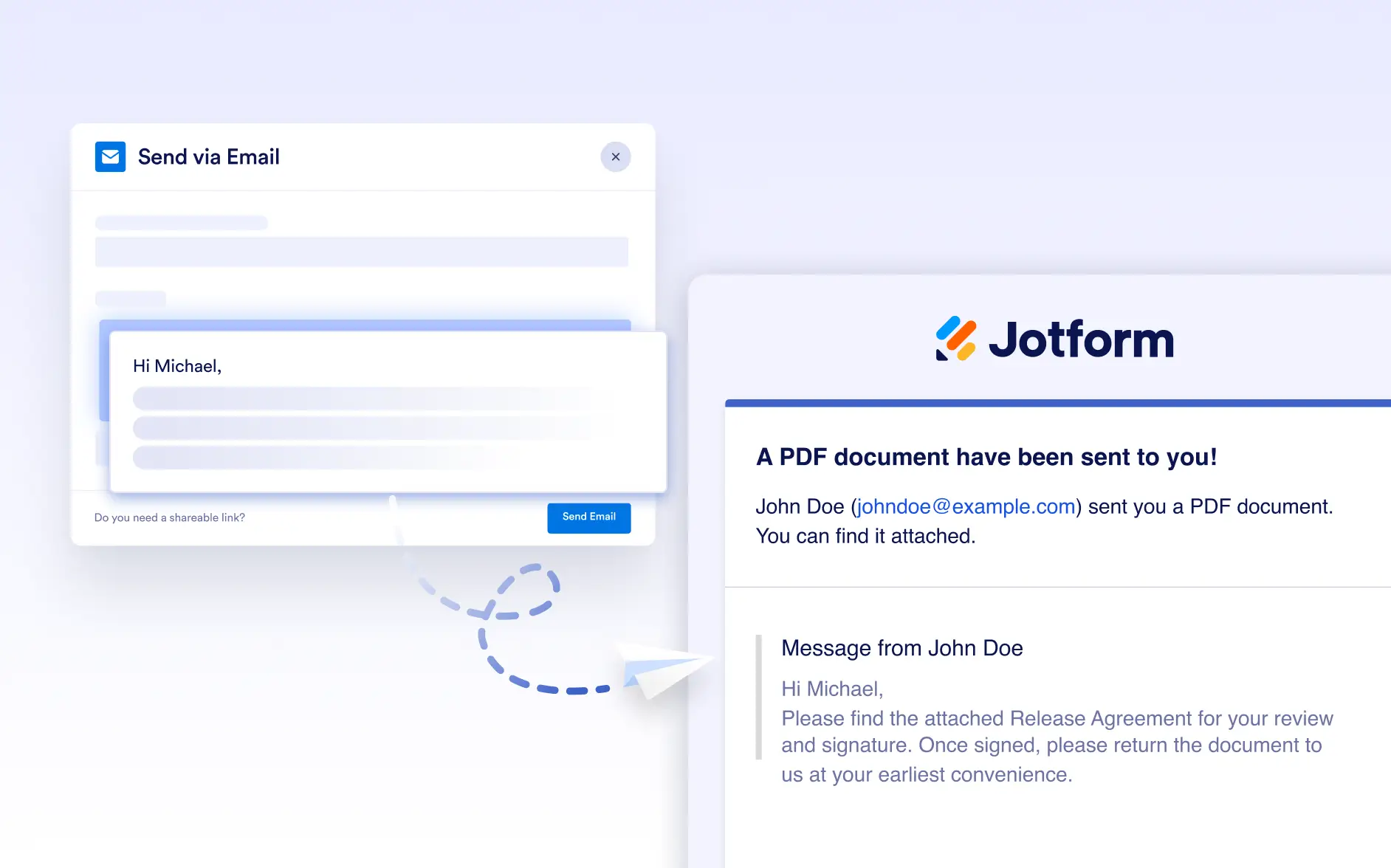
the PDF Editor with a single click. Enter recipient email addresses, add an optional message, and deliver the PDF instantly; .
Quick, Direct Email Sharing
Share documents as soon as they’re ready. The built-in email option lets you send PDFs immediately, making it easy to handle one-off sharing, reviews, or quick follow-ups.
Send Documents with a Single Action
Click the Send button in the PDF Editor to open the email modal. This allows you to start sharing your document immediately without navigating to another product or workflow.
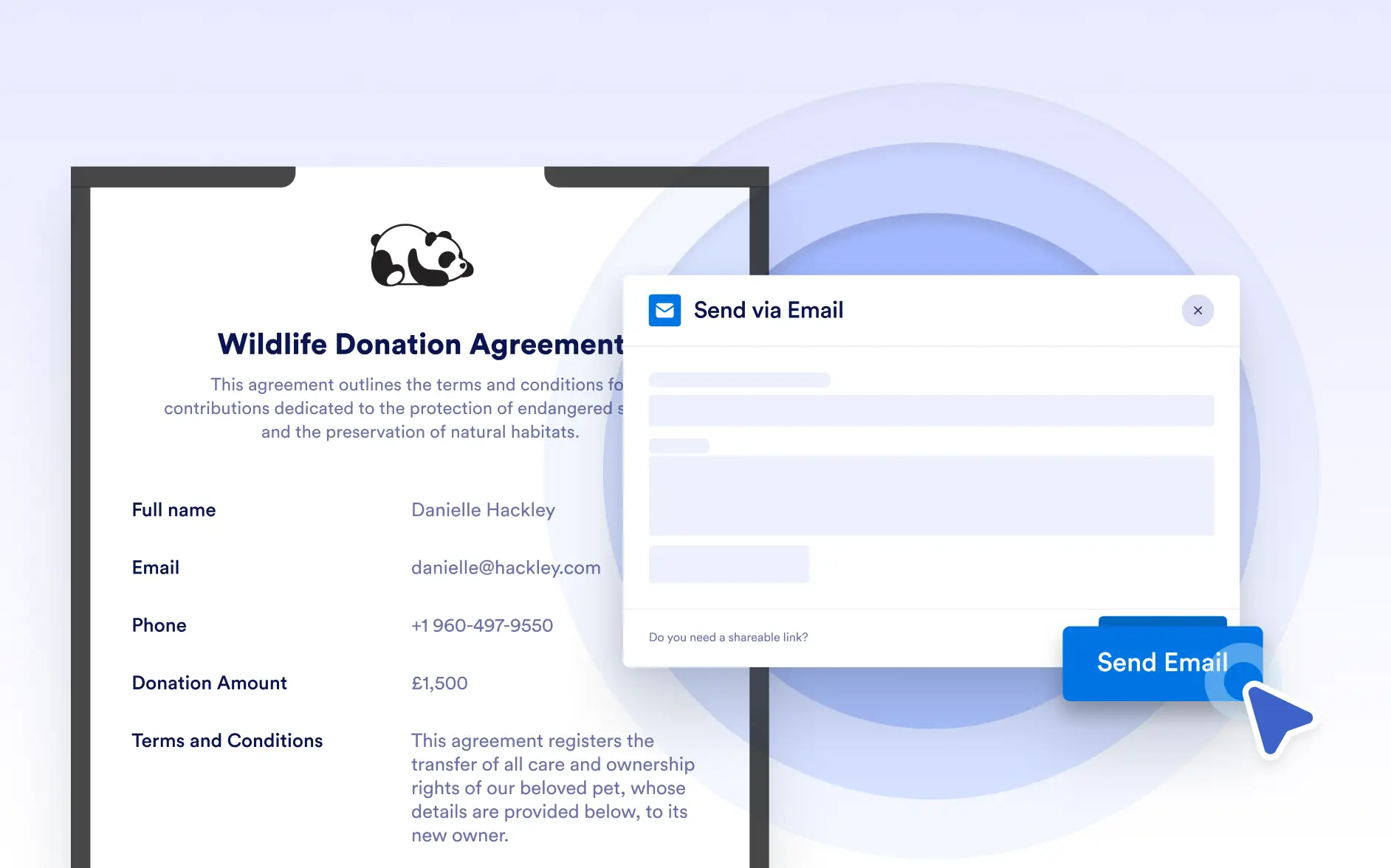
Add Recipient Email Addresses
Enter one or more recipient email addresses in the required email field to send your document. The PDF is automatically attached and delivered directly to the specified recipients, ready to open, review, or download.
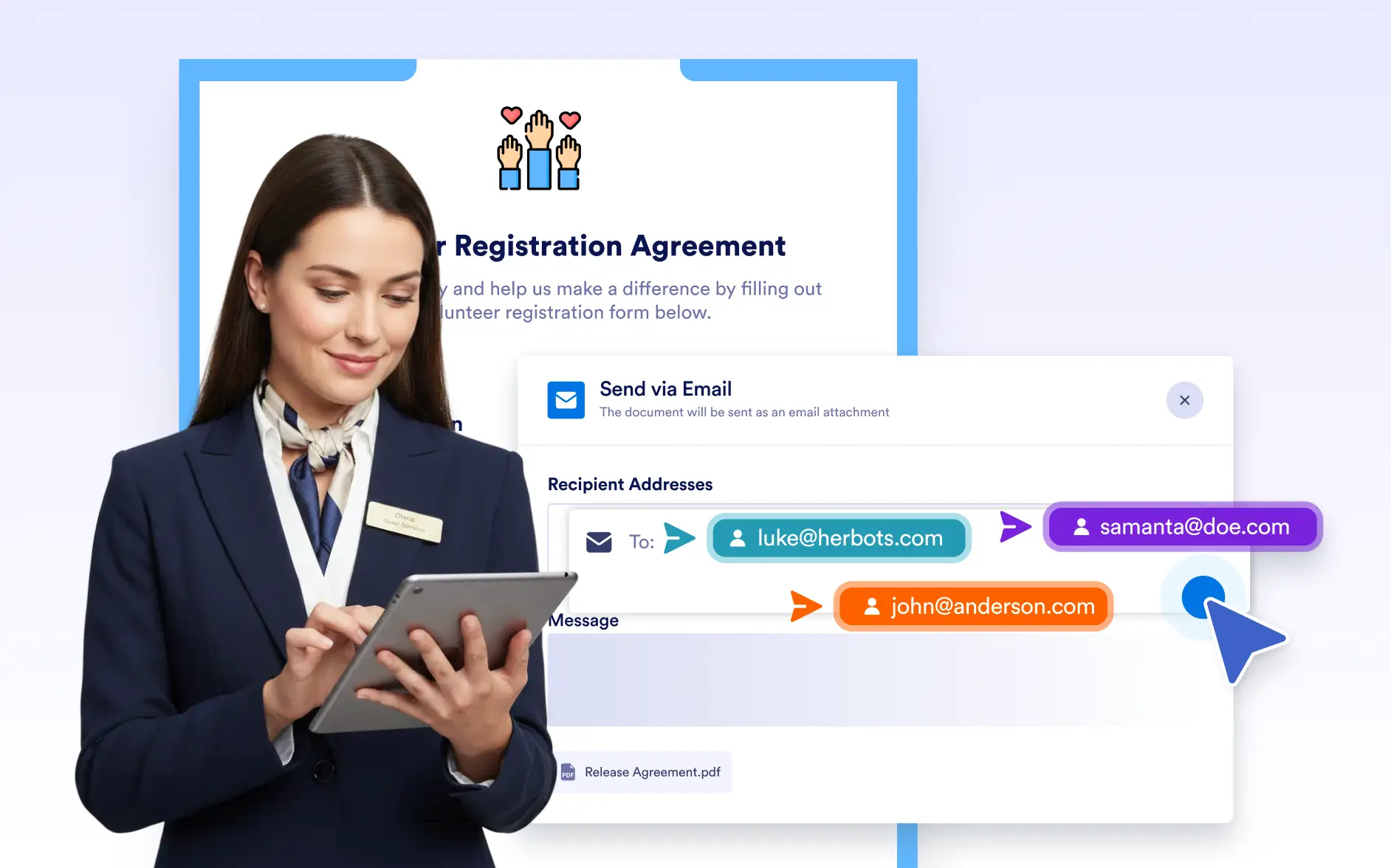
Include an Optional Message
Add an optional message to include context, instructions, or notes for the recipient. You can keep emails short and simple or add extra details when needed to clarify the document being sent.
PDF Attached Automatically
The document you’re viewing is automatically attached to the email as a PDF. Recipients receive the file ready to open, review, or download; no links or extra steps required.