Preview and Validate Workflow Execution
Preview your workflow in action and watch it execute step by step in real time. Follow the exact order in which each block runs, track how data moves between steps, and confirm that every action, condition, and connection works exactly as intended before you turn the workflow on.
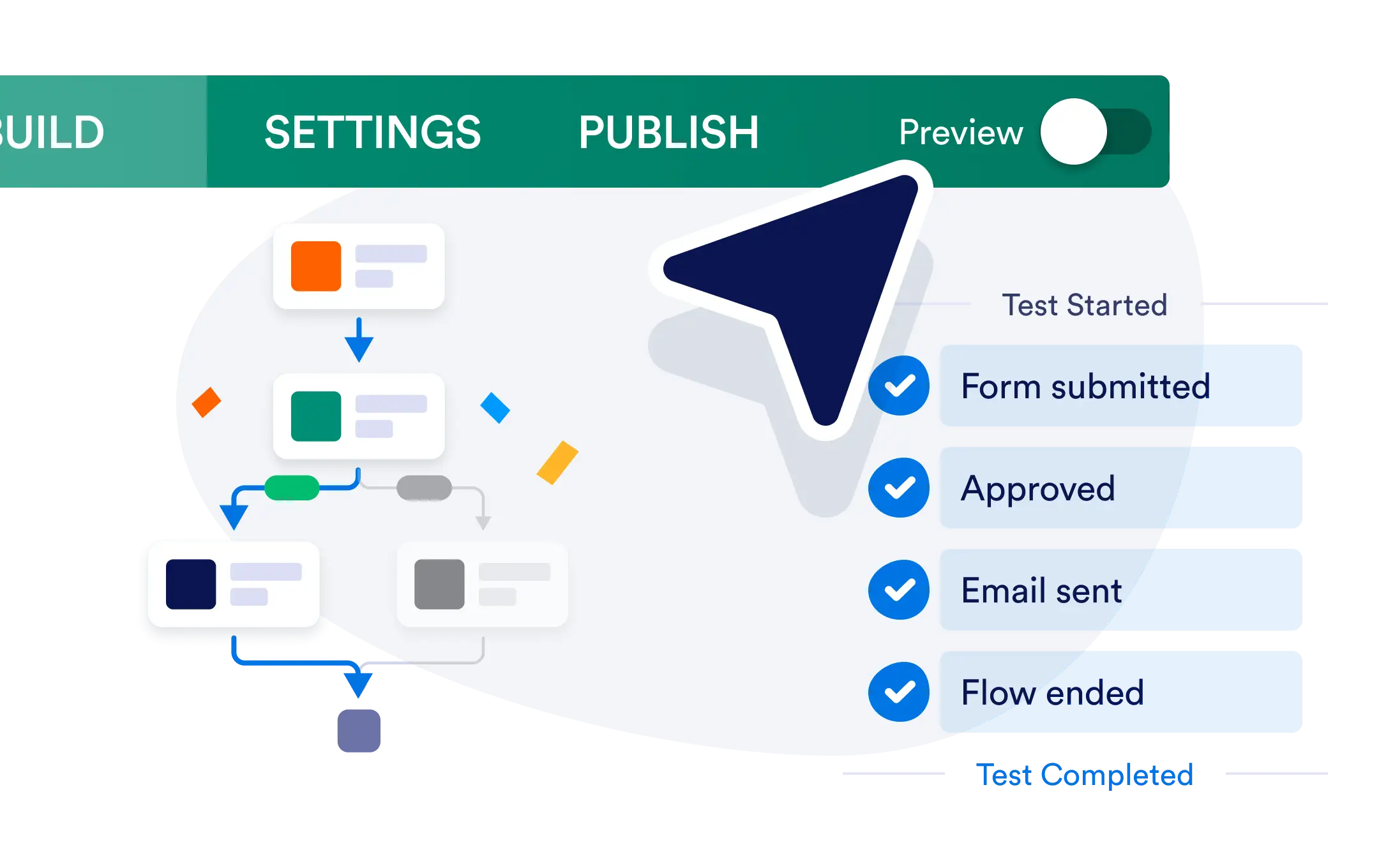
Preview and test your workflows in real time before going live. With a single click, you can watch each block execute step by step, track how data moves between actions, and confirm everything runs in the correct order.
Test Your Workflows Before Going Live
Test Run gives you a clear, real-time view of how your workflow executes from start to finish. Instead of guessing whether blocks trigger correctly or data flows as intended, you can simulate a full run and watch each step happen in sequence. This makes it easy to spot issues early, fine-tune logic, and launch workflows with confidence.
Real-Time Execution Preview
See your workflow come to life as it runs. Test Run shows exactly which blocks execute and in what order, giving you full visibility into how your workflow behaves.
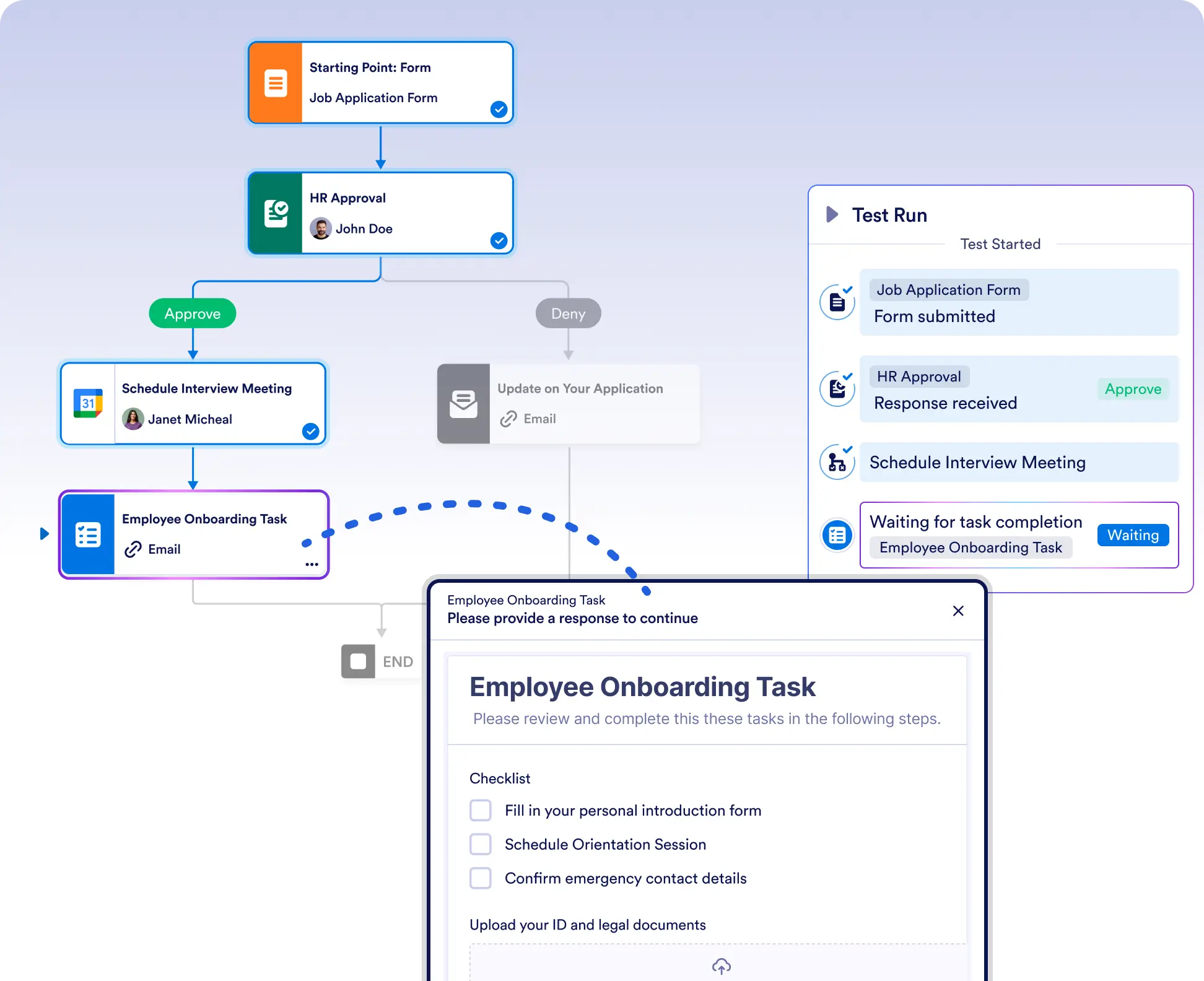
Validate workflow logic before launch
Run your workflow in real time to confirm that triggers, conditions, and actions execute in the correct order. Catch logic errors or missing connections before they affect real data.
Debug data flow step by step
Track how data moves between blocks as the workflow runs. This makes it easy to identify where values change, where conditions fail, or why a step isn’t behaving as expected.
Frequently Asked Questions
Have questions about this feature? Explore the FAQs below for quick answers, or reach out to our support team for more details.
Test Run lets you preview your workflow execution in real time so you can verify logic, block order, and data flow before enabling the workflow.
Yes. Test Run shows each block as it executes, giving you clear visibility into the exact sequence and behavior of your workflow.
Yes. You can restart a test run at any time to re-execute the workflow from the beginning after making changes or reviewing results.