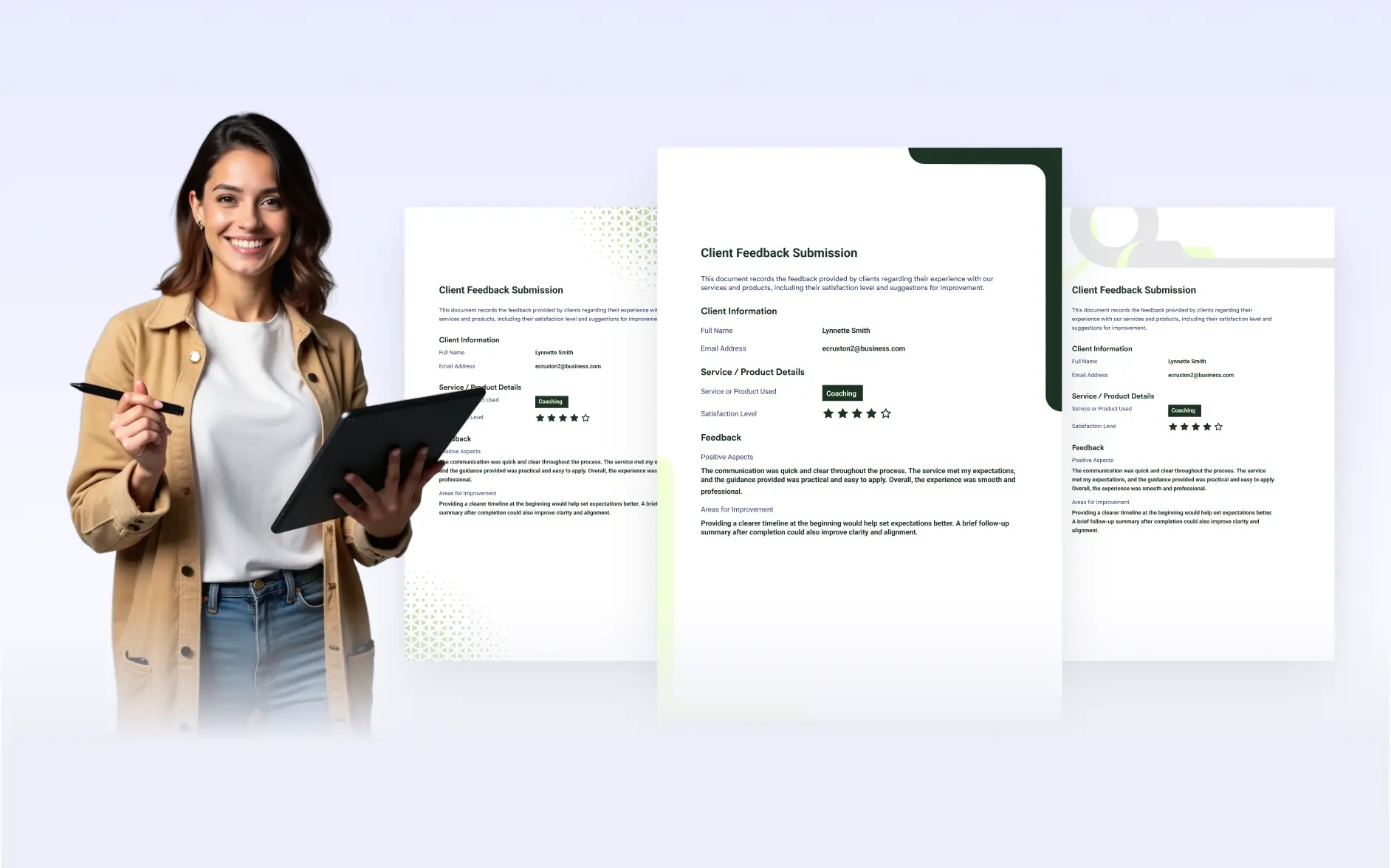
without design skills. Apply a background once and customize its colors to instantly upgrade your entire PDF.
Perfect for Reports, Proposals & Branded Documents
The Background Gallery is ideal for students, professionals, and teams who want clean, consistent designs fast. Apply one pattern to your entire document, adjust its colors, and fine-tune the page color for a cohesive look.
Built-In Patterns
Choose from a curated gallery of ready-made background designs. Instantly apply a polished pattern across your entire document without creating anything from scratch.
Change Pattern Colors
Each pattern includes adjustable color options. If a design uses two or three colors, matching color pickers appear so you can easily personalize the look while keeping it structured.
Adjustable Page Color
Refine your overall layout by changing the page color to complement your selected pattern. Achieve a balanced, professional appearance in just a few clicks.