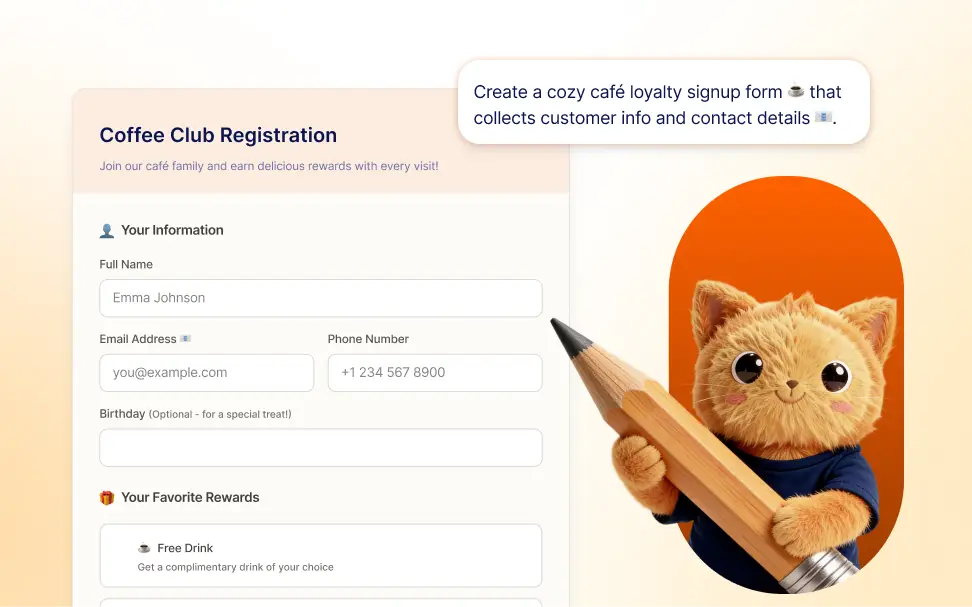
By describing the form you want to create, Jotform can automatically generate a structured form with the relevant fields and layout.
Create Forms by Describing Your Needs
Turn a simple description into a complete form layout that is ready to edit and publish. Simply explain what your form should include and the system automatically generates the fields and layout for you.
Generate Forms With AI
Skip the manual setup and create complete forms by typing what you want. The form builder understands your description and turns it into a usable form with relevant fields, labels, and sections already in place.
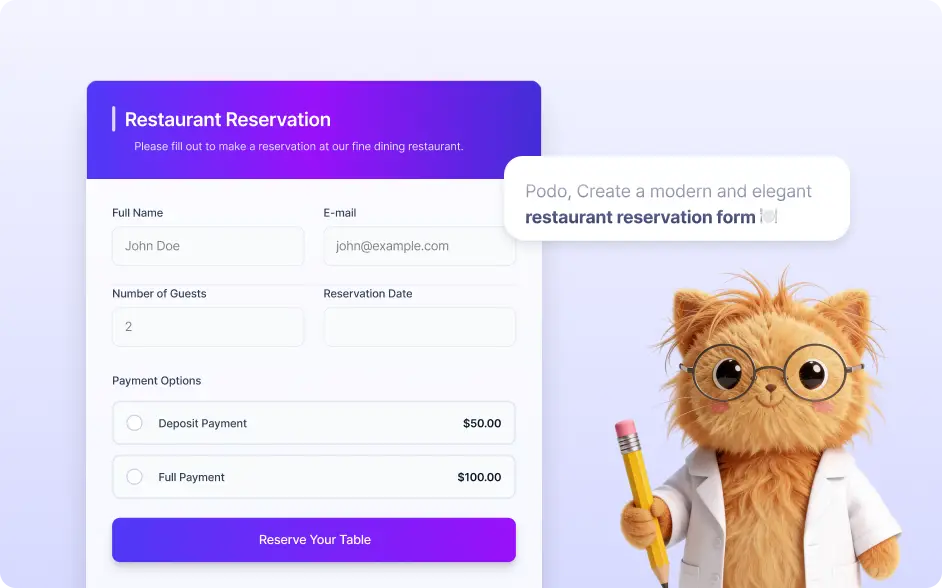
Frequently Asked Questions
Simply write a short description of the form you need, and Jotform AI will generate it for you. For example, you can type “create a job application form with fields for resume upload, experience, and contact details” or “build a customer feedback survey with rating questions.” Jotform instantly converts your description into a structured form with appropriate fields and sections.
Yes. Once Jotform creates your form, you can fully edit it to fit your needs. You can change field names, add or remove questions, update the design, configure notifications, and connect the form to your workflow so the final version works exactly the way you want.
You can create many types of forms, including contact forms, lead generation forms, registration forms, application forms, surveys, appointment requests, intake forms, and payment forms. AI helps you get started quickly with a structure tailored to your prompt and intended use case.