Create Forms From Documents
Upload a document that contains the information you want to turn into a form. Jotform AI will analyze the content and automatically generate relevant form fields. You can also add instructions describing what the form should include, helping the AI generate a more accurate form structure.
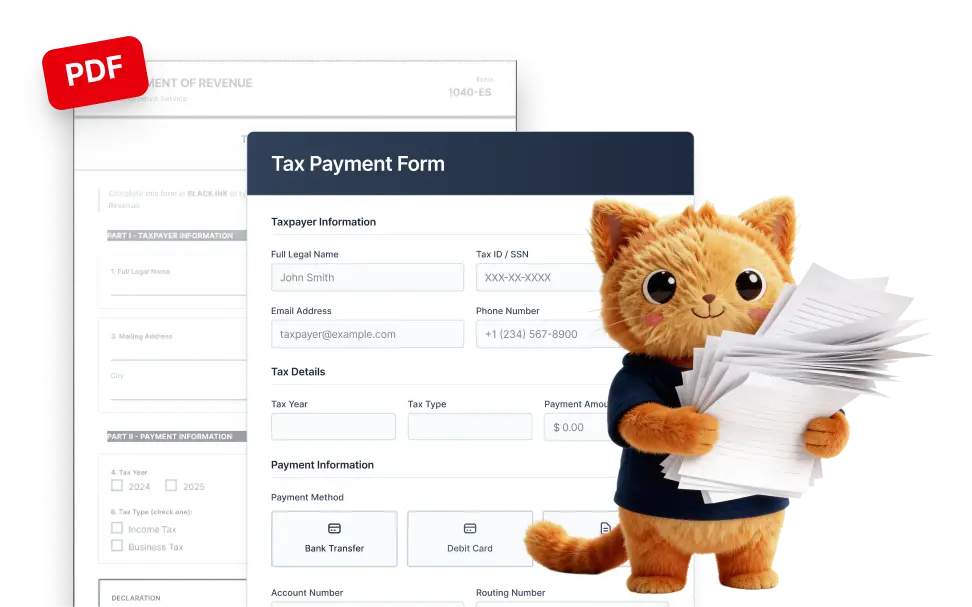
Upload the document and let Jotform AI instantly turn it into a structured online form ready to edit and share.
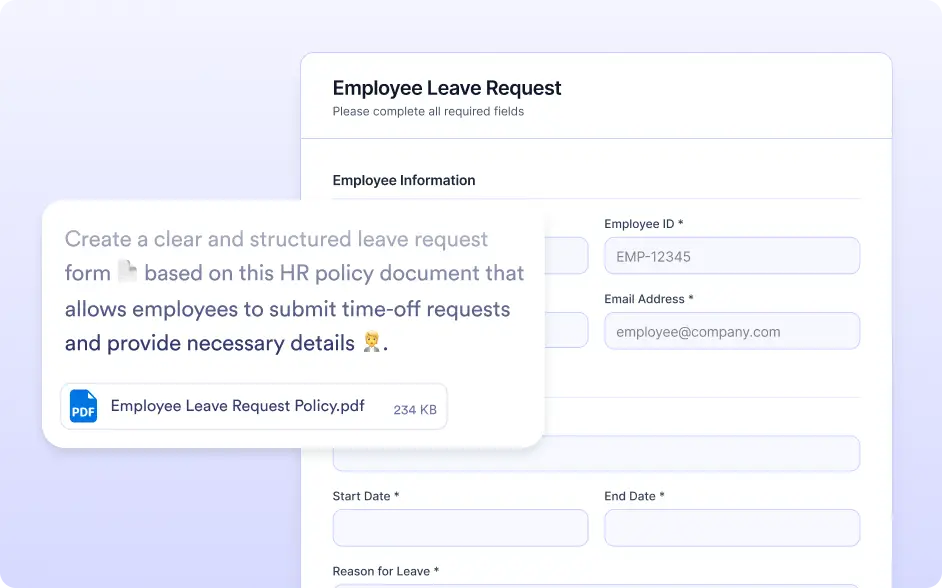
Combine Document Content With AI Instructions
After uploading a document, you can also describe the form you want to create. Jotform AI combines the information found in the document with your written instructions to generate a more accurate and structured form.
Upload A Document To Generate A Form
Start by uploading a document that contains the information you want to collect. Jotform AI scans the document, understands the content, and converts it into a draft form with appropriate fields.
Frequently Asked Questions
Upload a document that contains the information you want to turn into a form. Jotform AI analyzes the content in the document and generates a structured form with relevant fields. You can also describe what you want the form to include before editing and publishing it.
You can upload documents that contain questions, fields, or structured information you want to collect. Jotform AI analyzes the content in the document and converts it into corresponding form fields to help you quickly create a digital form.
Yes. Once the form is generated, you can fully customize it in the Jotform form builder. You can modify field labels, change field types, add new questions, remove unnecessary fields, and adjust the design before sharing the form.