Create Forms From a Website Content
Turn any webpage into a fully structured form by simply pasting its URL. Jotform AI analyzes the website content, understands the context, and automatically generates a form with relevant fields.
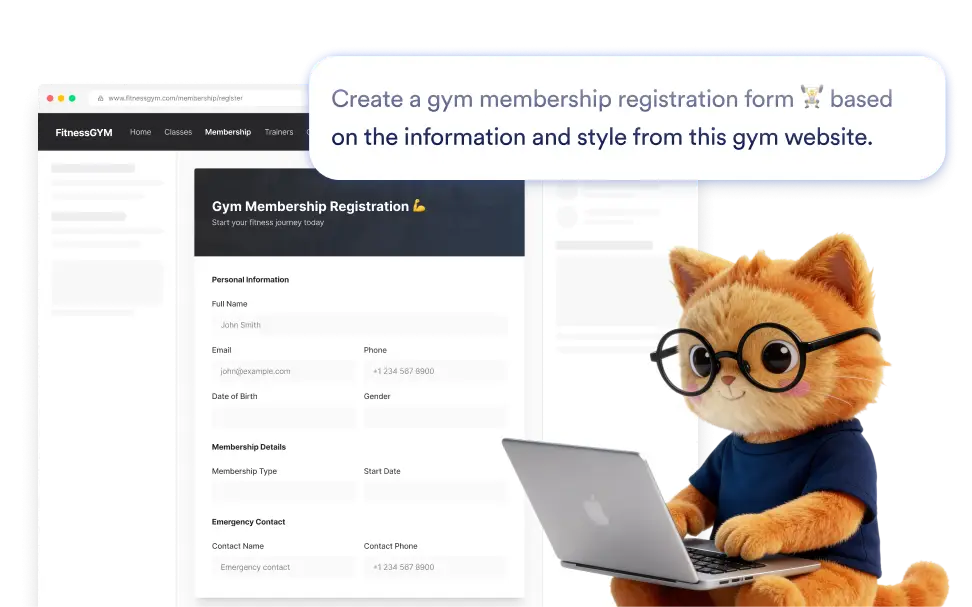
Instead of copying content and creating fields manually, paste the website link and let Jotform AI generate the form for you.
Forms From Any Website
Many websites already contain the information needed to build a form. With Jotform Form Creation AI, you can instantly generate a form by analyzing and using the content from any webpage URL.
Paste A Website Link To Create A Form
Start by pasting the link of a webpage. Jotform AI analyzes the content on the page and automatically generates a structured form with fields based on the information it finds.
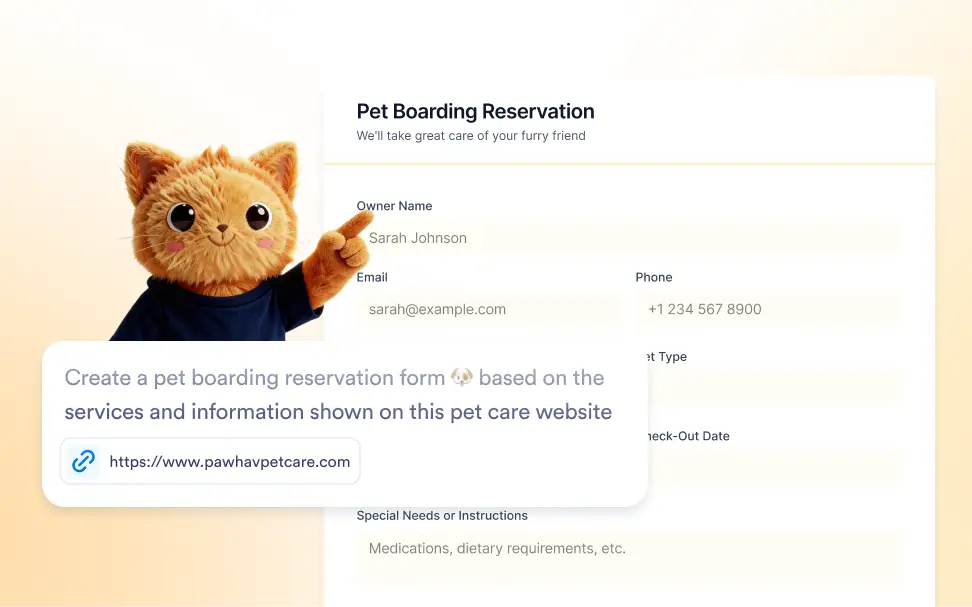
Frequently Asked Questions
Paste the link of a webpage into Jotform AI Form Creation. The AI analyzes the content of the page, understands the context, and generates a structured form with relevant fields that you can edit before publishing.
Yes. You can add a short description along with the website link to guide the AI. Jotform AI uses both the webpage content and your instructions to generate a form that better matches your needs.
Yes. After Jotform AI creates the form from the website link, you can fully edit and customize it in the form builder. You can modify field labels, add or remove questions, change field types, rearrange sections, and adjust the design so the final form matches your exact needs before sharing it.