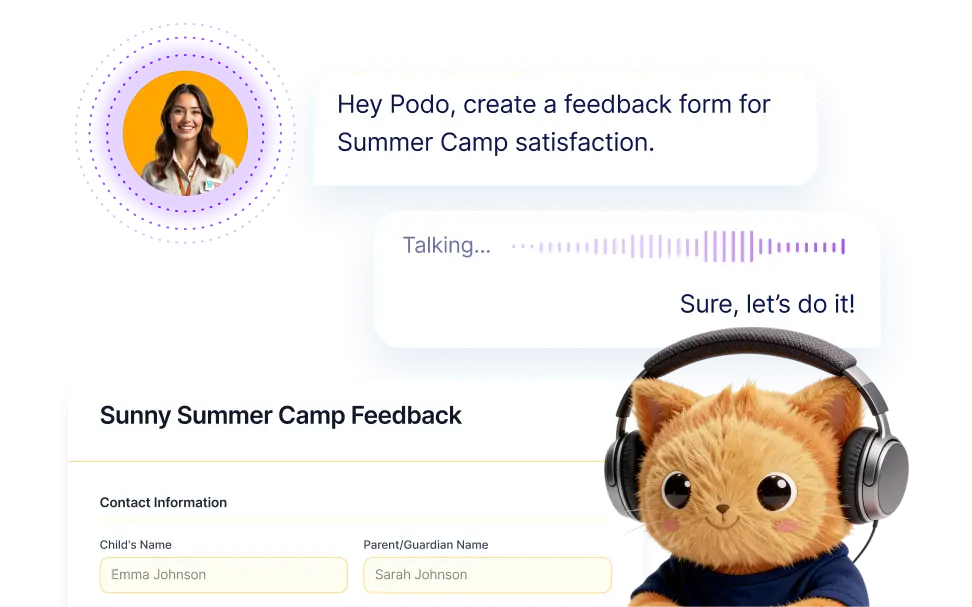
Describe the form you want out loud and let AI turn your spoken requirements into structured form fields, questions, and layout instantly.
Turn Spoken Requirements Into Complete Forms
Simply explain what information you want to collect and how your form should work. The AI listens to your spoken instructions, understands the context, and generates appropriate form fields such as text inputs, dropdowns, file uploads, and more.
Automatically Convert Speech Into Form Fields
After capturing your spoken instructions, the AI converts them into a fully structured form with relevant questions and field types. It determines whether to use text inputs, dropdowns, checkboxes, file uploads, or other elements based on the information you described.
Frequently Asked Questions
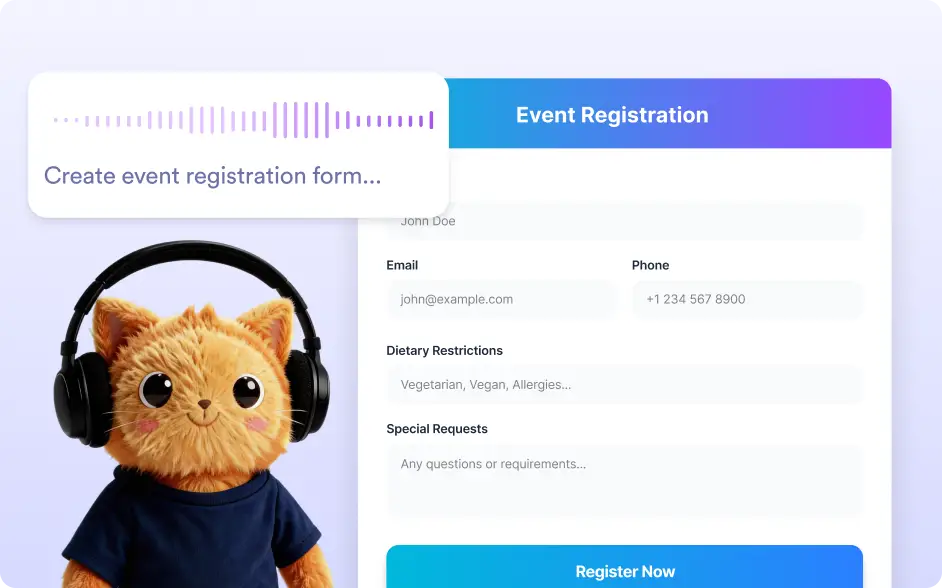
The feature records your spoken instructions and converts them into text that the AI can understand. The AI then analyzes the request and generates form fields based on the information you described, creating a structured form draft automatically.
You can create any type of form including surveys, registration forms, feedback forms, job applications, event signups, contact forms, and more. Just describe the fields you want, and the AI will generate the structure accordingly.
Yes. After the form is created, you can fully customize it using the Jotform form builder. You can add or remove fields, change labels, adjust layout, and apply themes to ensure the form meets your exact needs.