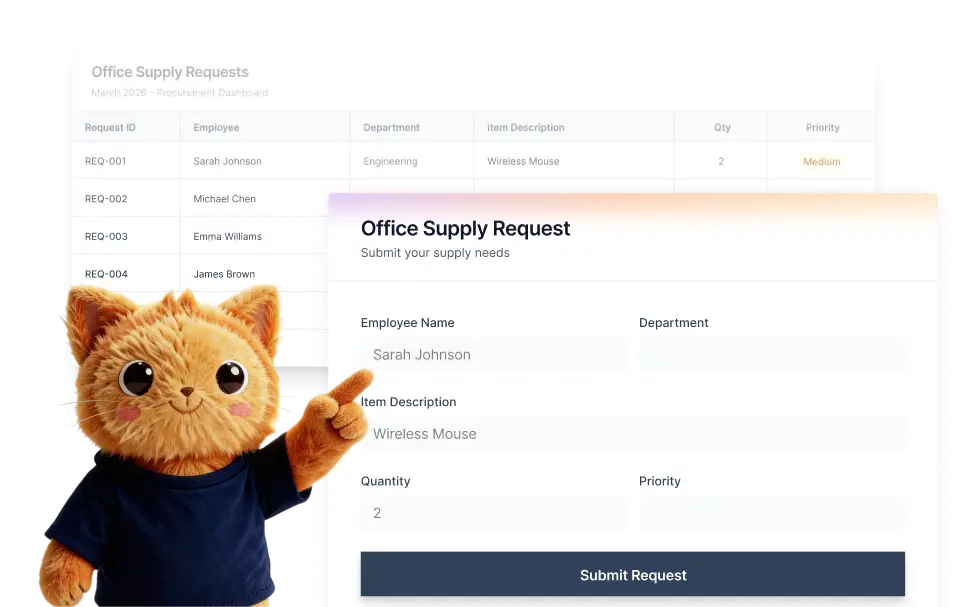
Upload a CSV, XLS, or XLSX file and Jotform AI will analyze the columns and structure to generate the corresponding form fields.
Match Spreadsheet Data to Form Fields
Jotform AI intelligently maps spreadsheet columns to appropriate form elements. For example, if your spreadsheet contains dropdown options or predefined selections, the generated form will include a dropdown field with those options already configured.
Drag and Drop a Spreadsheet to Create a Form
Creating a form from a spreadsheet is simple with Jotform AI. Just drag and drop your CSV, XLS, or XLSX file into the importer and click Import. Jotform AI will instantly convert your spreadsheet into a form by turning each column into a corresponding form field.

Frequently Asked Questions
You can upload CSV, XLS, or XLSX spreadsheet files. Jotform AI reads the structure of these files and automatically converts the columns into corresponding form fields.
Jotform analyzes the column names and data structure in your spreadsheet. Based on the content and format, it generates appropriate fields such as text inputs, dropdowns, or selection fields.
Yes. Once the form is created, you can edit it using the Jotform form builder. You can change field types, add or remove questions, adjust the layout, and fully customize the form to match your needs.